
An easy way to get started with programming in blocks, a high ceiling for advanced students, and a simulator for learning anywhere. All built around the Micromelon Rover.
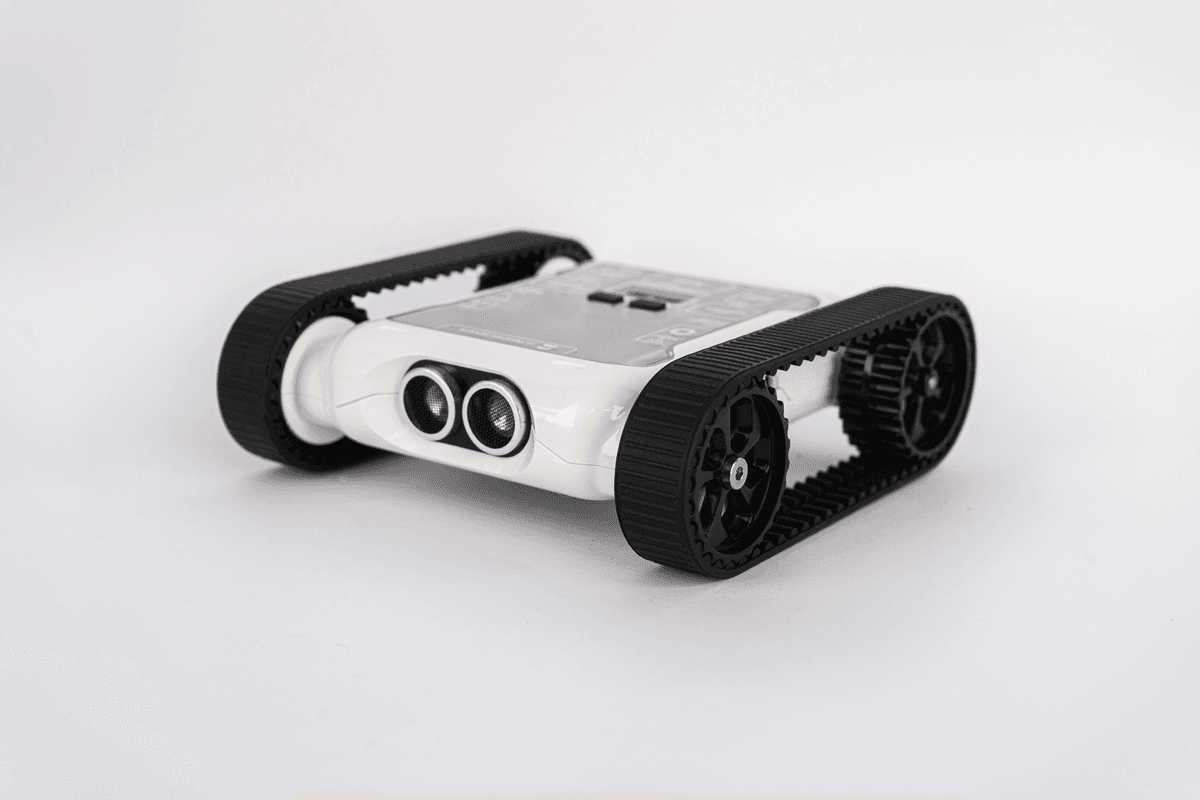
The Micromelon Rover is much more than a robot, it is an expansive STEM resource that empowers students to explore what's possible with programming and engineering. Built by a team of Australian engineers and educators, the Micromelon Rover has been specifically designed to cater to students from Prep all the way through to grade 12 and beyond. Out of the box, Micromelon Rovers are full of sensors and tools, and are designed to grow with your students at all stages of the learning process.
Start with simplified blocks and progress all the way to professional Python, all using the same Micromelon Rover.
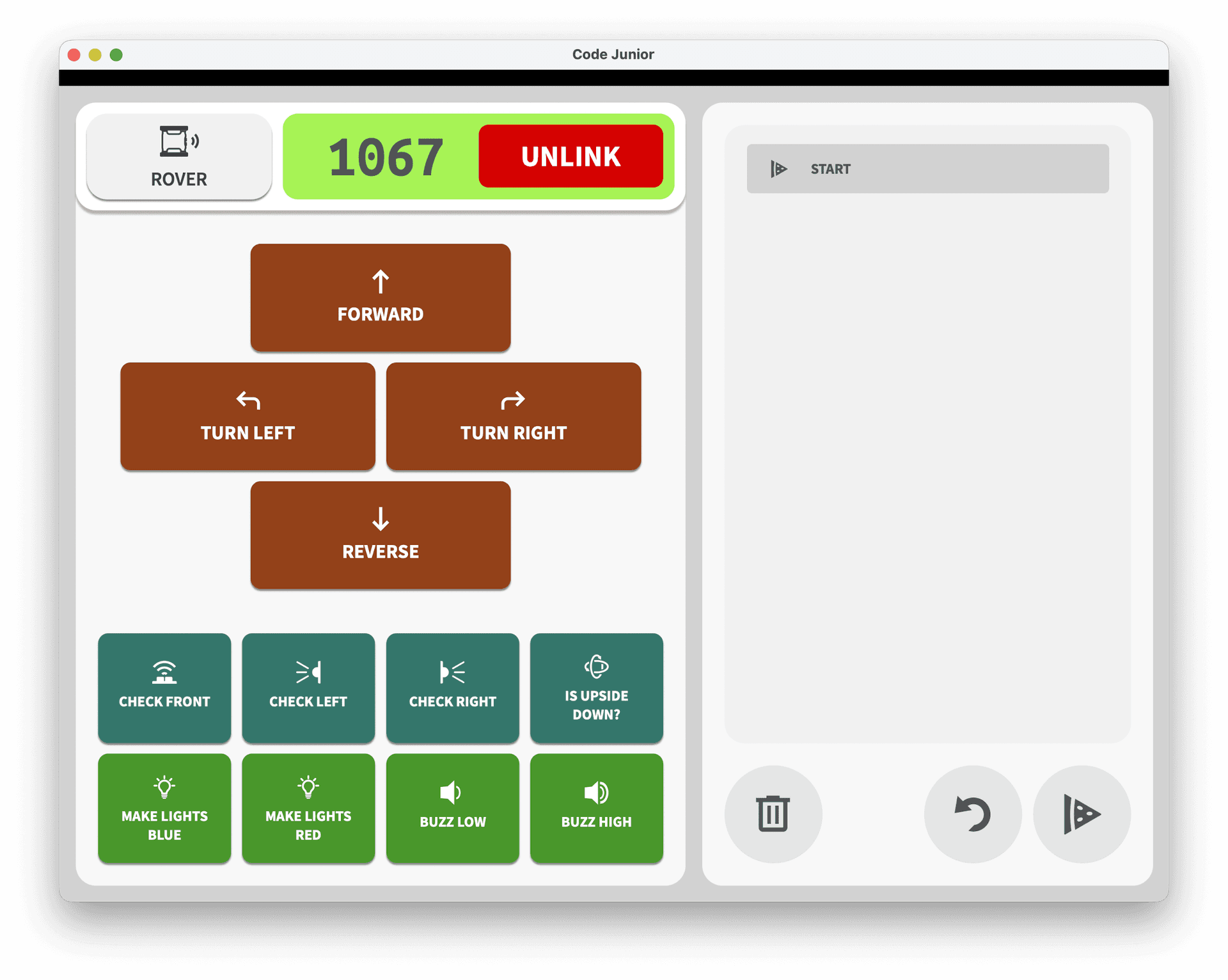
A simplified coding app for younger or beginner students. Junior focuses on the basics of computational thinking with a friendly block-based interface, ideal for students not yet confident to navigate the full Code Editor. Available on iPad and Android.
The Micromelon Code Editor makes it really easy for students to start coding. Students can simply drag-and-drop code blocks to start programming their robots. And, with the side-by-side editor, students can see the associated Python code. When your students are ready to advance, they can unlock the full potential of Python.
Advanced students can move beyond the Code Editor and control their rover from any Python environment, including VS Code, PyCharm, and Jupyter Notebooks. Combine the rover with other Python libraries for computer vision, data analysis, and more.
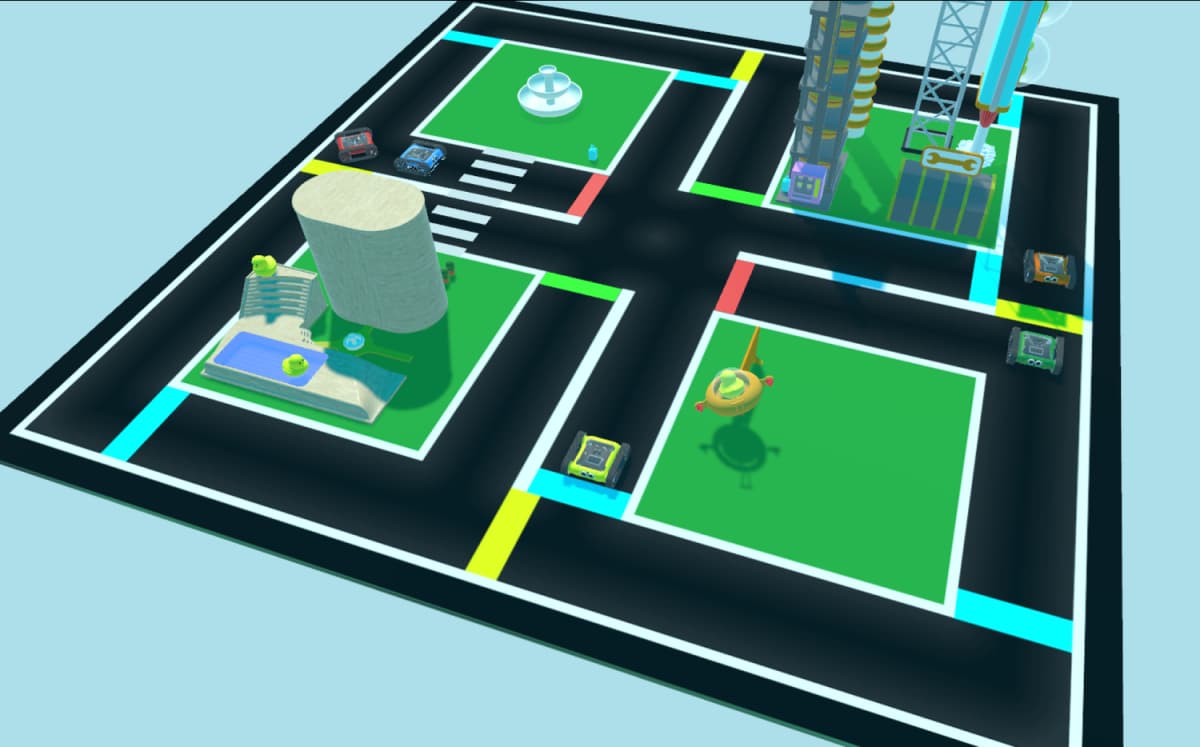
We developed the simulator so that learning can continue outside the classroom and without the need for a physical robot. The Simulator is ideal for homework and running complex challenges. Filled with virtual exercises and challenges allowing students to build confidence with programming and to explore all of the Rovers' capabilities.
The robot at the heart of the platform, packed with sensors, motors, and LEDs, designed to grow with students from Prep to Grade 12.
Get in touch for a quote tailored to your school's needs.