Micromelon Robotics
Platform
Resources
NewsAbout UsDownload
Support
Build Your Kit

Stay in the loop

New activities, teaching guides, and product updates delivered to your inbox.

Micromelon Robotics

Australian-made educational robotics for the next generation of innovators.

contact@micromelon.com.au

Company

  • About Us
  • Privacy Policy
  • Terms and Conditions

Products

  • Micromelon Rover
  • Code Editor
  • Robot Simulator
  • Junior
  • Python Library

Support

  • Resources
  • News
  • Rover Repairs
  • Contact
  • Build Your Kit

© 2026 Micromelon Robotics Pty Ltd. All rights reserved.

ABN 56 623 302 296

Get the Tools

Download the Micromelon Code Editor, Robot Simulator, and more. Everything you need to start coding with the Micromelon Rover.

For Teachers & Students

The Code Editor

Our blocks & Python coding environment to program the Micromelon Rover and the Robot Simulator. Start with drag-and-drop blocks and progress to Python with the side-by-side editor.

Available on

macOSWindowsiPadAndroidChromebook

The Robot Simulator

Control a simulated Micromelon Rover in a 3D virtual environment. Solve challenges, navigate environments, and test your code, no physical robot needed.

Available on

WindowsmacOS
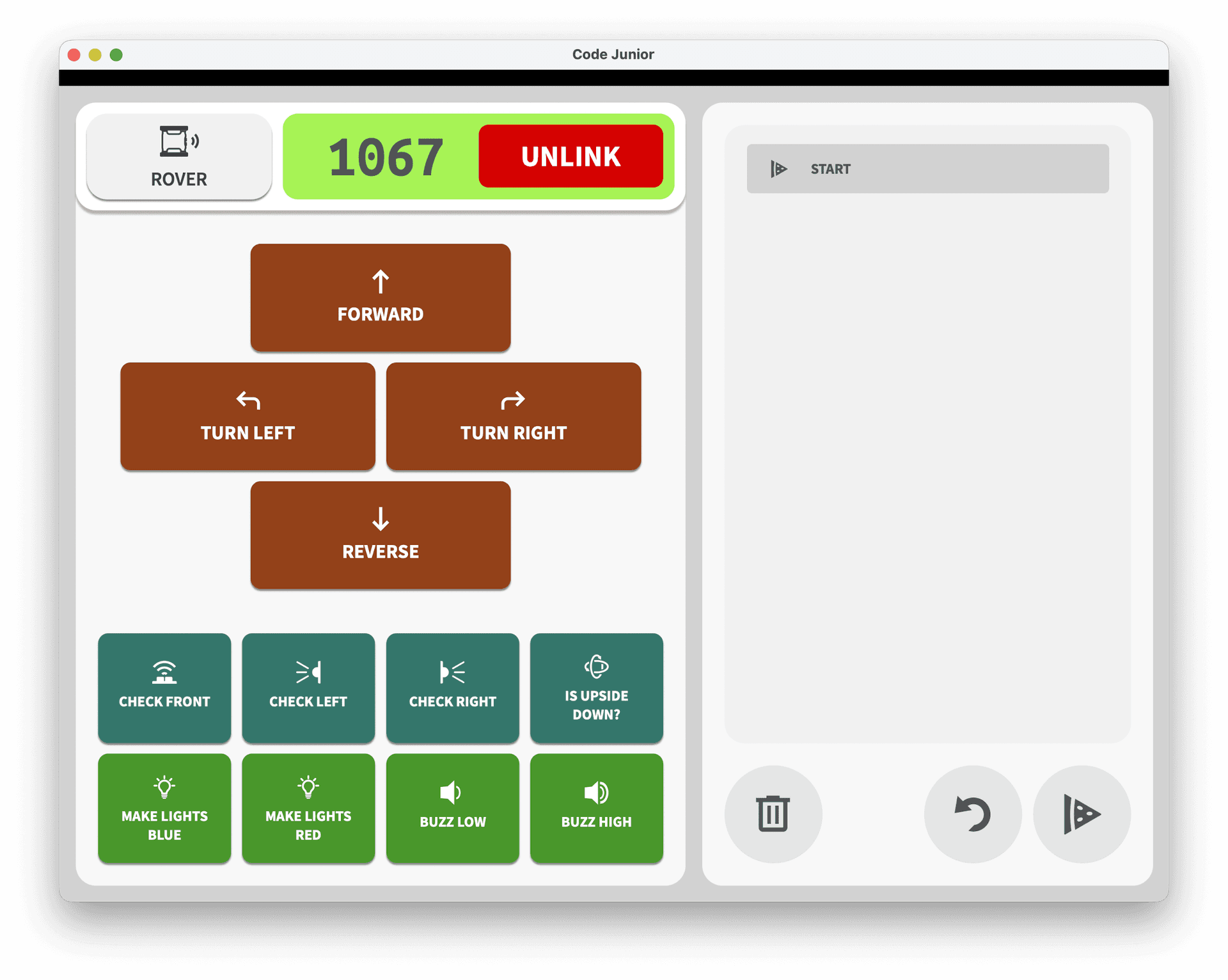
Micromelon Junior app interface

Junior

Ideal for students not yet confident to navigate the Code Editor, or for lesson plans which aim to teach the basics of computational thinking with a simplified interface.

Available on

iPadAndroid

For Teachers

Micromelon Toolbox

Manage your fleet of Micromelon Rovers. Update firmware, configure settings, and keep every Rover in your classroom ready to code.

Available on

iPhone / iPad
Micromelon Toolbox App

Advanced Tools

Micromelon Python library in VS Code

Micromelon-Py

A dedicated Python module providing an API for connecting and controlling Micromelon Rovers and simulated rovers. Perfect for senior students and advanced projects.

Install via pip:

$ pip install micromelon
View on PyPIAPI Docs

VS Code Plugin

Code with Micromelon directly inside Visual Studio Code. Connect to your Rover or the Robot Simulator without leaving your favourite editor.

Coming Soon
Micromelon VS Code plugin

Got everything installed?

Follow our step-by-step guide to connect your Rover and run your first program.
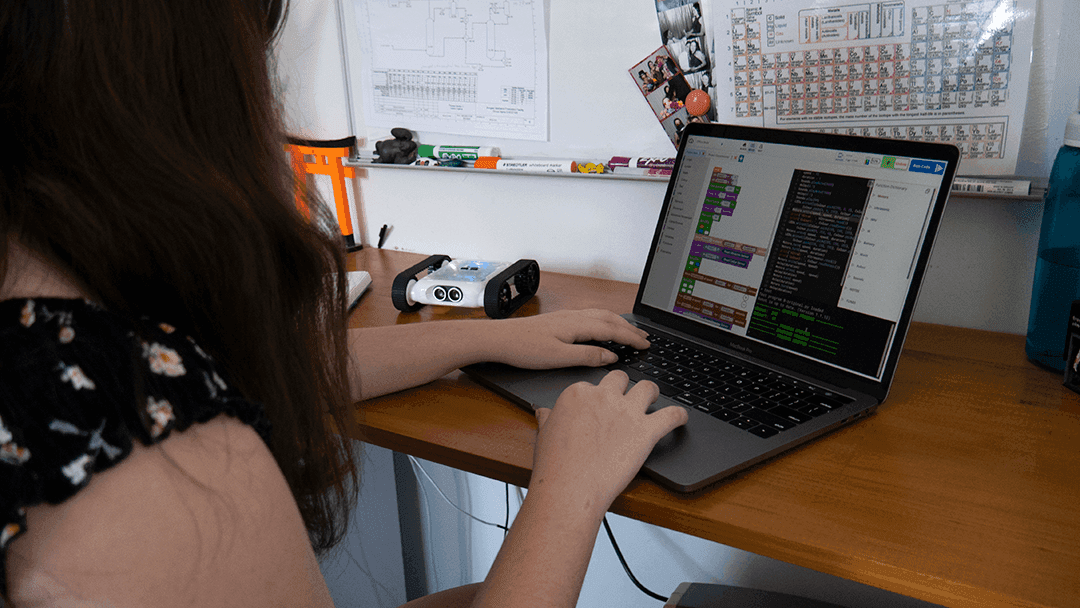
Getting started with the Micromelon Rover
Getting StartedGetting Started With The Micromelon RoverConnect your Rover, learn the Code Editor, and write your first program.