Micromelon Robotics
Platform
Resources
NewsAbout UsDownload
Support
Build Your Kit

Stay in the loop

New activities, teaching guides, and product updates delivered to your inbox.

Micromelon Robotics

Australian-made educational robotics for the next generation of innovators.

contact@micromelon.com.au

Company

  • About Us
  • Privacy Policy
  • Terms and Conditions

Products

  • Micromelon Rover
  • Code Editor
  • Robot Simulator
  • Junior
  • Python Library

Support

  • Resources
  • News
  • Rover Repairs
  • Contact
  • Build Your Kit

© 2026 Micromelon Robotics Pty Ltd. All rights reserved.

ABN 56 623 302 296

Rover Repair Request

Let us know which rovers need repair and we'll organise getting them fixed.
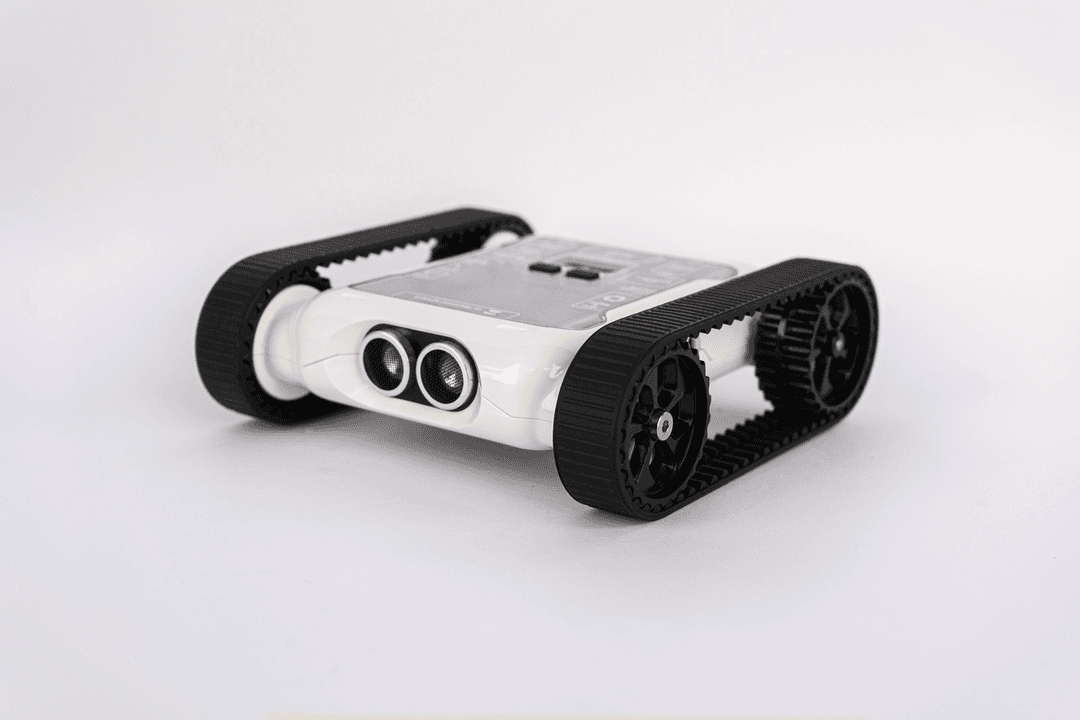
Micromelon Rover

Add a separate entry per rover. Specific issue descriptions help us diagnose faster and avoid sending rovers back unfixed.

Rover 1

The number printed on the underside of the Rover. Numbers only.

Be specific about what's wrong, when it happens, and what you've already tried.0/20

Return Address *

Finding your serial number

Flip the rover over. The serial number is printed on the sticker on the underside, next to the barcode. Don't use the ID shown on the rover's screen, it's different.
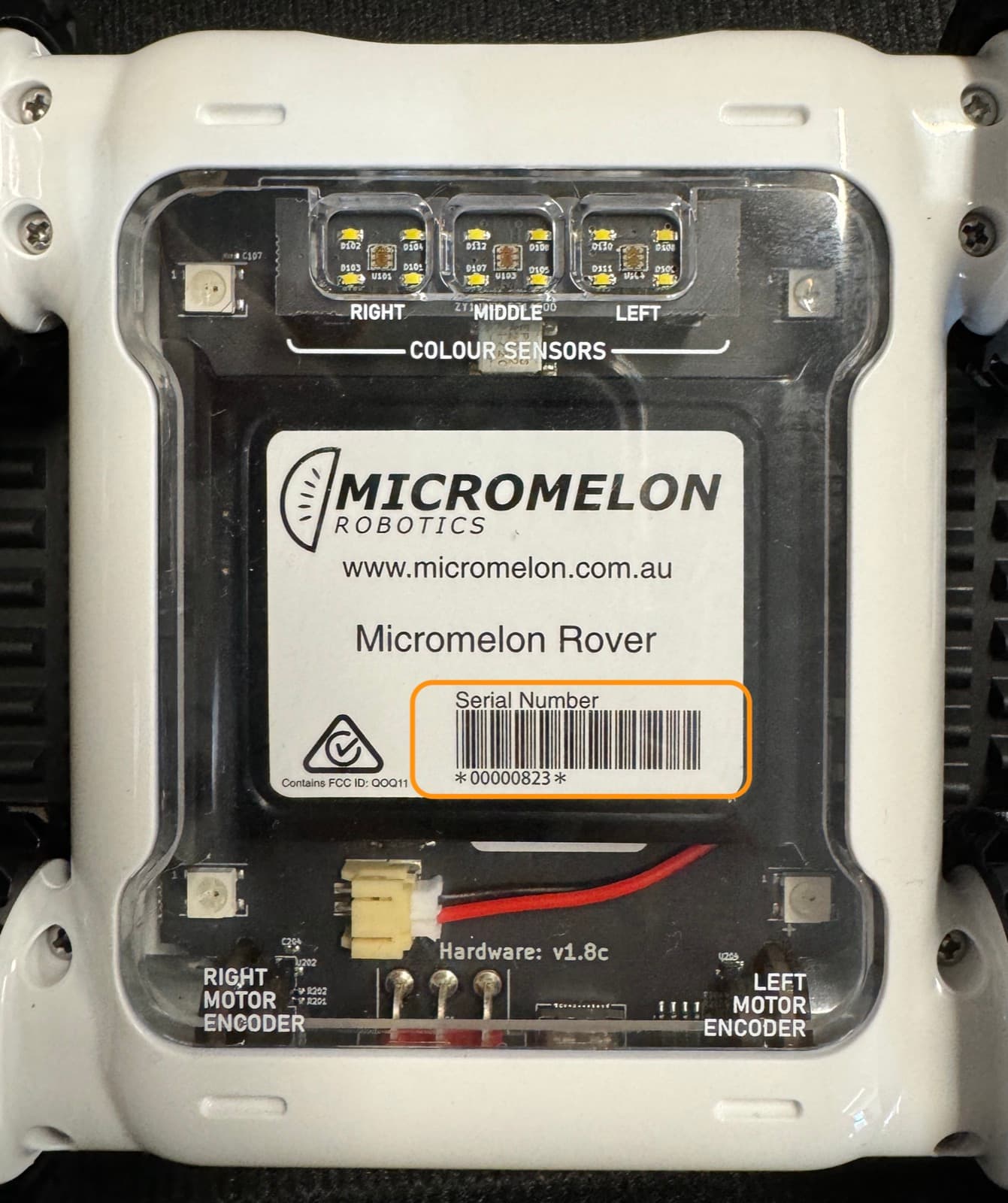
Underside of the Micromelon Rover showing the serial number sticker

How it works

1

Submit your request

Fill in the form with your rover details and the issues you're experiencing.

2

Receive confirmation

You'll receive a confirmation email acknowledging your repair request.

3

Return Order PDF

We'll email you a Return Order PDF with instructions on how and where to ship your rover.

4

We repair your rovers

Repairs normally take 1–2 weeks. If your rovers are out of warranty, you'll receive a quote before we proceed.

5

Repaired & on its way

Once repairs are complete, you'll receive an email letting you know your rover is on its way back.