
A 3D virtual rover packed with sensors, exercises, and challenges. Perfect for homework, classroom practice, or learning before the kit arrives.
The Simulator gives every student their own rover to experiment with, no hardware required. Write code in the Micromelon Code Editor and watch it run in real time.
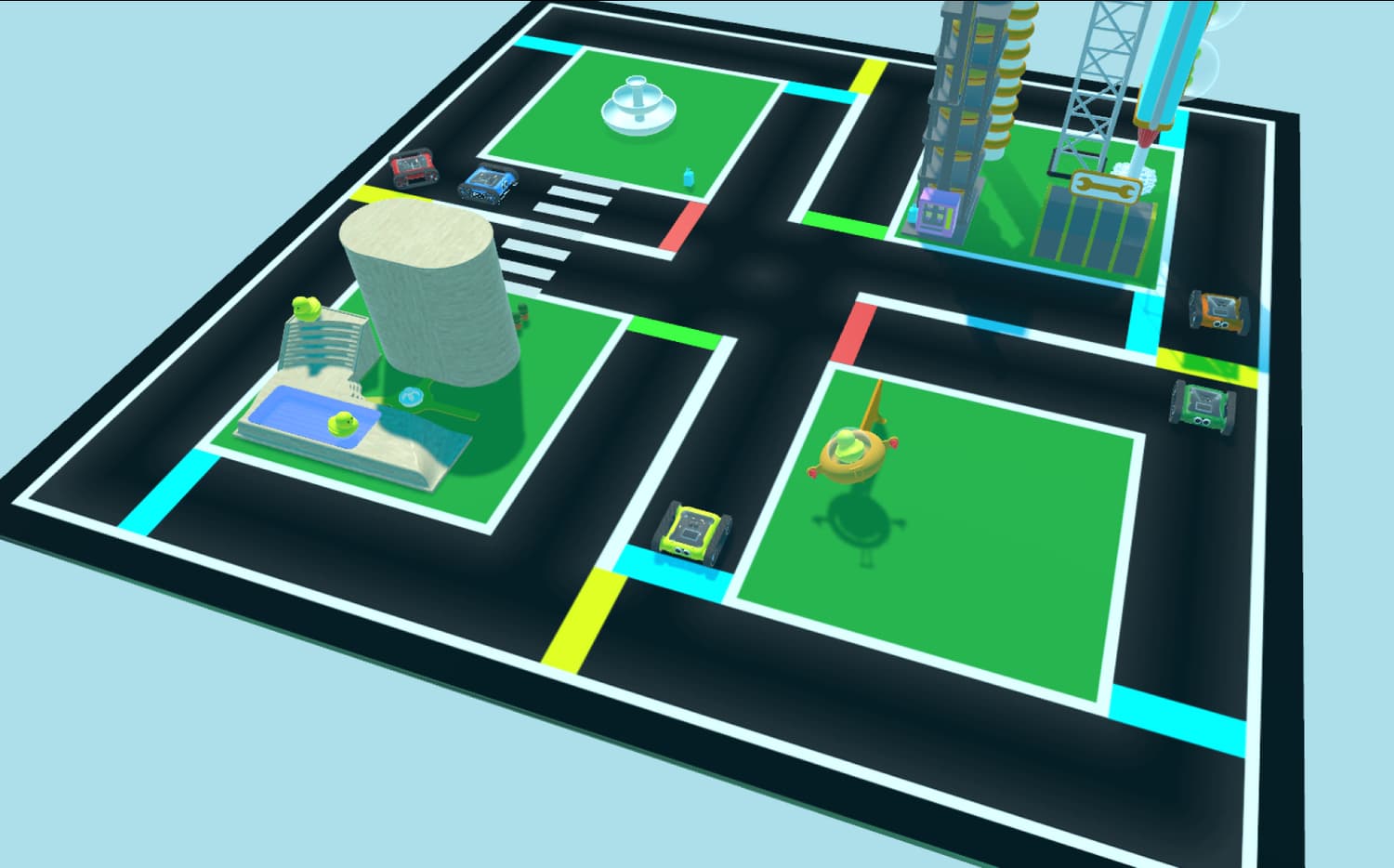
The Simulator comes loaded with virtual exercises and tools to explore.
An extensive range of unique and challenging exercises included. Computer-generated challenges create progressively harder tasks.
Pan, zoom, and rotate the 3D view to watch your rover from any angle. Follow your rover as it moves through an exercise.
Drive the virtual rover manually with your keyboard. Great for exploring exercises and understanding the environment before writing code.
The virtual rover has all the same sensors as the real one: colour, IR, ultrasonic, and gyroscope. Read sensor data and use it in your code.
Write the same code for a simulated rover as you would for a real Micromelon Rover. Switch between blocks and text, and run your programs instantly in the Simulator.
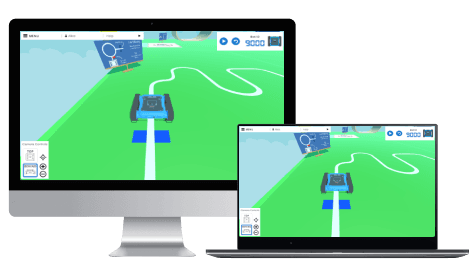
1 month free with unlimited access to the Code Editor and Robot Simulator.
Everything you need to run the Simulator on the devices already in your classroom.