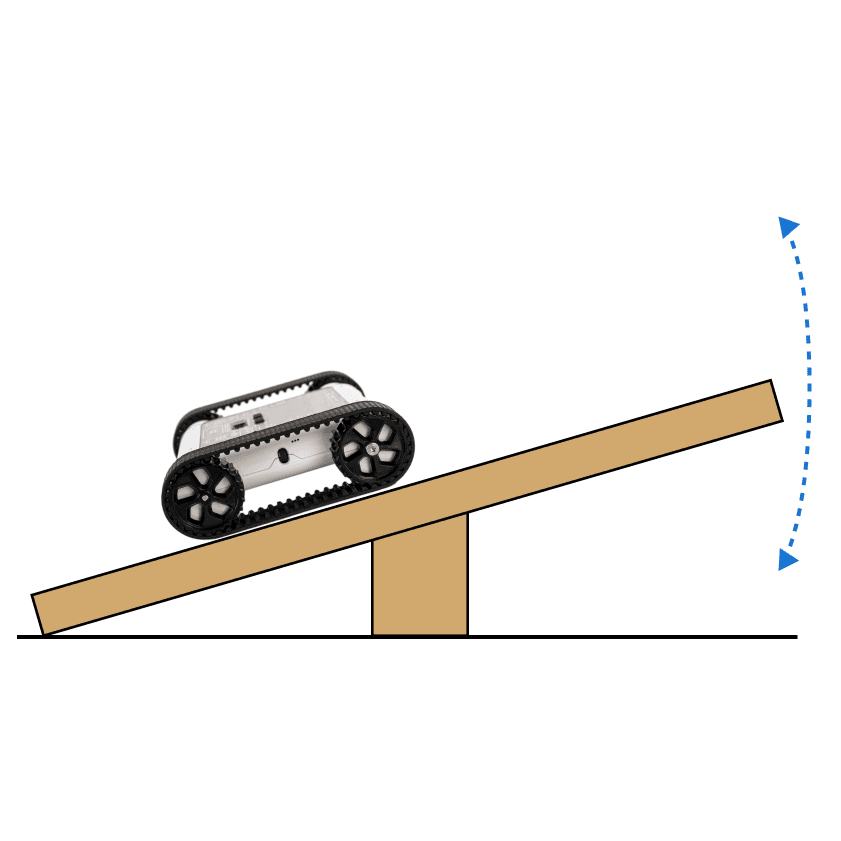
Use a micro servo to make your own visual gauges. Program the gauge to react to a sensor value, motor speed, or robot tilt to visualise data in a new way. In this activity, we'll be making a gauge to display the stability of the rover.
Setup

1Print the Scale
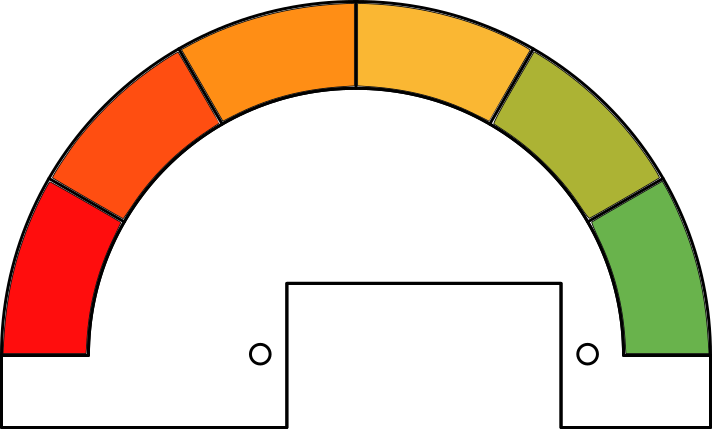
- We need a visual scale to attach to the servo. Start by printing the scale attachment below. It can help to glue the paper to card or cardboard for additional rigidity.
- Scale Attachment

2Cut Out the Scale
- Cut out the scale on the outer black line, as shown in the picture.

3Mount the Scale on the Servo
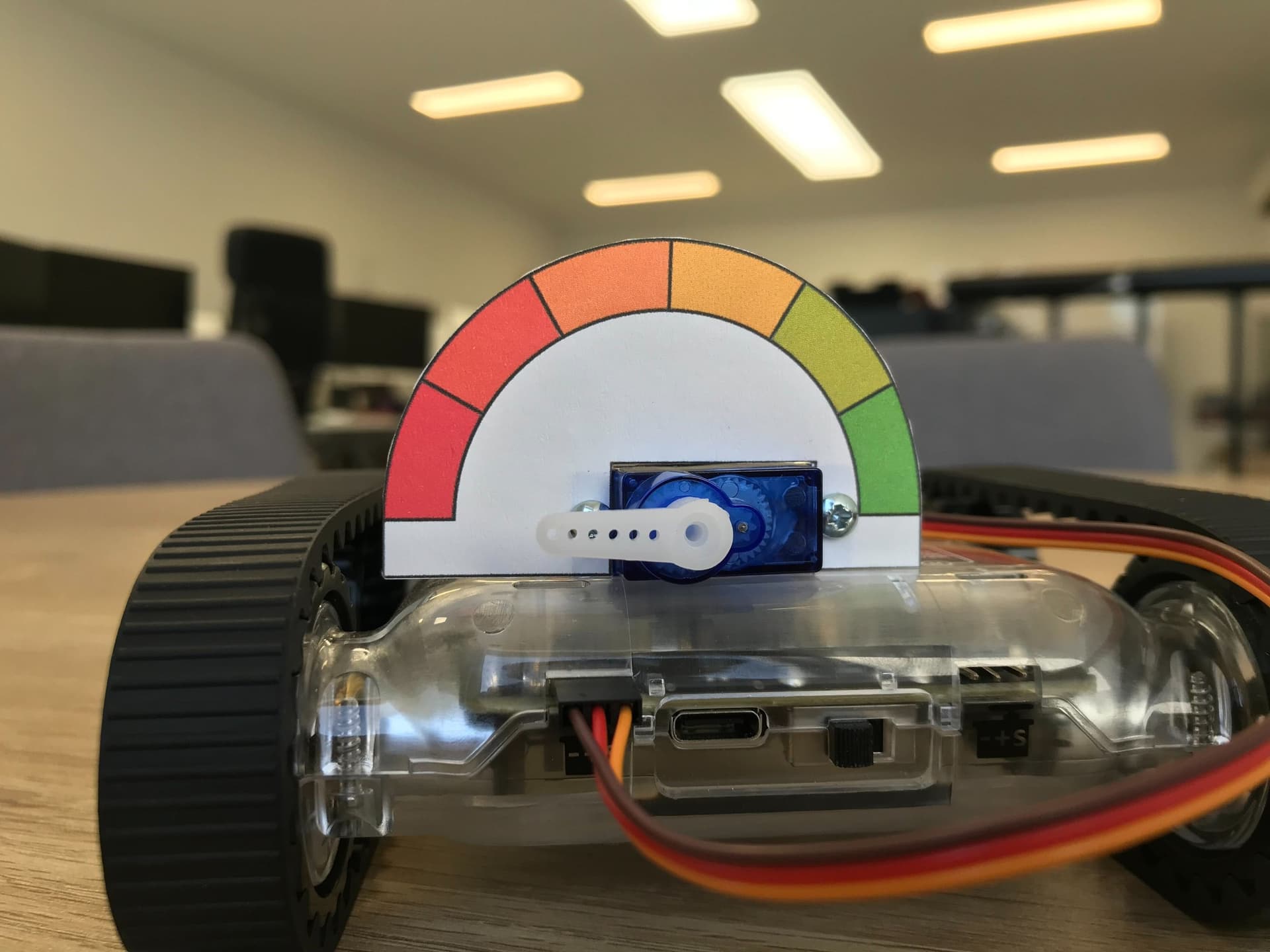
- Position the scale on the front of the servo with the axle at the centre of the scale.
- Poke through the circles on the scale, and screw in two servo-mounting screws to keep the scale in place.

Set servo to -90
4Calibrate the Servo
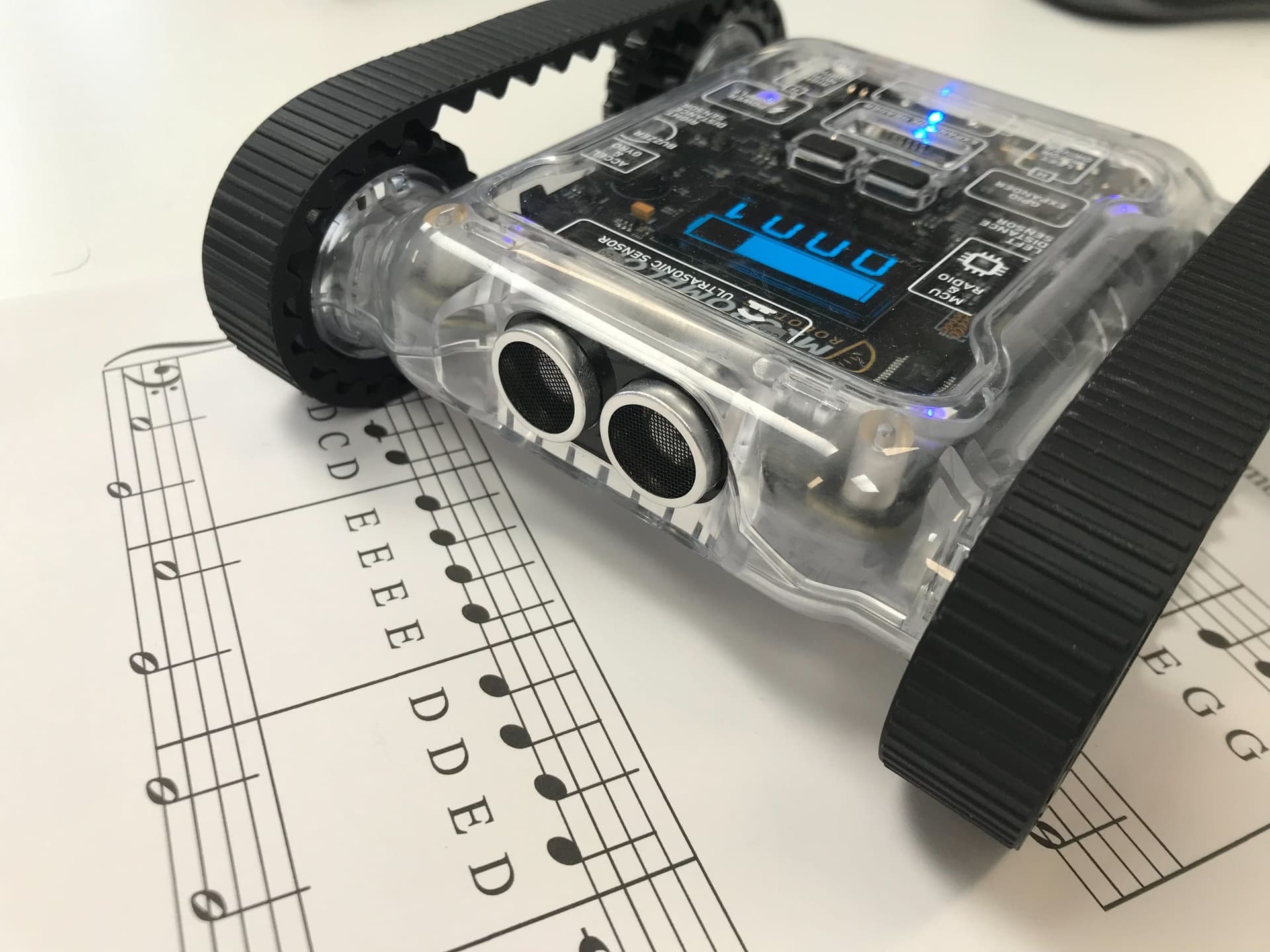
- Connect the servo to the left servo port on the rover and turn it on.
- Calibrate the servo by setting the servo to position -90, and attaching the servo horn pointing to the red portion on the scale.
Our Approach
Constant: a variable that never changes while the code is running. In Python, we write these in all capitals with underscores between words.

5Prepare the Loop
- Start by setting up a 'While' loop that will run forever.
- The gauge will read the sensor and update itself each time in this loop.

Scale Number block
6The Scale Function
- From the math section, grab the 'Scale Number' block. The purpose of this block is to take an input (like a sensor reading) and scale it to suit an output (like servo movements).
- 1st row (x) - This is the sensor value that will be scaled.
- 2nd row (xmin) - This is the lowest number the sensor can be.
- 3rd row (xmax) - This is the highest number the sensor can be.
- 4th row (newMin) - The lowest number the scaled value can be.
- 5th row (newMax) - The highest number the scaled value can be.
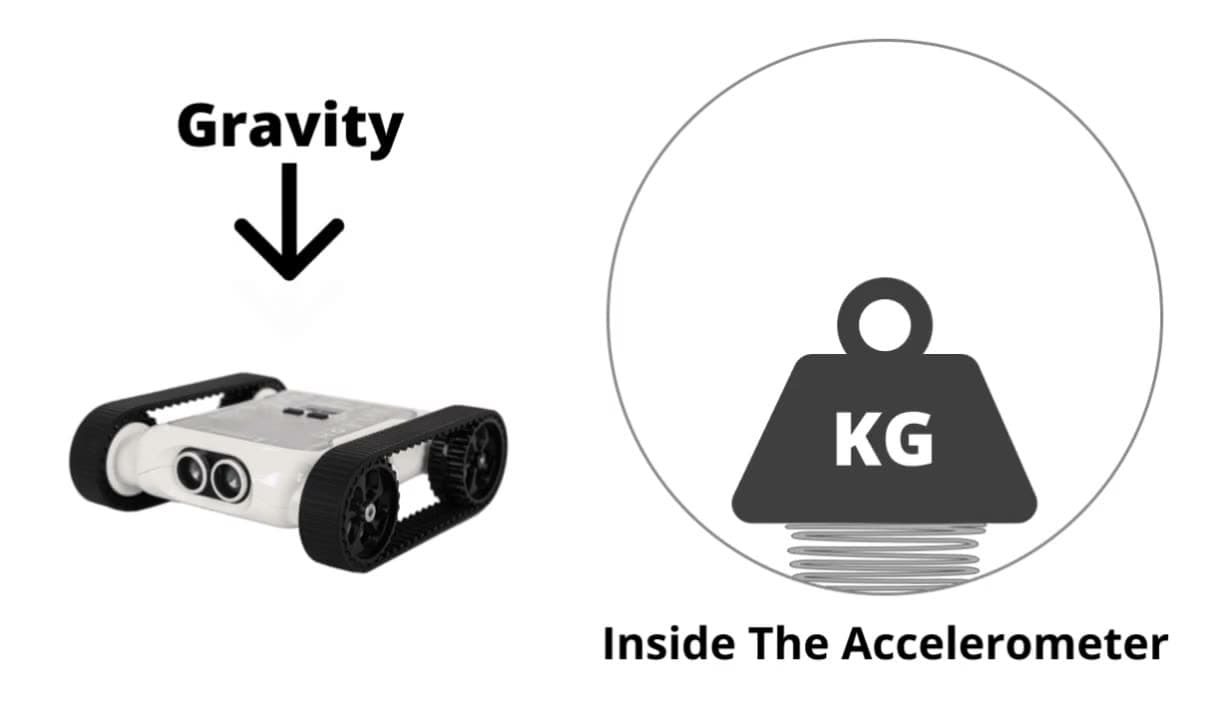
- For this activity, we will use the y-axis of the accelerometer as our sensor. The limits of this sensor are [-1, 1]. We will connect this to the output of a servo with limits of [-90, 90]. Fill in the 'Scale' block using these values.
7Complete Code
- Place a 'Move Servo' block into the loop and put the scale function inside.
- Run the code and tilt the robot on its side. The gauge should move the hand the more you tilt the rover.
Tip: Try changing the colours on the scale and adding numbers to it. Maybe connect it to other sensors like the ultrasonic, and use the gauge to display how close an object is to the Rover.