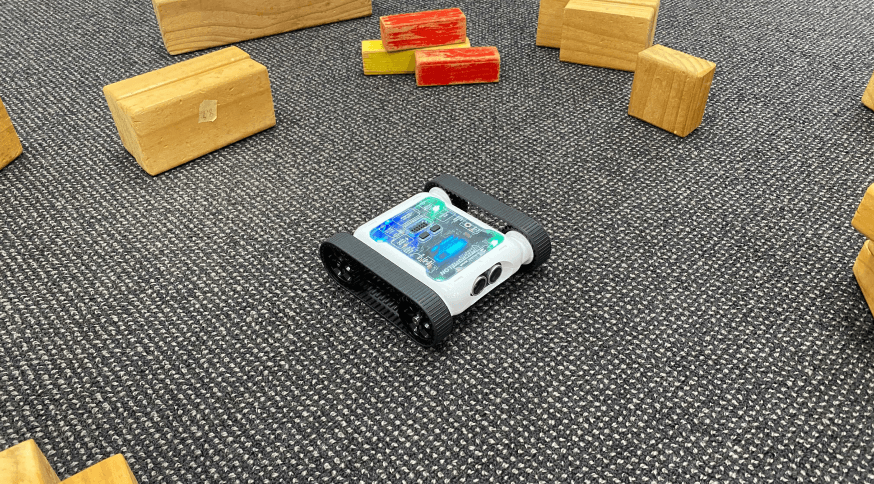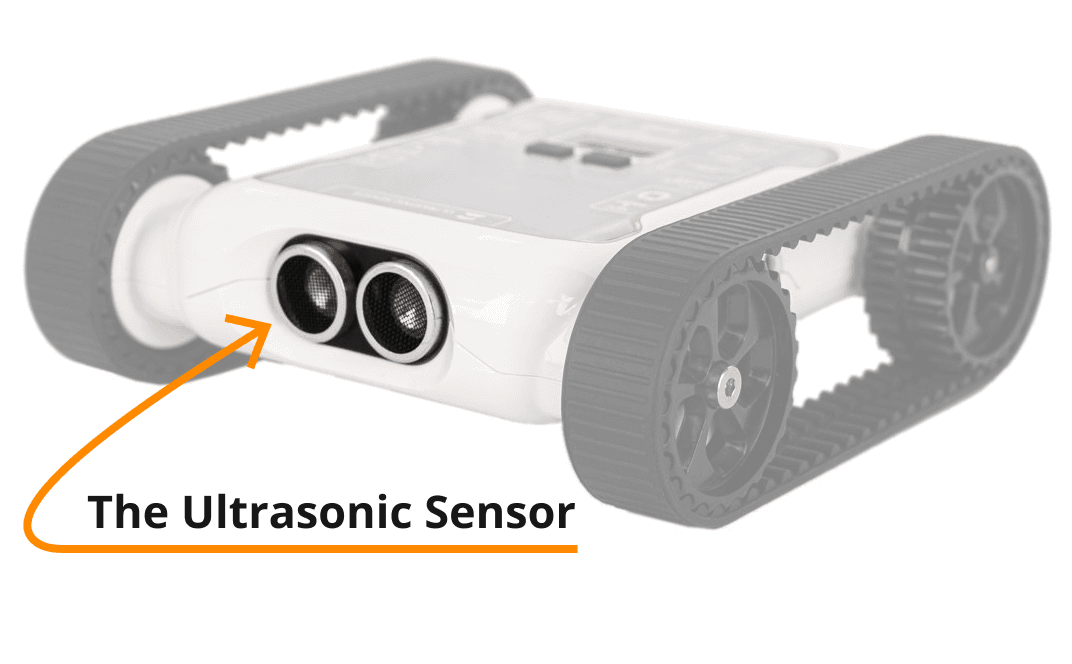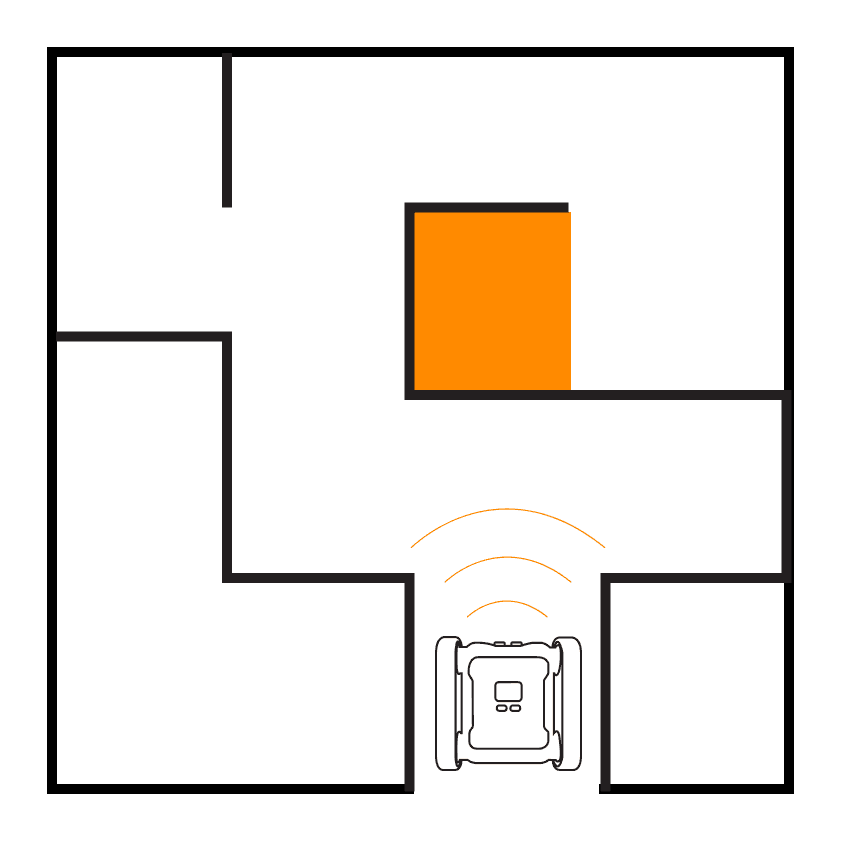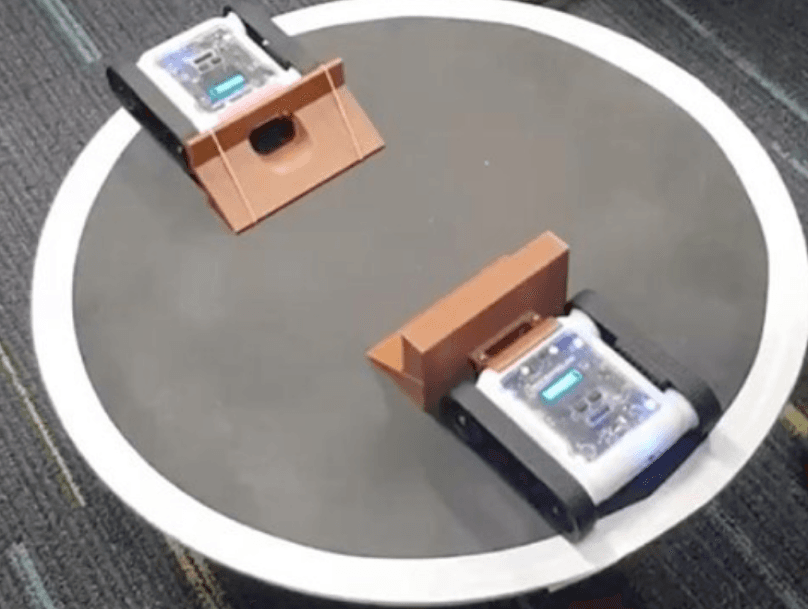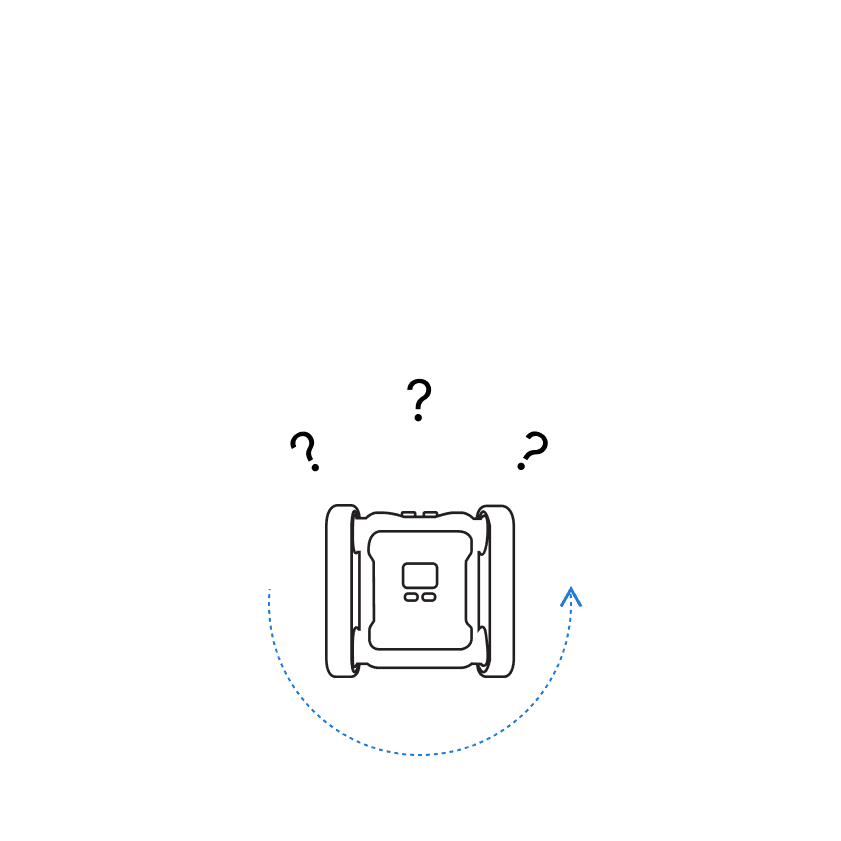
Program the Rover to act like a puppy. When the Rover detects an object within 50 cm using the ultrasonic sensor, have it charge forward. Once it gets within 20 cm of the object, it stops and waits for the object to move. When Puppy Bot can’t see anything with the ultrasonic, it slowly spins on the spot, looking for something to follow.
Setup
The distances used in the code can change depending on how much space you have. Keep in mind the max range of the ultrasonic sensor is about 100 cm, if it can’t detect anything, it returns a reading of 255 cm. The solution below can be extended with functions in each branch to make the Rover better at finding and following people.
Our Approach
Stage 1: Set Up the IF Branches
Start with an IF statement with 3 branches. First, if the Rover detects something within 20 cm with the ultrasonic sensor, stop. Then use an ELSE IF that checks if the Rover detects something within 50 cm. Lastly, the ELSE branch handles when the ultrasonic sensor doesn’t detect anything close.
Stage 2: Add Motor Blocks
Place appropriate motor blocks for each condition. When the Rover is stationary waiting for its owner to move, stop all motors. When the Rover starts to chase, move forward at high speed. When it senses nothing, slowly turn on the spot searching.
Stage 3: Loop Forever
Wrap everything in a While True loop so the behaviour repeats forever.

Example code, three-branch puppy behaviour