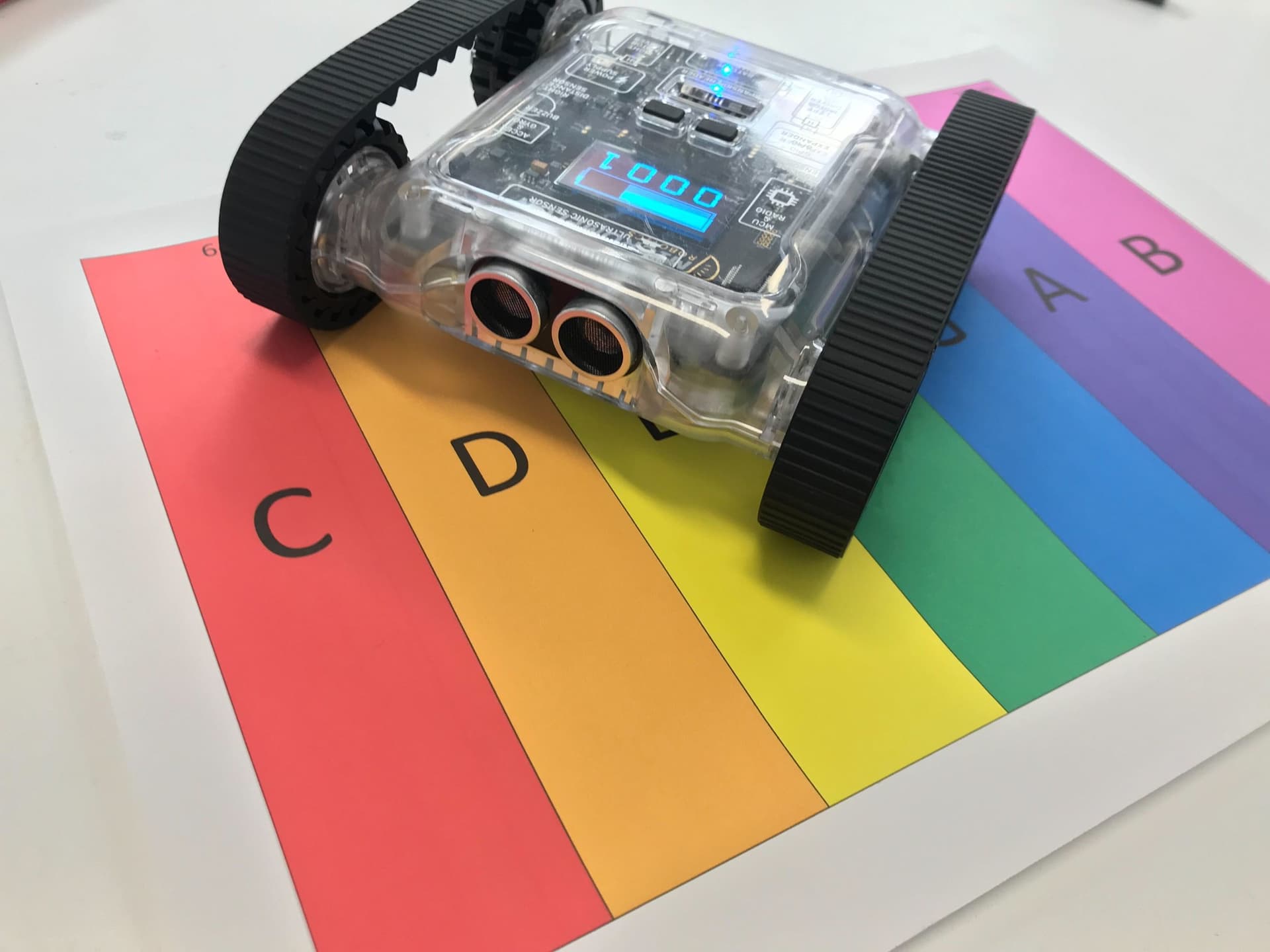
Use the Rovers speaker to make it play songs. Learn to combine the world of music and robotics by going through sheet music and coding the Rover to play each note.
In the intermediate course, we will focus on making the code from the beginner guide more efficient.
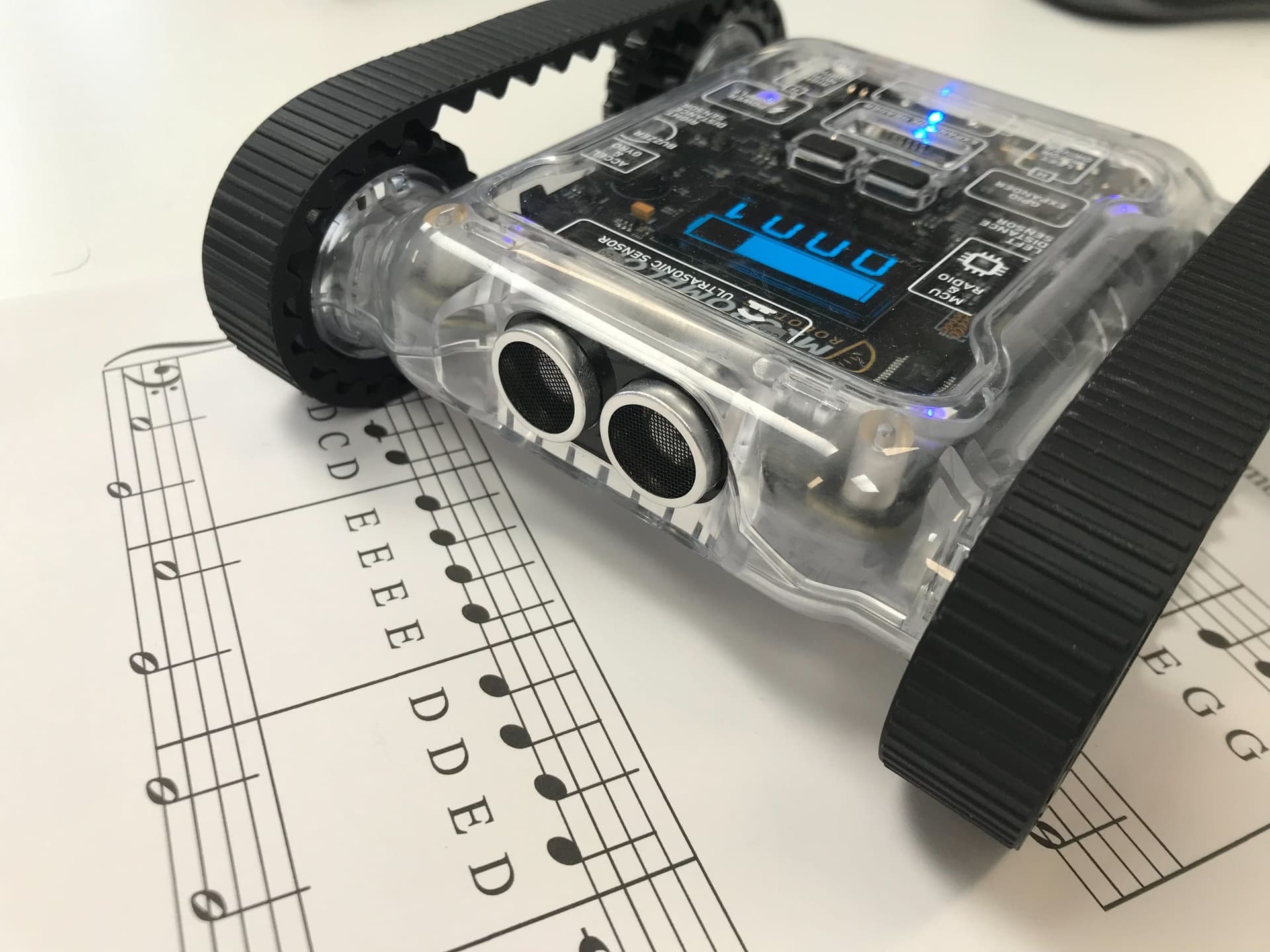
Rover playing notes from sheet music
Basics of Music
We use two pieces of information from each note: the tone and the duration. The diagrams for music theory and the example song are below, for more information on reading music, see the beginner guide.

Note tones and durations used in this activity
Code
We switch to the text editor for the intermediate and advanced activities, some of the following functions are easier to build there. If you want to see the block version of the code, paste the complete code at the bottom of this activity into the text editor and switch to block view.
Constant: a variable that never changes while the code is running. In Python, we write these in all capitals with underscores between words.
List / Array: an object that can contain many variables inside it. Lists can be looped through to access each element.

A list containing six string elements (Credit: Srijan kumar Samanta)
An array or list is an object that can contain multiple variables. As seen above, the image displays a list containing six strings, each representing a colour. You can put any data type in a list, and in python, you can also have data of different types in the same list. Each position in the list has an ‘index’, which is like the address of that position. Indexes start at 0 and can be used to tell the list which element you would like to read.
To get a complete understanding of lists in python, we recommend checking out the introduction to lists by W3Schools:W3Schools - Python Lists
We will first make a ‘note’ list containing two elements, as seen below. Index 0 contains the tone of the note (C on octave 4). Index 1 contains the length of the note. A note is not inherent to python but something we have defined for this activity.
note = [NOTE.C4, CROTCHET]The idea for this code is to create a list that contains several of the above ‘notes’. The list containing the notes will represent the whole song. We will then loop through every element in the song list and play each note for the correct note length in order.
1. Setting the Constants
Now we need to start setting up the framework in our code to make music. We’ll begin by setting constants for each of the note lengths. A constant is a value used repeatedly throughout the code that never changes, which is perfect for what we need here. As all the notes are multiples of the Crotchet, we can use the diagram above and some simple multiplication to set all the constants. We also need to decide on an octave to use, so make a comment to remember this. For this example, we’ll use octave 4.
CROTCHET = 0.5
MINUM = 2 * CROTCHET
SEMIBREVE = 4 * CROTCHET
# Octave 4
2. Making the Song
song = [
  [NOTES.E4, CROTCHET],
  [NOTES.D4, CROTCHET],
  [NOTES.C4, CROTCHET],
  [NOTES.D4, CROTCHET],
  [NOTES.E4, CROTCHET],
  [NOTES.E4, CROTCHET],
  [NOTES.E4, MINUM],
  [NOTES.D4, CROTCHET],
  [NOTES.D4, CROTCHET],
  [NOTES.D4, MINUM],
  [NOTES.E4, CROTCHET],
  [NOTES.G4, CROTCHET],
  [NOTES.G4, MINUM]
]
This part can take a little while, but the idea is to make a new list called ‘song’ and fill it with lists containing a note and note length. To use a note in the text editor, type ‘NOTES’ in all capitals, followed by the note and the octave number. We’ve done the first line of the song for reference.
3. Playing the Song
for note in song:
  Sounds.playNote(note[0])
  delay(note[1])
Now to play the music, we can use a loop to cycle through each ‘note’ list in the song. ‘note[0]’ is the first index in the ‘note’ list, which is the tone. ‘note[1]’ is the next index in the ‘note’ list, which is the duration of the note.
Complete Code
The complete code here will play the first line of the song. Try and fill in the rest of the song yourself!
CROTCHET = 0.5
MINUM = 2 * CROTCHET
SEMIBREVE = 4 * CROTCHET
# Octave 4

song = [
  [NOTES.E4, CROTCHET],
  [NOTES.D4, CROTCHET],
  [NOTES.C4, CROTCHET],
  [NOTES.D4, CROTCHET],
  [NOTES.E4, CROTCHET],
  [NOTES.E4, CROTCHET],
  [NOTES.E4, MINUM],
  [NOTES.D4, CROTCHET],
  [NOTES.D4, CROTCHET],
  [NOTES.D4, MINUM],
  [NOTES.E4, CROTCHET],
  [NOTES.G4, CROTCHET],
  [NOTES.G4, MINUM]
]

for note in song:
  Sounds.playNote(note[0])
  delay(note[1])