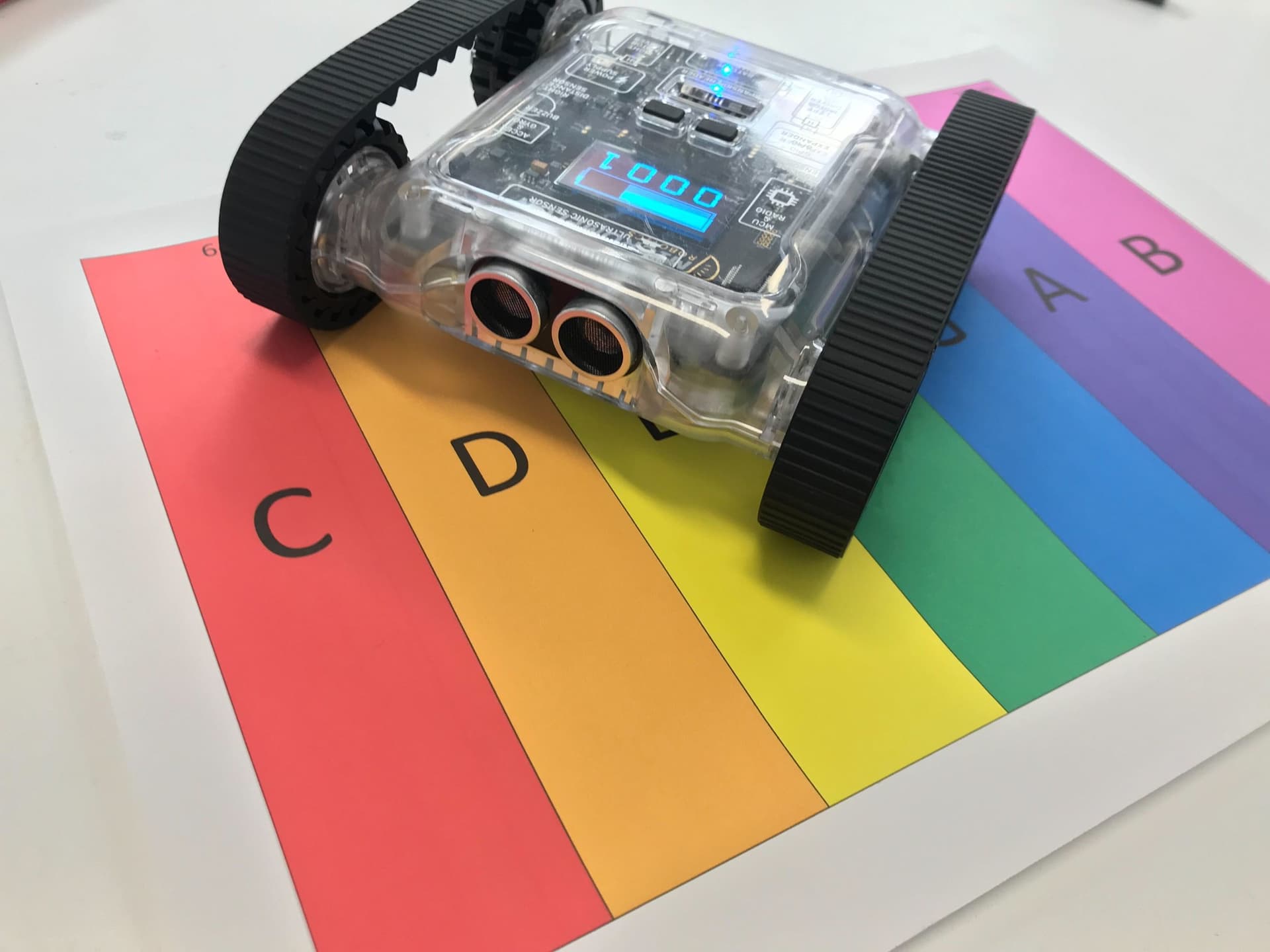
Use the Rovers speaker to make it play songs. Learn to combine the world of music and robotics by going through sheet music and coding the Rover to play each note.
In the advanced code, we will make a system to allow us to write our entire song as a string and program the Rover to read the music by itself.
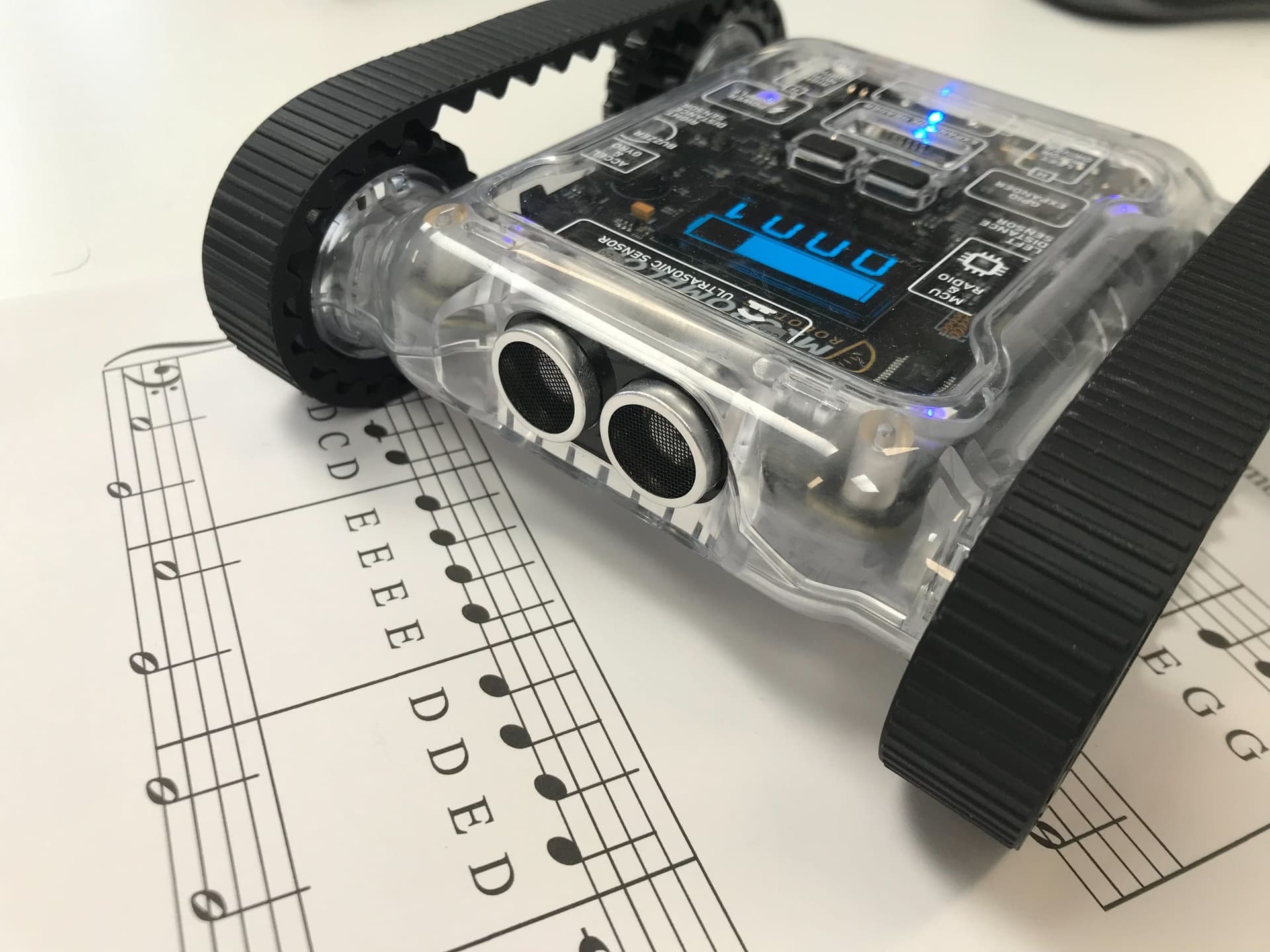
Rover playing notes from sheet music
Basics of Music
We use two pieces of information from each note: the tone and the duration. The diagrams for music theory and the example song are below, for more information on reading music, see the beginner guide.

Note tones and durations used in this activity
Code
We use the text editor for the advanced activity, the block editor can’t be used here because we’re using Python dictionaries, which aren’t compatible with blocks.
Constant: a variable that never changes while the code is running. In Python, we write these in all capitals with underscores between words.
List / Array: an object that can contain multiple variables. Lists can be looped through to access each element. See the intermediate Making Music activity to learn more about lists.
Dictionary: an object that can access multiple variables like a list, but with named keys instead of numbered indexes. Dictionaries are written using curly brackets, with each key and value paired by a colon. Both the key and value can be anything, as long as all keys are unique.

A Python dictionary mapping keys to values (Credit: PYnative)
Just like accessing list values, enter the key into the square brackets after the dictionary and it returns the value assigned to that key. For more info on using dictionaries, see the W3Schools guide to Python Dictionaries.
1. Setting the Constants
As in the other ‘Making Music’ guides, we set the note lengths as constants. Next, we also set the octave as a constant (make sure the number is in a string).
We’re then going to organise our note lengths into our first dictionary. As seen in the code, create a ‘note_lengths’ constant dictionary. Here, we will assign a single letter to each constant. For example, we can use the key ‘C’ to get the length of a crotchet out. This makes coding faster as we only need to type a single letter for the note length.
CROTCHET = 0.5
MINUM = 2 * CROTCHET
SEMIBREVE = 4 * CROTCHET
OCTAVE = '4'

NOTE_LENGTHS = {
  'C': CROTCHET,
  'M': MINUM,
  'S': SEMIBREVE
}
2. Preparing Inputs and Outputs
input_song = 'E/C D/C C/C D/C E/C E/C E/M D/C D/C D/M E/C G/C G/M'
output_song = []
We must write the input song in a format the following code can understand. Each note will be represented by the note tone and the note length letter combined by a forward slash. For example, a crotchet of E is E/C. Each note should then be separated with a space. An empty list will also be needed to store the output song.
We’ll print out the first two notes of the song string underneath at every step, so you can see how it changes:
Current Song = 'E/C D/C'3. Break up the Input
# Break up the string into each note
for note in input_song.split(' '):
  output_song.append(note.split('/'))
Next, we use the python ‘string.split(‘ ‘)’ to break the input song into a list. This breaks up the string at the spaces and puts the pieces into a list. Inside the loop, we do this again with the slashes to break each note into a list with tone and note length.
Current Song = [['E', 'C'], ['D', 'C']]4. Attaching the Octave
# Attach the octave to the tone
for note in output_song:
  note[0] += OCTAVE
We know that the Micromelon note system must take the tone and octave together, for example, NOTES.C4. Currently, each tone doesn’t have an octave attached to it. So we will loop through the ‘output_song’ and add the octave constant to each tone.
Current Song = [['E4', 'C'], ['D4', 'C']]5. Translate to True Values
# Translate the string to the true values
for note in output_song:
  note[0] = NOTES[note[0]]
  note[1] = NOTE_LENGTHS[note[1]]
The final step before we play the song is to convert the tone and the note length to their actual values. This is where the dictionaries come in. For the tone, we’re going to feed the tone into the ‘NOTES’ dictionary and feed the note length into the ‘NOTE_LENGTHS’ dictionary to get the actual values. Remember that notes are actually frequencies for the buzzer to play.
Current Song = [[329.63, 0.5], [293.66, 0.5]]Play the Song
# Play the song
for note in output_song:
  Sounds.playNote(note[0])
  delay(note[1])
Now, exactly like in the intermediate guide, we can loop through the ‘output_song’ and play the music.
Complete Code
The complete code here will play the first line of the song. Try and fill in the rest of the song yourself! If you find your input song too long, try to make variables for each line and add them together to make your ‘input_song’.
CROTCHET = 0.5
MINUM = 2 * CROTCHET
SEMIBREVE = 4 * CROTCHET
OCTAVE = '4'

NOTE_LENGTHS = {
  'C': CROTCHET,
  'M': MINUM,
  'S': SEMIBREVE
}

input_song = 'E/C D/C C/C D/C E/C E/C E/M D/C D/C D/M E/C G/C G/M'
output_song = []

# Break up the string into each note
for note in input_song.split(' '):
  output_song.append(note.split('/'))

# Attach the octave to the tone
for note in output_song:
  note[0] += OCTAVE

# Translate the string to the true values
for note in output_song:
  note[0] = NOTES[note[0]]
  note[1] = NOTE_LENGTHS[note[1]]

# Play the song
for note in output_song:
  Sounds.playNote(note[0])
  delay(note[1])
Now that you have a system for encoding entire songs as strings, try adding more note lengths (like quavers or dotted notes) to your dictionary and tackling a more complex piece.