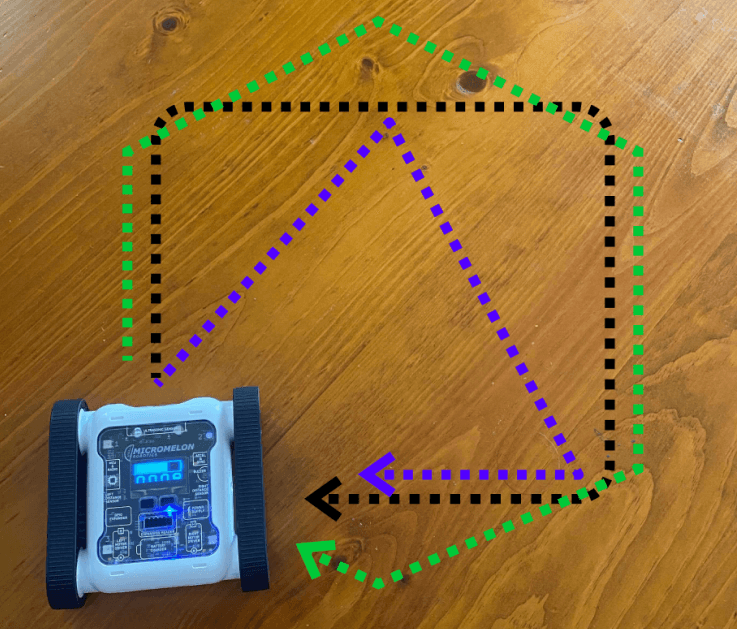
Complete the Driving Shapes exercise but using only binary numbers instead of decimal numbers. If you’re unfamiliar with Driving Shapes, all you need to do is program your Rover to move in a shape, e.g. a square or a triangle.

Driving Shapes exercise
Setup

Working with binary numbers
All you need is your computer, a Micromelon Rover, and a flat, uniform surface to drive it on. If you’re unfamiliar with what binary is, check out the Learning Binary post.
Our Approach
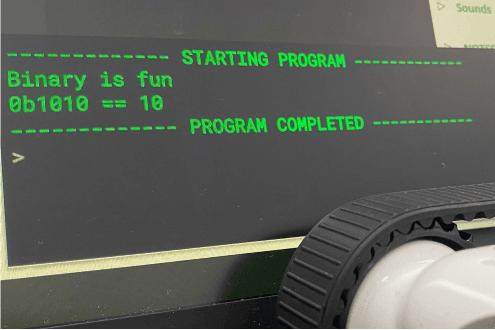
You can write a binary number by prefixing 0b before your binary number in Python, e.g. 0b100 is 4.
The binary number block can be placed in any position a normal number block would go.
The convert block in the Utilities category has an option for binary. You can put a normal number block (from the Math category) into it and convert it to any binary number, useful when you want to print out what a normal number would look like in binary.
Stage 1: Building the Square
We repeated a While loop forever so we keep getting a square movement pattern, then substituted binary blocks into the turn-degrees and movement blocks.

Example code, square movement loop with binary numbers
Note: Sometimes you’ll need to adjust your angles since the Rovers turn different amounts depending on the surface they’re on. See if you can find a really accurate solution with your Rover on the classroom floor.