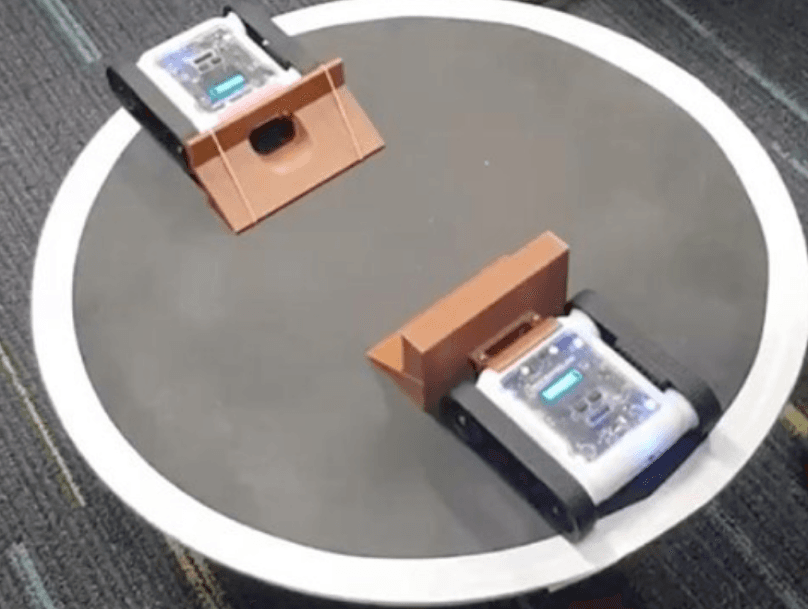
Program the Rover to flip itself upside down and then stop. There are many solutions to this problem. The Rover must flip itself without being touched while running, and once it has flipped it should stop. You could try combining this with the Turn Over Rover program to include lights.
Setup
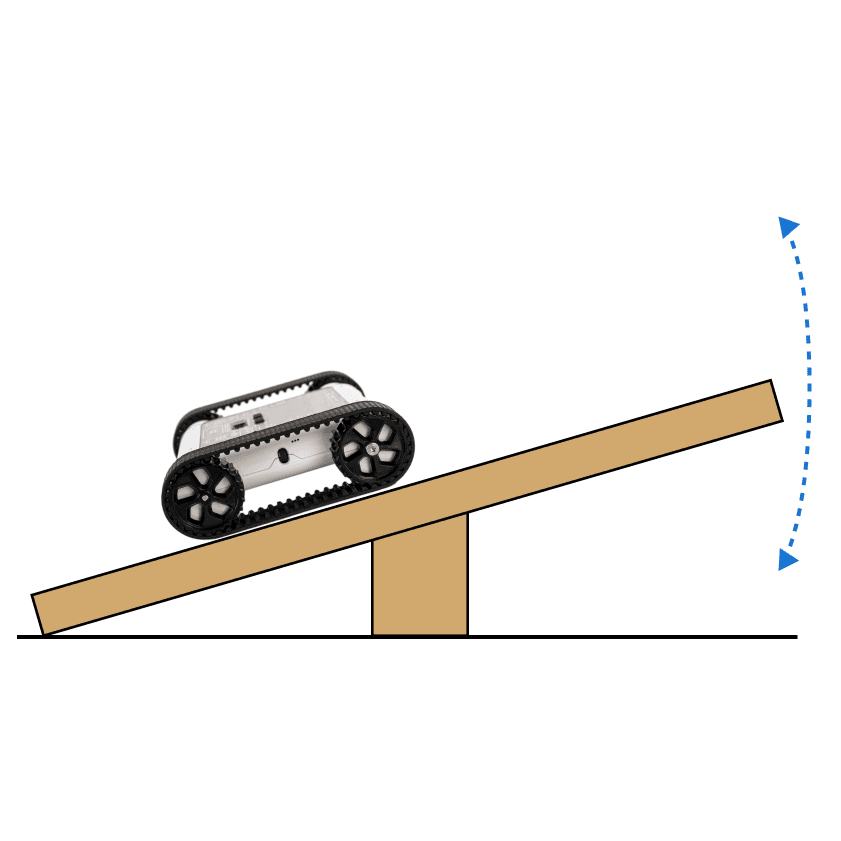
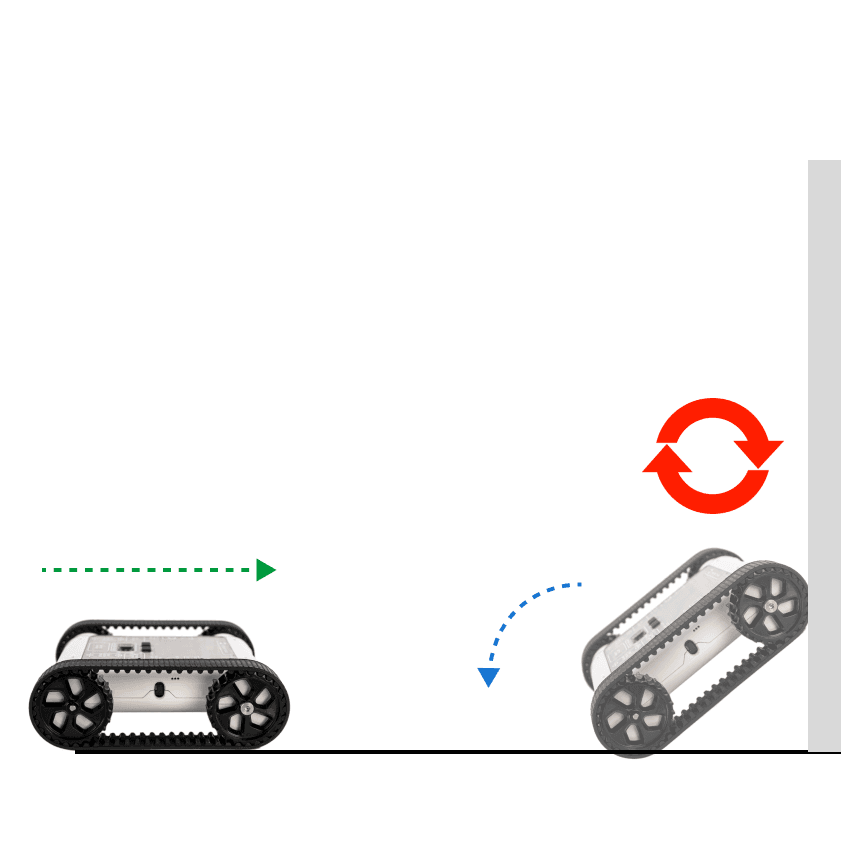
The most common way to flip the Rover is to have it drive up a flat vertical surface and fall backwards, try using the back of a laptop screen, a book, or a wall. These aren’t the only solutions; see what other driving conditions might make the Rover flip.
Our Approach
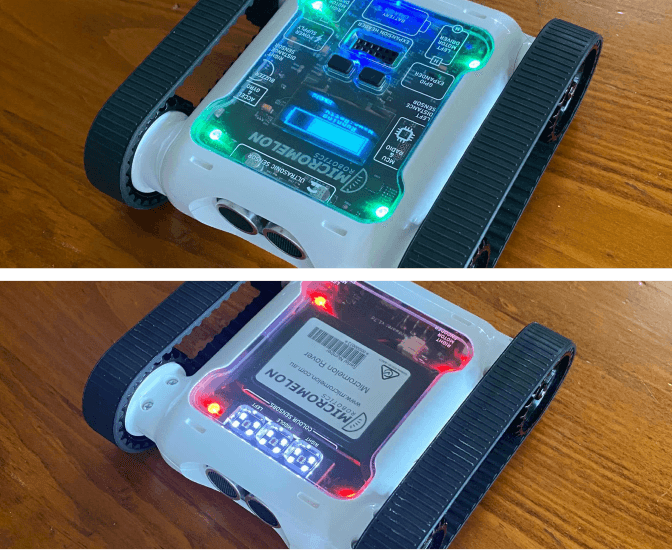
This solution can be extended to make the Rover reset itself and include LEDs.
Stage 1: Drive Forward
Start moving forward to eventually encounter a vertical obstacle.
Stage 2: Wait Until Flipped
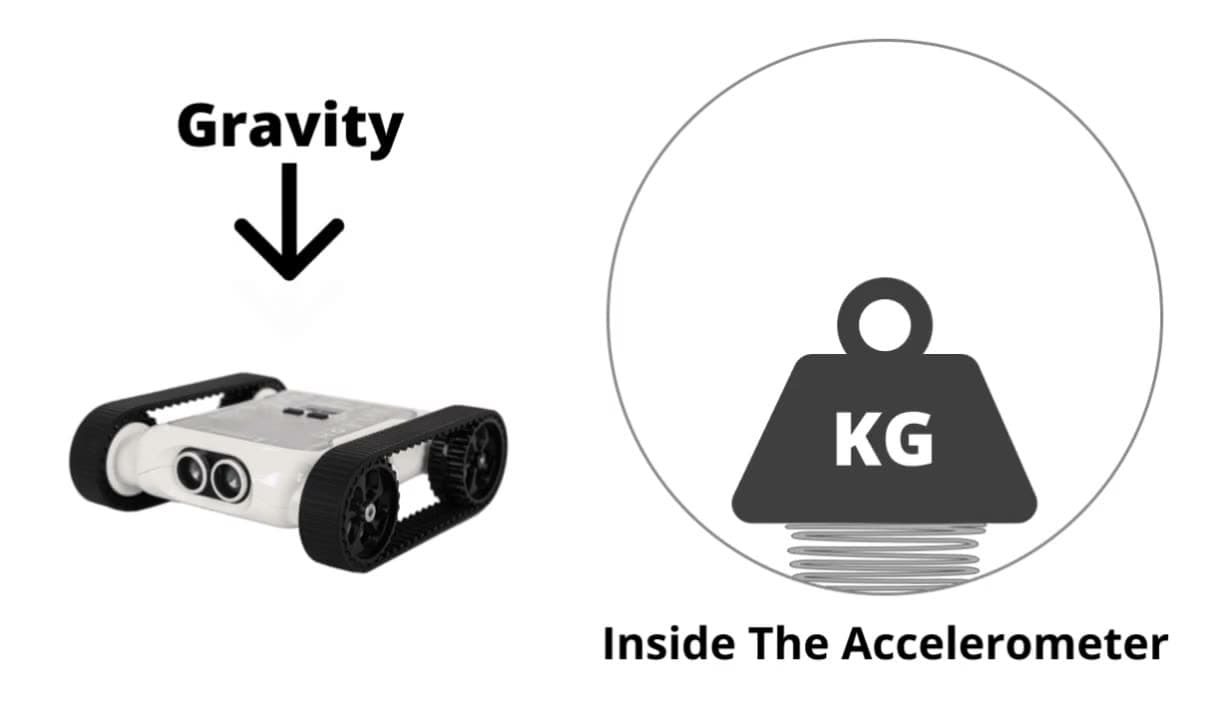
Add a Repeat Until block where the condition is a sensor block that checks if the Rover is the right way up. This causes the Rover to wait until it is no longer the right way up.
Stage 3: Stop
After the loop that waits for the Rover to flip, add a motor block to stop the Rover.

Example code, drive forward, wait for flip, then stop