Micromelon Robotics
Platform
Resources
NewsAbout UsDownload
Support
Build Your Kit

Stay in the loop

New activities, teaching guides, and product updates delivered to your inbox.

Micromelon Robotics

Australian-made educational robotics for the next generation of innovators.

contact@micromelon.com.au

Company

  • About Us
  • Privacy Policy
  • Terms and Conditions

Products

  • Micromelon Rover
  • Code Editor
  • Robot Simulator
  • Junior
  • Python Library

Support

  • Resources
  • News
  • Rover Repairs
  • Contact
  • Build Your Kit

© 2026 Micromelon Robotics Pty Ltd. All rights reserved.

ABN 56 623 302 296

← Back to Resources
ActivitiesBeginner

Activity: Turn Over Rover

Coding Skills

BranchingIteration

Rover Concepts

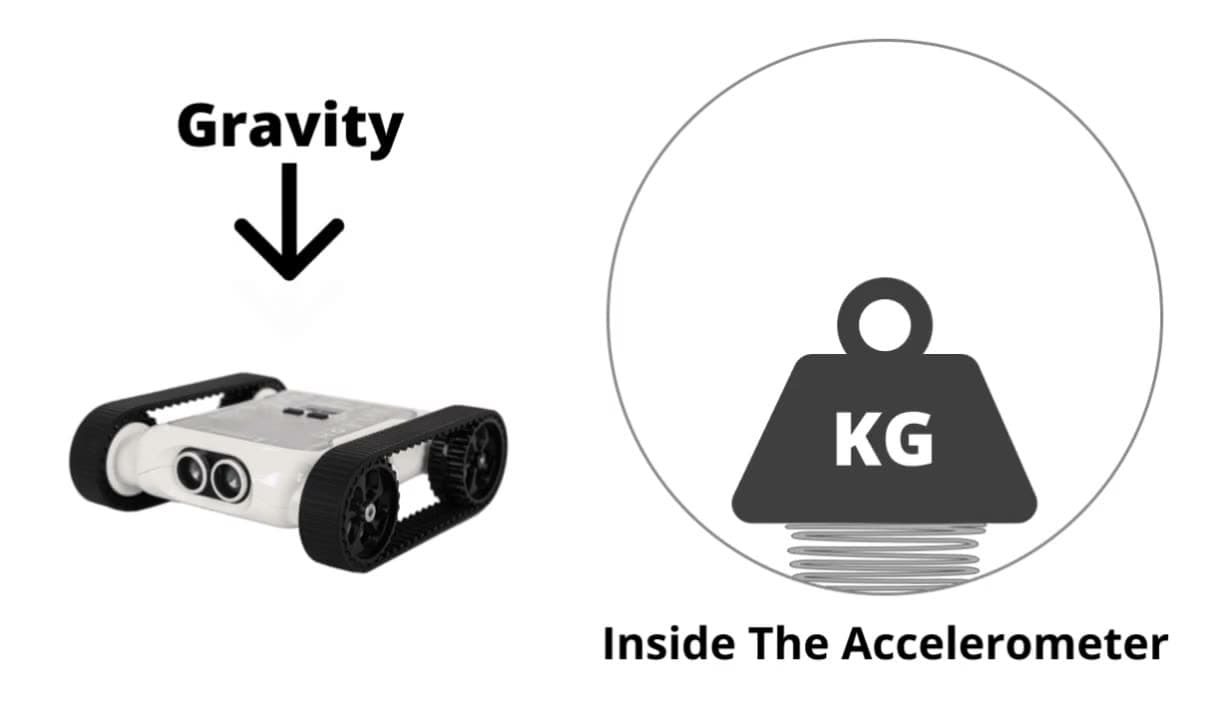
AccelerometerLEDs
Activity: Turn Over Rover

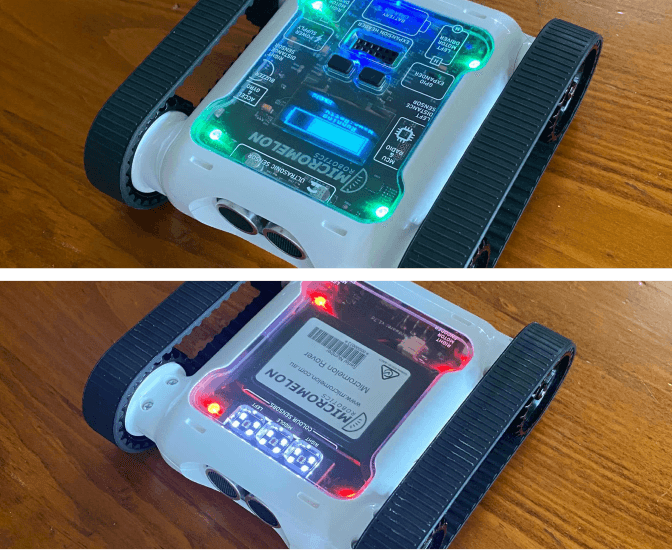
Program the Rover to detect if it’s upside down. When the Rover is right way up, set its LEDs to green; when upside down, set them to red. The Rover should change the LEDs as soon as it detects a change in orientation, without needing to press play again to trigger a change.

Activity Demonstration: Turn Over Rover

Setup

All you need is a flat, uniform surface to drive on. Different surfaces have different friction properties, so the tracks will slip differently depending on where the Rover is. Some movement blocks (like Turn by Degrees) are calibrated for an average friction, on other surfaces you may need to turn more or less to get the desired angle.

Our Approach

Stage 1: IF the Rover is Upright

Start with an IF statement. Make the condition the sensor block that checks if the Rover is the right way up.

Stage 2: Change the LEDs

If the condition is true (Rover is right way up), use a Set All LEDs block and make all the LEDs green. If false (upside down), use the ELSE branch to set all LEDs to red.

Stage 3: Loop Forever

If you run with just an IF statement, it will check once and end. Wrap the whole IF in a While True loop so the Rover continuously checks orientation and updates the LEDs.

Example code, orientation-driven LEDs
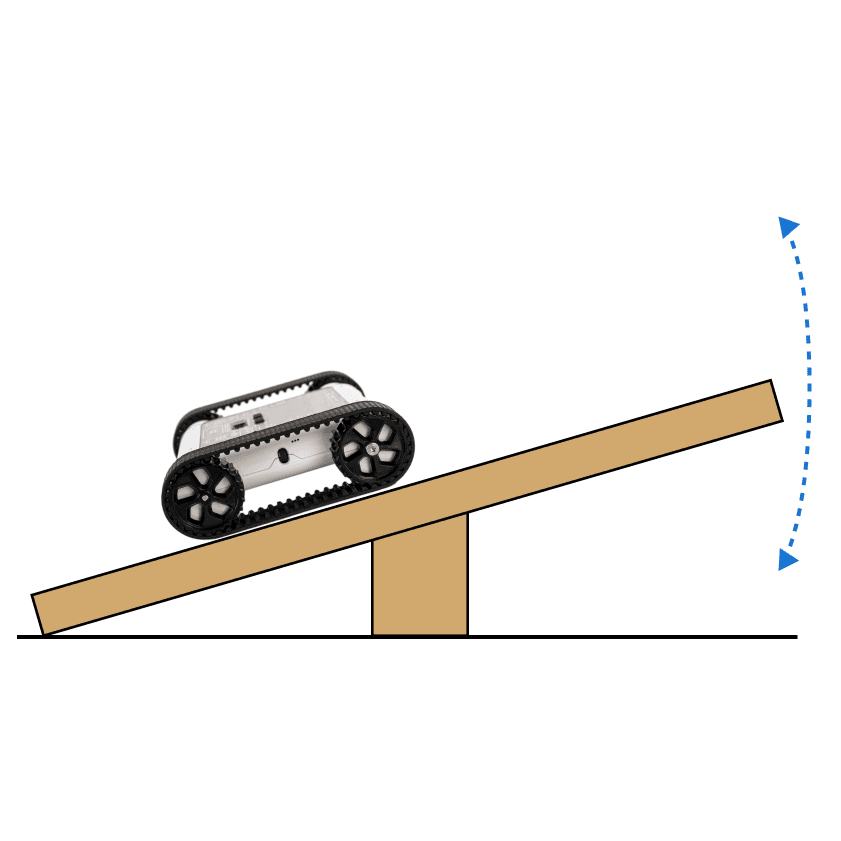
Example code, orientation-driven LEDs
Continue Learning

Activity: Wind-up RoverRelated resourceActivity: Wind-up RoverLearn iteration, variables, maths, and how to use the Rover’s motors and accelerometer.

Activity: Balance BotRelated resourceActivity: Balance BotLearn iteration, algorithm design, maths, and how to use the Rover’s accelerometer and motors.

The AccelerometerRelated resourceThe AccelerometerLearn what the accelerometer is, how it works, and how to code it on the Micromelon Rover.

← Return to Resources