Micromelon Robotics
Platform
Resources
NewsAbout UsDownload
Support
Build Your Kit

Stay in the loop

New activities, teaching guides, and product updates delivered to your inbox.

Micromelon Robotics

Australian-made educational robotics for the next generation of innovators.

contact@micromelon.com.au

Company

  • About Us
  • Privacy Policy
  • Terms and Conditions

Products

  • Micromelon Rover
  • Code Editor
  • Robot Simulator
  • Junior
  • Python Library

Support

  • Resources
  • News
  • Rover Repairs
  • Contact
  • Build Your Kit

© 2026 Micromelon Robotics Pty Ltd. All rights reserved.

ABN 56 623 302 296

← Back to Resources
Simulator ActivitiesBeginner

Activity: Spike Drop

Coding Skills

BranchingIteration

Rover Concepts

ColourUltrasonic
Activity: Spike Drop

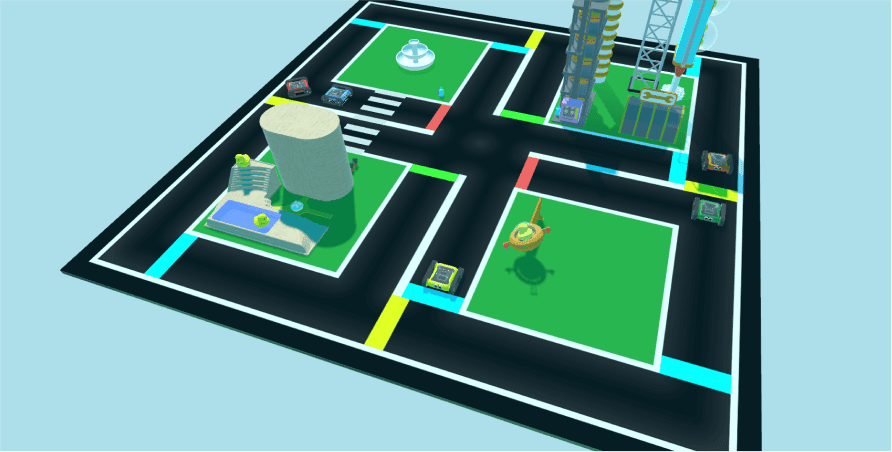
Find a way to drive the simulator Rover into the green parking lot. Use the colour or ultrasonic sensor to help find the safe zone. Watch out though, go too far and you’ll fall and get spiked!

Spike Drop in the Robot Simulator

Setup

This activity requires no physical setup, just make sure the Code Editor is connected to the Robot Simulator. If you’re unsure how to set up the Robot Simulator, see the getting started guide.
Getting Started With The Robot SimulatorRelated resourceGetting Started With The Robot SimulatorHow to get started with the Micromelon Robot Simulator.

Our Approach

Solution 1: Ultrasonic Sensor

Example code, ultrasonic-based stop

Example code, ultrasonic-based stop

This solution uses the ultrasonic sensor. Use a Repeat While loop, but instead of leaving it on true, repeat while the ultrasonic sensor detects a number larger than 55. Once the Rover detects the warning wall suspended above the spikes within 55 cm, it’s directly in the safe zone and can stop moving.

Solution 2: Colour Sensor

Example code, colour-based stop

Example code, colour-based stop

This solution is more dynamic and uses the colour sensor, it works better if you move the Rover and it needs to detect green multiple times within the one program. The program doesn’t end on green; it keeps checking the colour. Use an IF / ELSE statement inside a While True loop, looking for green. Instead of ending the loop, just keep telling the motors to stop moving when green is detected; any other colour keeps the forward movement going.
Continue Learning

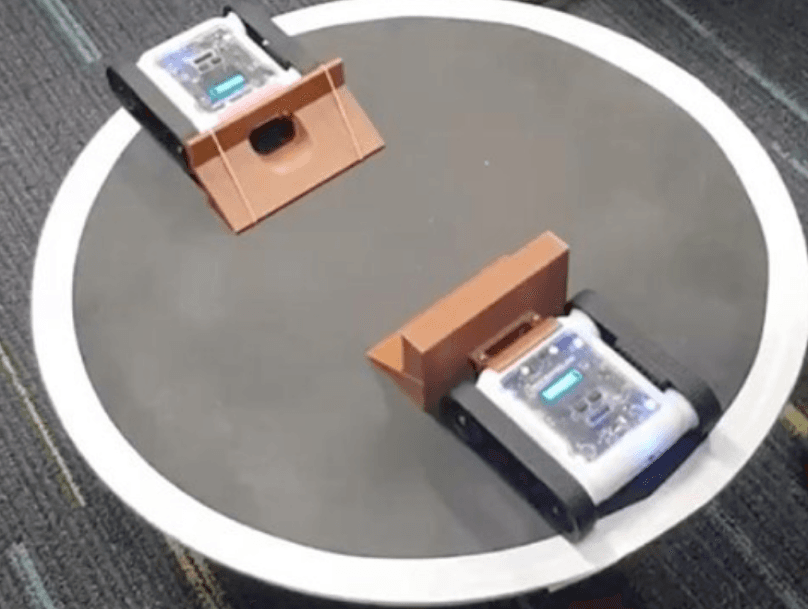
Activity: Sumo IRelated resourceActivity: Sumo ILearn the basics of sumo by programming your Rover to stay in the ring and push opponents out using the colour and ultrasonic sensors.

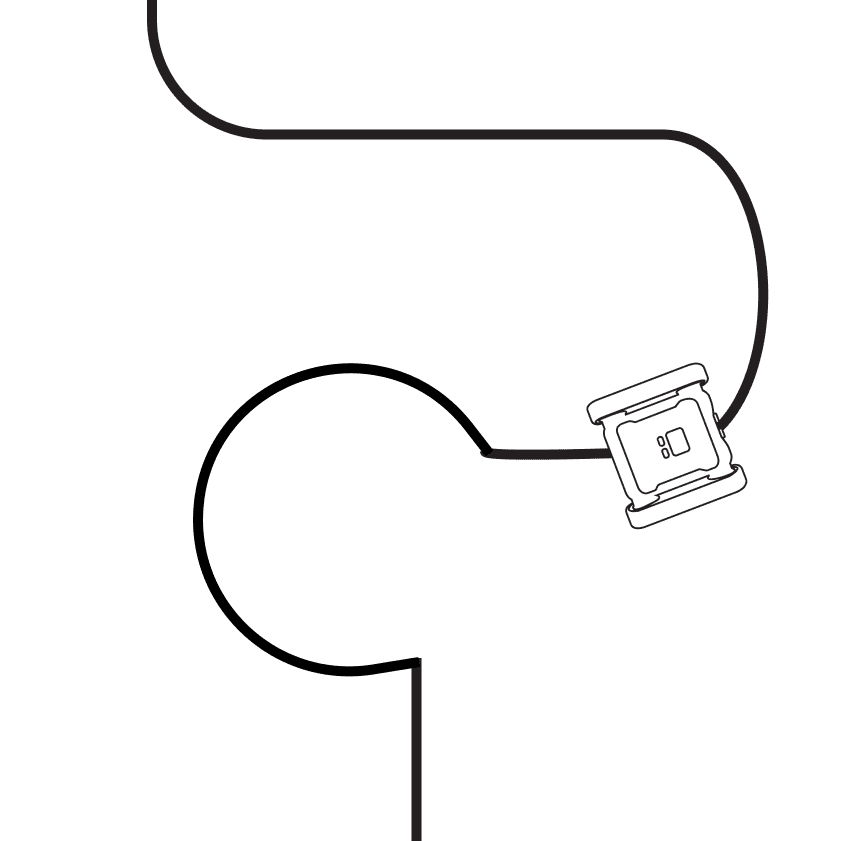
Activity: Line FollowingRelated resourceActivity: Line FollowingLearn the colour sensor and simple algorithm design while following a line.

The Colour SensorRelated resourceThe Colour SensorLearn what the colour sensor is, how it works, and how to code it on the Micromelon Rover.

← Return to Resources