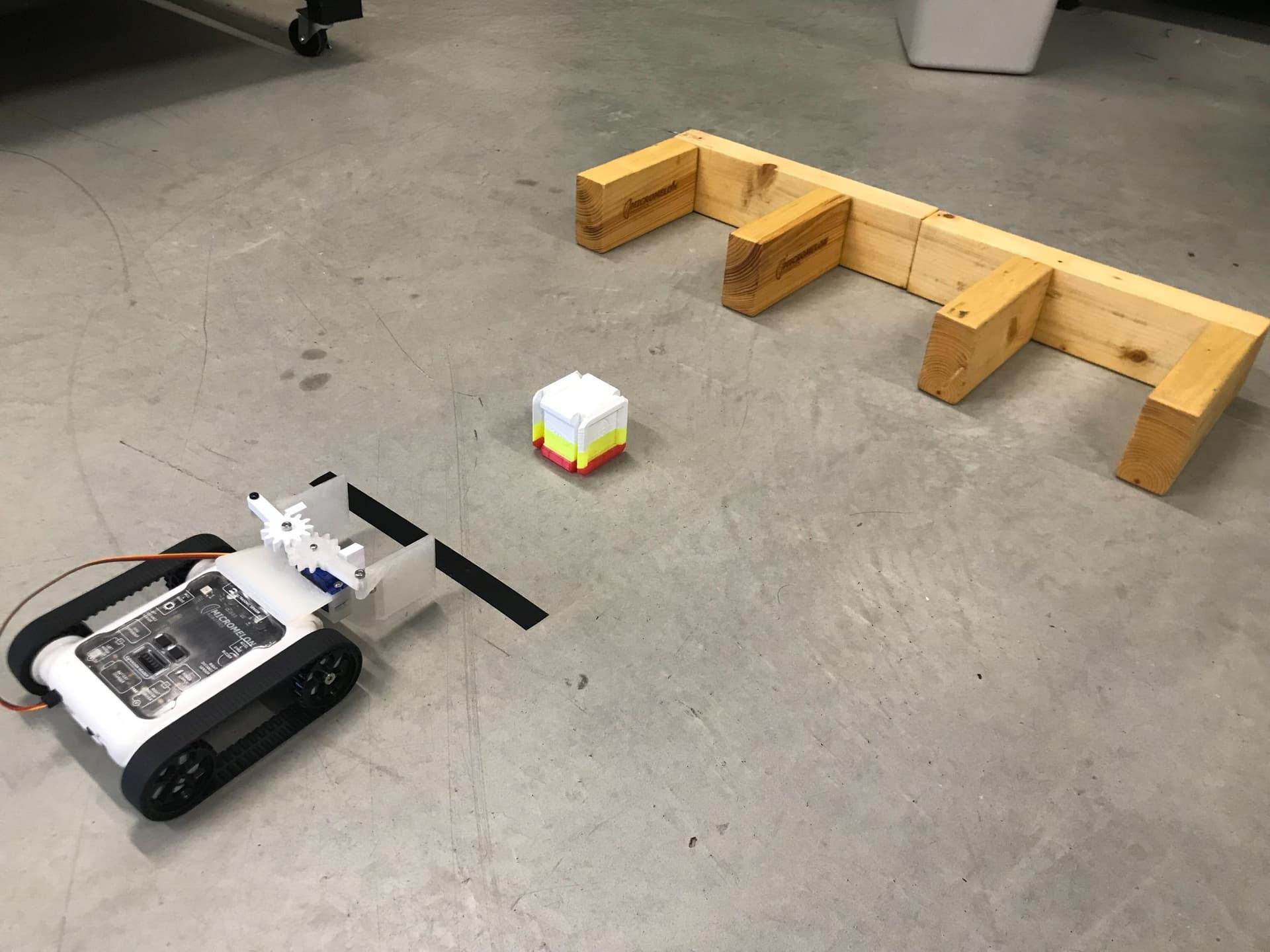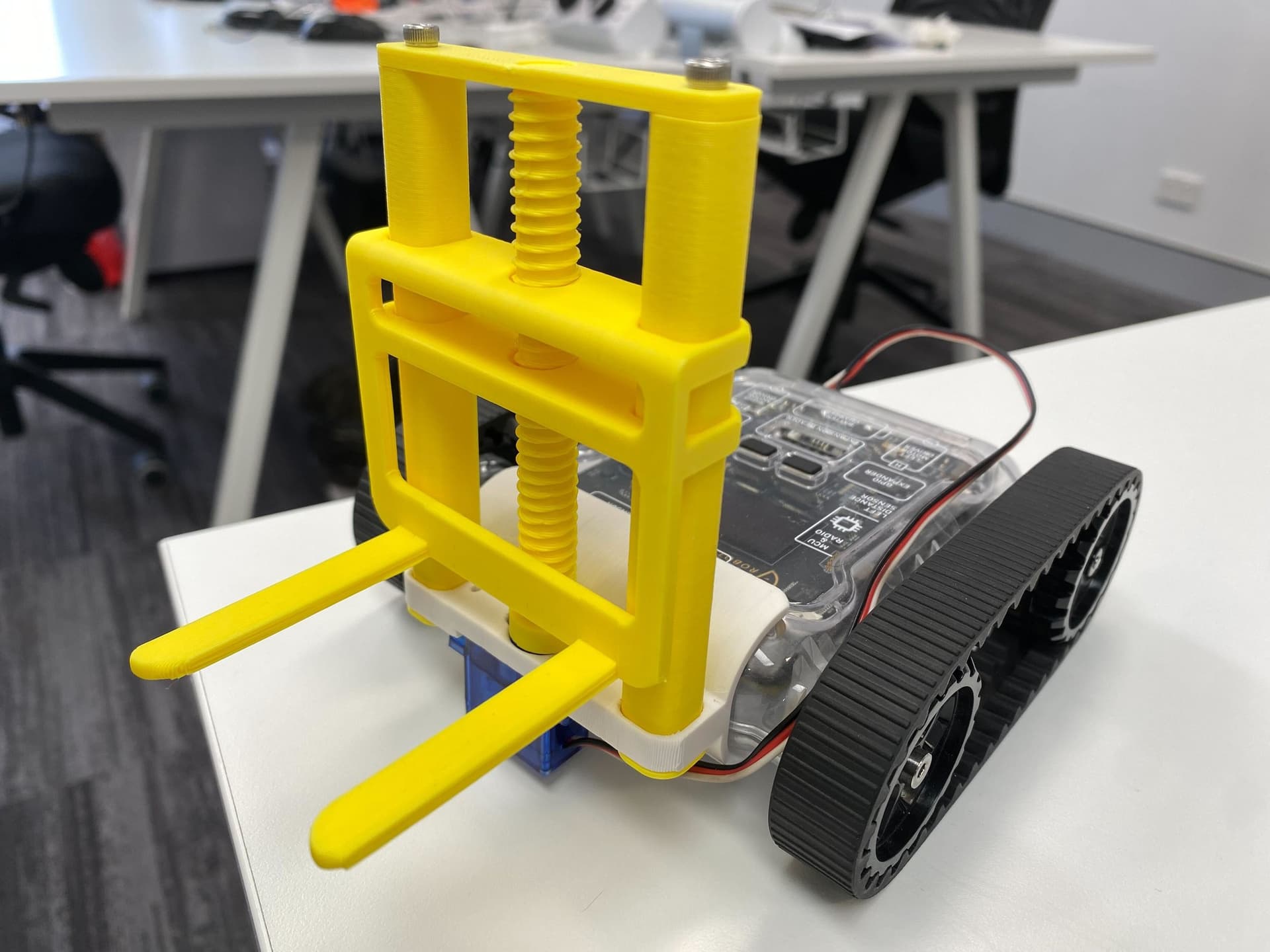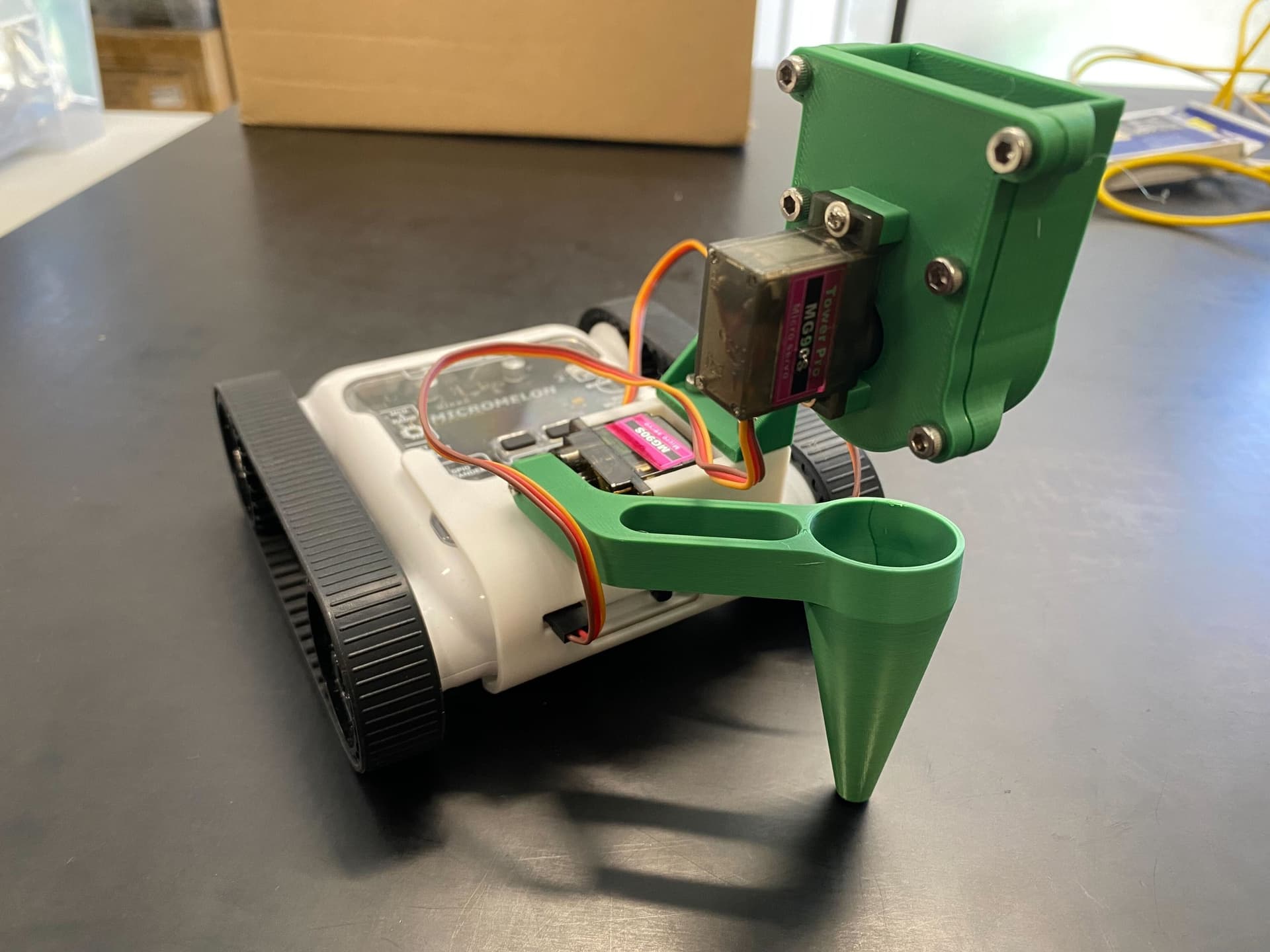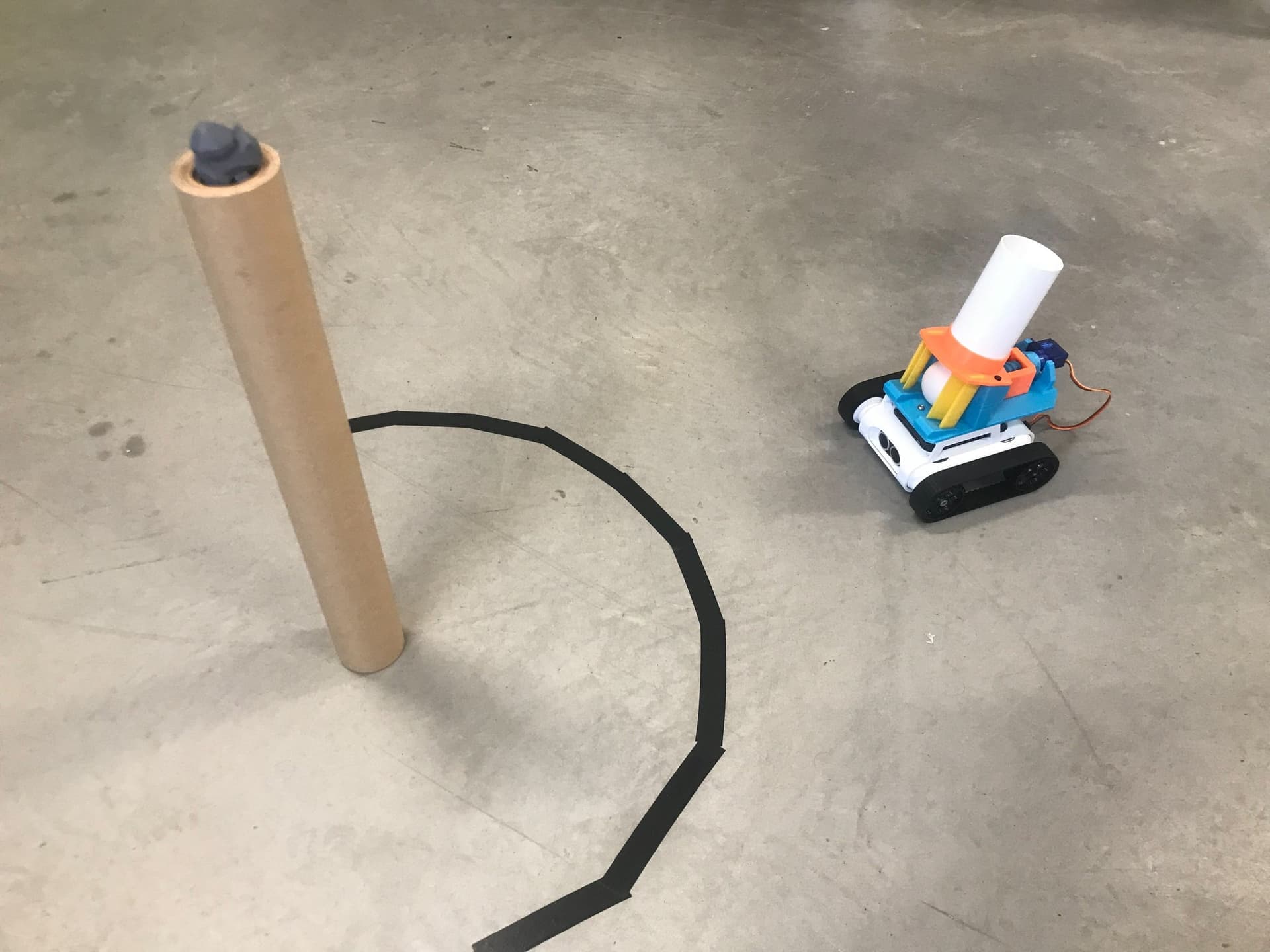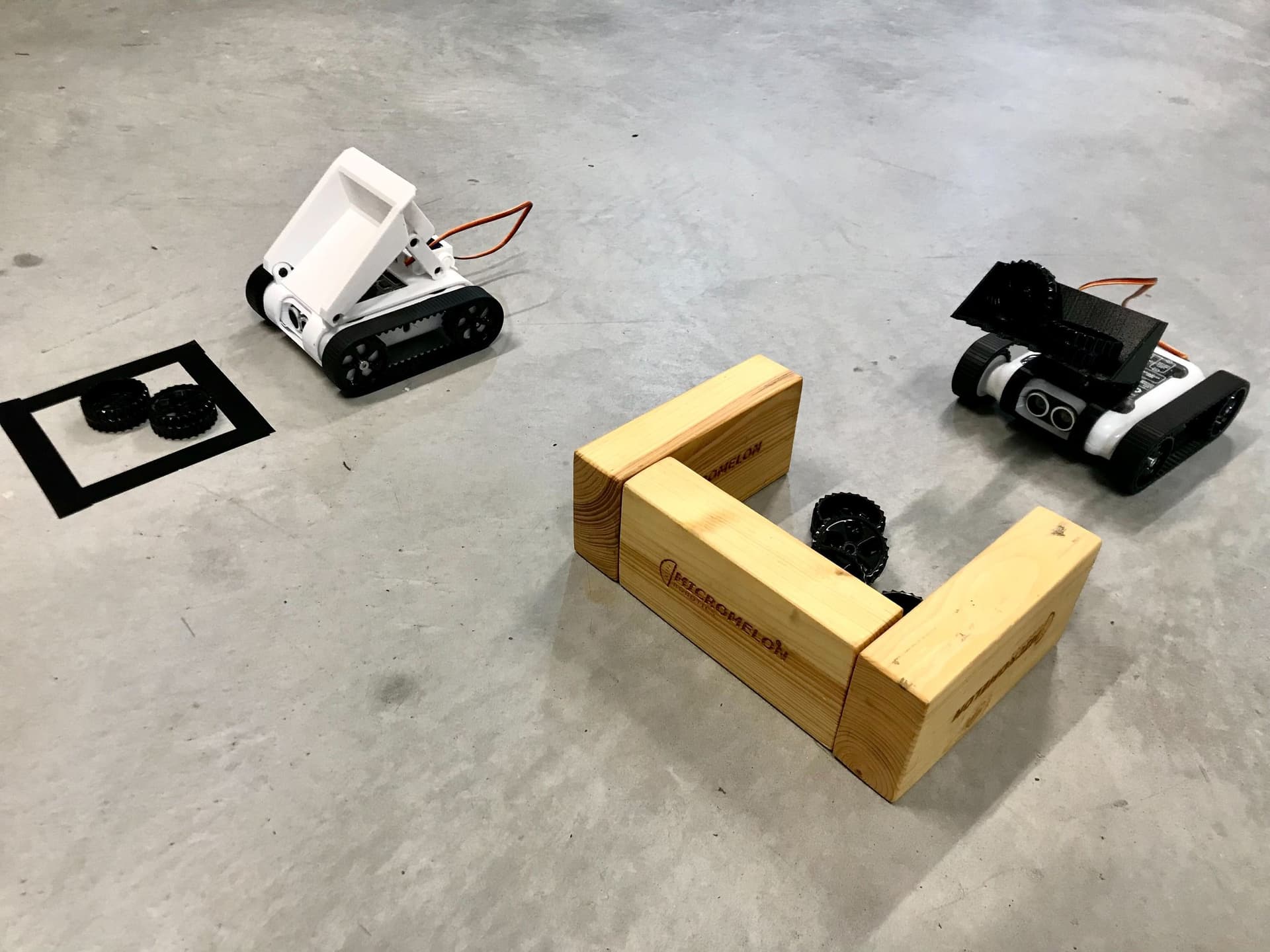
Use the digger and tipper attachments together to make your own construction site. Put the digger to work on a pile of material like beads or seeds, and use the tipper to transport it to a new location.
Setup
First, find some grain-like material, for example, jewellery beads or seeds. Then set up a small area with walls on three sides. This area holds the grain, and the digger comes in from the opening to pick up the material. Position the tipper near the pile so the digger can load it. Have the tipper move to a new area outlined by tape and deposit the pile. Change the locations, materials, and number of Rovers to customise your construction site.
Our Approach
Constant: a variable that never changes while the code is running. In Python, we write these in all capitals with underscores between words.
Digger
- Servo interpolation is a technique to smooth out servo movements so the digger doesn’t jerk and drop its load.
- This technique is optional, the normal servo block still works.
- To use smooth servos, switch to the text editor and copy the code below. Then switch back to blocks if desired.
def slow_servo(Left, Right):
  # This is a function that slowly moves both servos to new positions
  # Right - The new position of the right servo
  # Left - The new position of the left servo
  TIME = 400
  STEP_TIME = 20
  currentPosition = Servos.read()
  lCurrent = currentPosition[0]
  rCurrent = currentPosition[1]
  steps = round(TIME / STEP_TIME)

  if currentPosition[0] == Left:
    lCurrent += 1
  if currentPosition[1] == Right:
    rCurrent += 1

  lStepSize = steps / (Left - lCurrent)
  rStepSize = steps / (Right - rCurrent)

  for i in range(1, steps + 1):
    Servos.setBoth(lCurrent + i / lStepSize, rCurrent + i / rStepSize)
    delay((STEP_TIME / 1000))
- Set six constants for the digger’s two servos:
ARM_DOWN(85),ARM_TIP(10),ARM_UP(0),BUCKET_UP(-20),BUCKET_NEUTRAL(0), andBUCKET_DOWN(-90). - The resting position uses
BUCKET_NEUTRAL(bucket flat on the ground) andARM_DOWN(arms flat against the rover). - The loading position uses
BUCKET_UP(bucket angled to hold items) andARM_UP(arms raised). - The tip position uses
BUCKET_DOWN(bucket tipped forward to deposit) andARM_TIP(arm slightly forward). - These values may need tweaking for your specific rover through trial and error.

- Define three functions:
upcallsslow_servowithBUCKET_UPandARM_UP,tipcallsslow_servowithBUCKET_DOWNandARM_TIP, anddownuses "Set servo degrees" withBUCKET_NEUTRALandARM_DOWN. - These functions make the code cleaner and easier to understand.
- You can replace
slow_servowith the "Set servo degrees" block if you prefer.

- In the main code, call the
downfunction to set the digger to its starting position.

- Design a movement sequence depending on your construction site layout.
- In our example: move forward 20cm at speed 15 into the pile, back away 1cm at speed 5, call
upto raise the arm, back away 10cm at speed 10, turn right 70 degrees towards the tipper, move forward 10cm at speed 15, then calltipto deposit the load.

- The full digger program: set constants, define
up/tip/downfunctions, calldownto initialise, then execute the movement and loading routine. - Note that the
slow_servofunction is not included in this snippet.
Tipper

- Set two constants:
TIP_UP(-10) for when the tray is fully tipped, andTIP_REST(90) for the resting position.

- Move the right servo to
TIP_RESTto set the tipper to its resting position.

- Design a movement sequence for the tipper after it has been loaded by the digger.
- In our example: move backward 10cm at speed 10, turn right 80 degrees, move forward 5cm at speed 10, then move the right servo to
TIP_UPto tip the load.

- The full tipper program: set
TIP_UPandTIP_RESTconstants, move servo to rest position, execute the movement routine, then tip the load.
Tip: Use the sensors on the Rovers to navigate around the construction site, add tape on the ground for line-following and walls for proximity sensing. Loads don’t have to be grain-like either; try using the digger to load up a Meloncube.