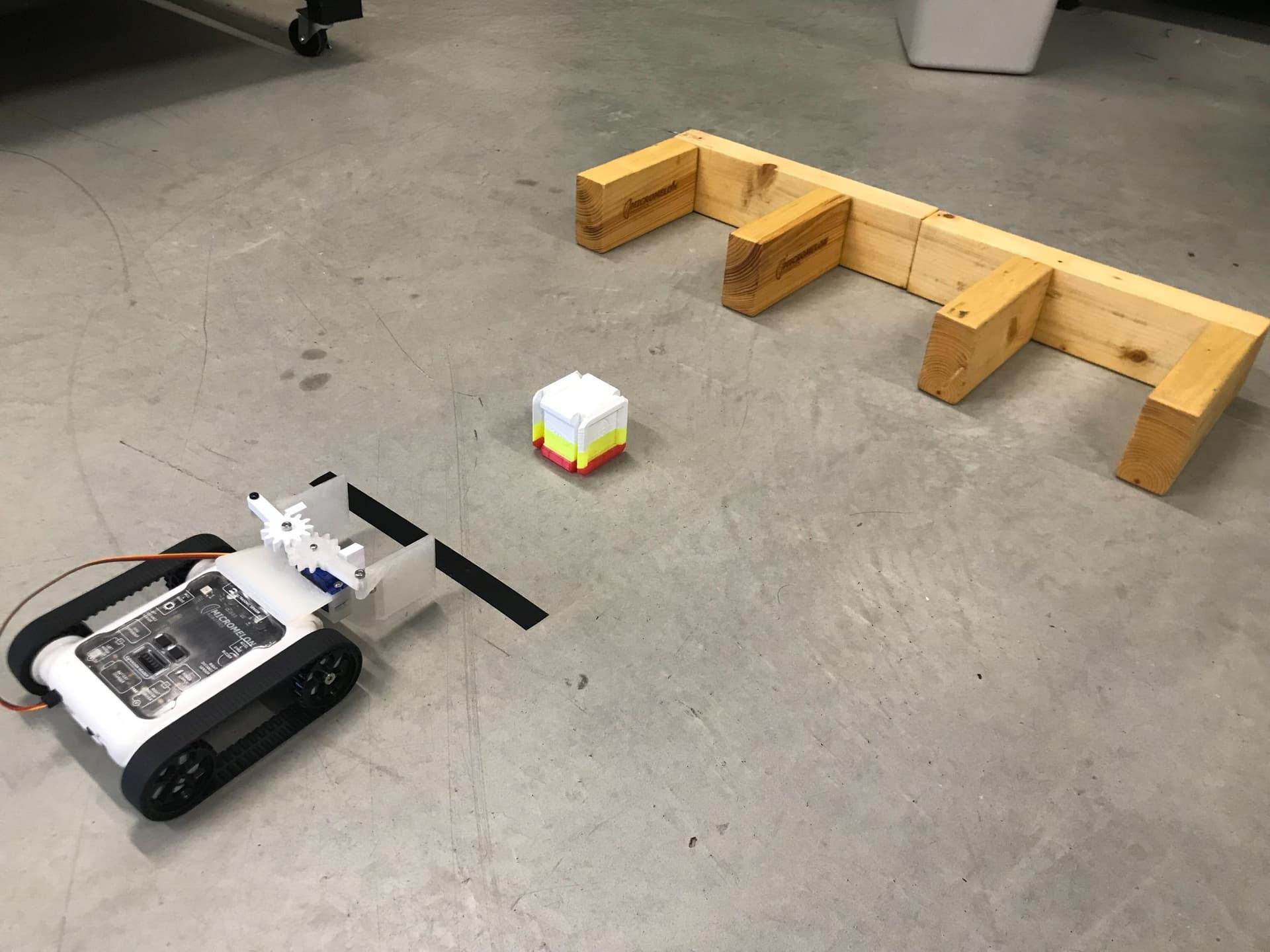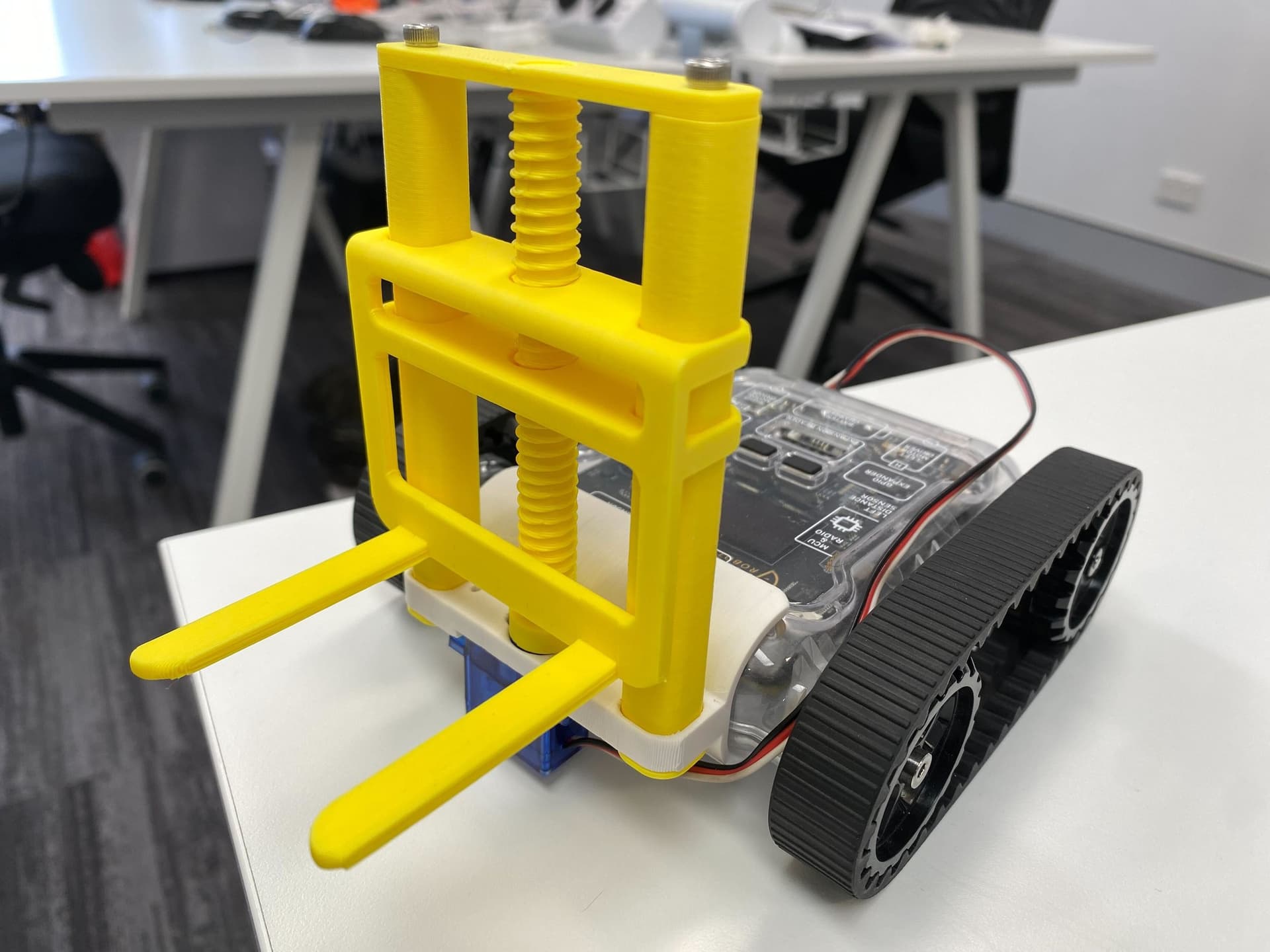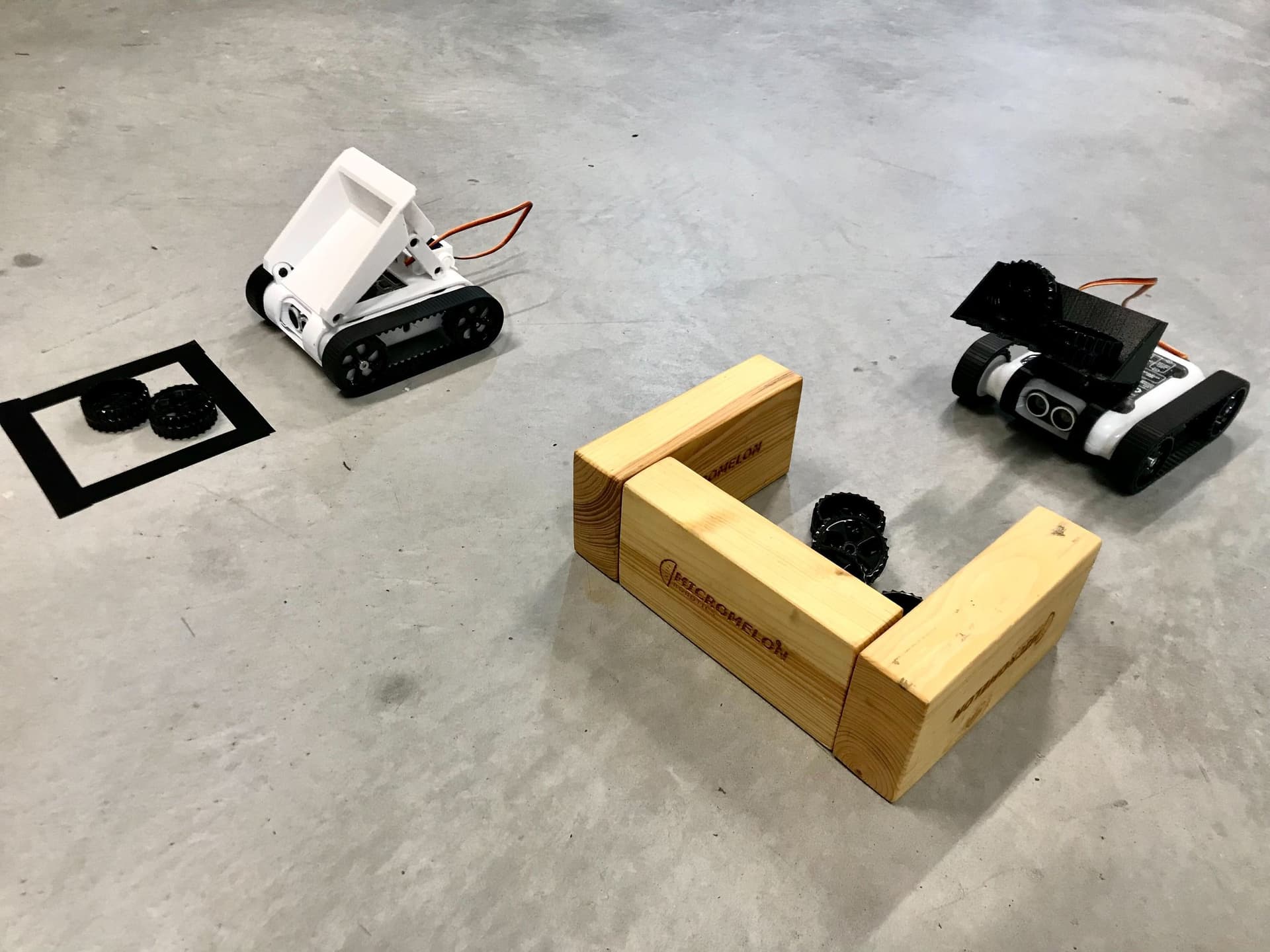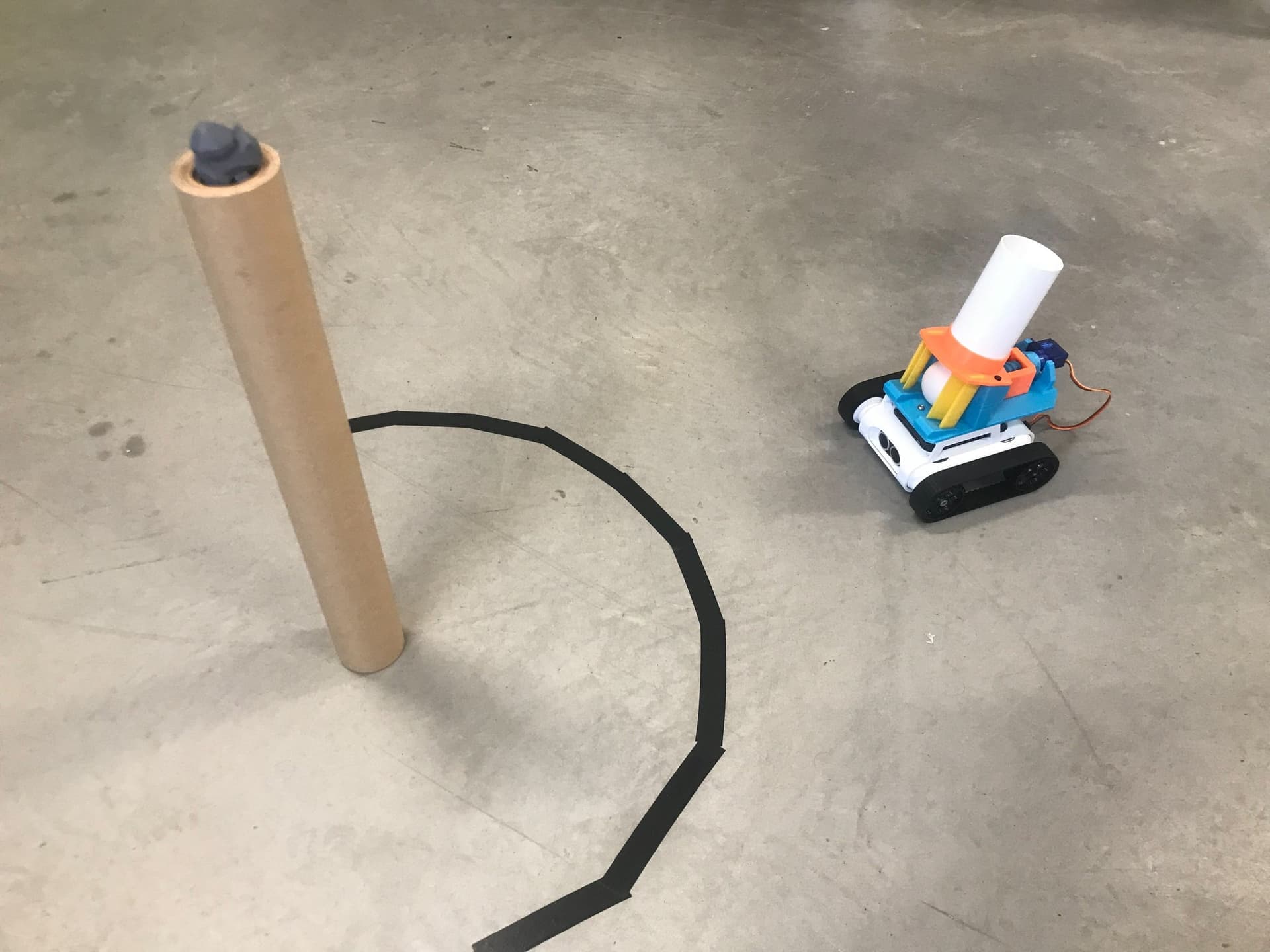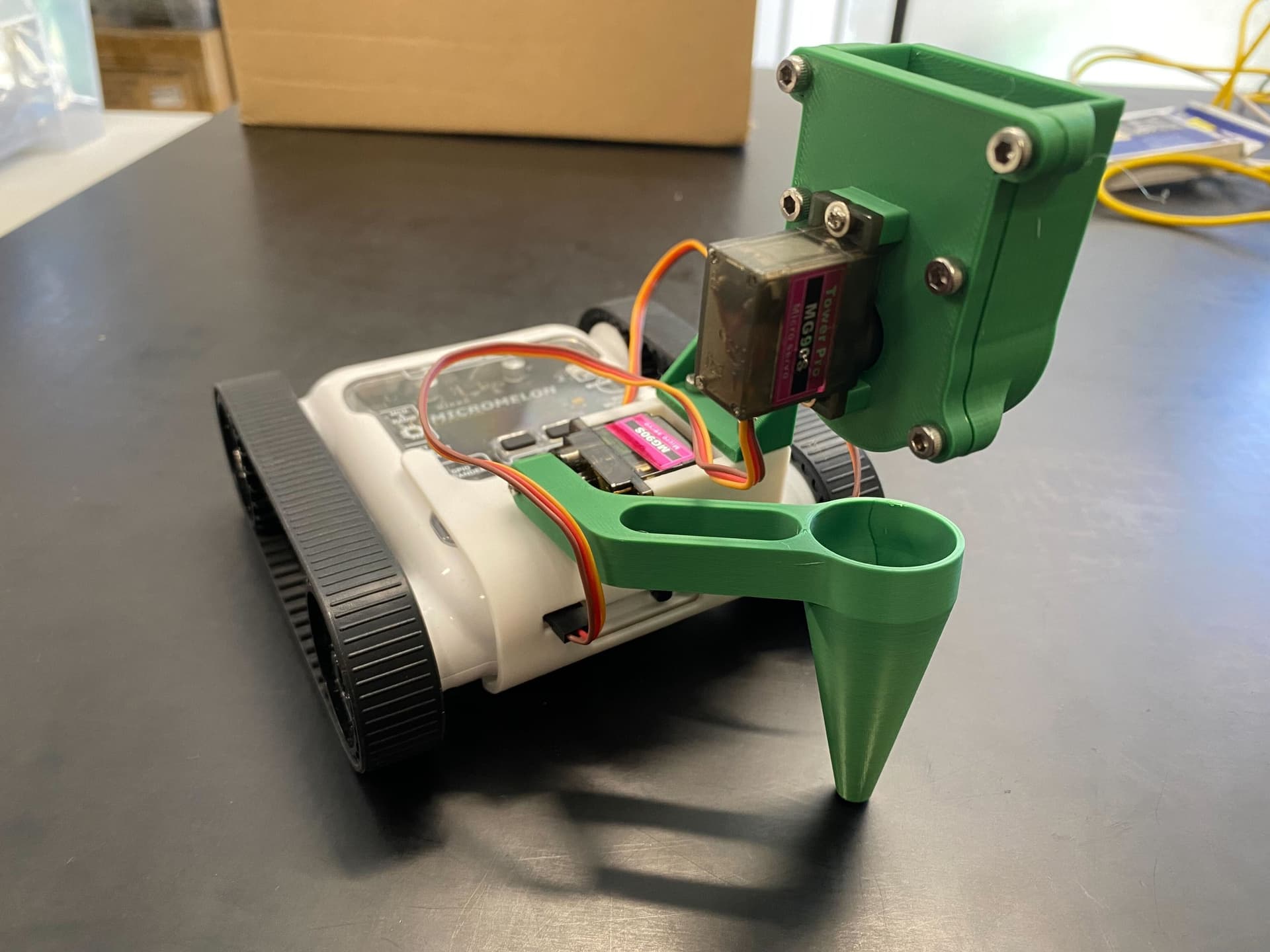
Use the seed planter attachment to start your own little garden. Organise your garden layout and have the rover precisely deposit seeds in soft soil. Cover it up as you go, and finish with some water!
Setup
For this task, you must purchase some garden seeds of your choice, research planting conditions, and find how far apart seeds must be planted. Prepare a garden bed or ground area to ensure the soil is tilled and soft. Get two long beams of solid material and lay them parallel to the rover tracks (the rover will use these like a train).
The seed planter attachment works by rotating the seed barrel so that seeds are loaded in it. Next, the barrel rotates out so the loaded seeds deposit into the planting cone. The attachment then drives the cone into the ground, pushing the seeds into the dirt.
Once all the prep is done, load the seeds into the seed tank on the attachment and program the rover to move and plant them at the correct intervals. Once a row is complete, move the beams to the next row and go again. Repeat until your garden bed is complete!
Note that the height of the planting cone may need to be adjusted depending on how high the robot is from the soil.
Our Approach
Constant: a variable that never changes while the code is running. In Python, we write these in all capitals with underscores between words.

- Define two constants:
CONE_UP(set to -60) andCONE_DOWN(set to -90). - These store the up and down positions for the cone servo.
- The constants may need to be tweaked for your specific rover through trial and error.

- Create a
plantfunction that takescountas input and performs the whole act of planting a single cell. - First, the left servo moves the cone to the
CONE_DOWNposition, then delays 0.5 seconds. - If
countis even (remainder of count / 2 = 0), the right servo spins the barrel clockwise (90 degrees); otherwise it spins counterclockwise (-90 degrees). This prevents seeds from jamming. - After another 0.5 second delay, the barrel is stopped (right servo to 0), the cone comes back up (
CONE_UP), and the rover drives forward 10cm to the next cell.

- In the main code, use "Set servo degrees" to initialise the left servo to
CONE_UPand the right servo to 0. - This ensures the servos are in the correct positions before starting.
- Add a 1 second delay to allow the servos to settle.

- Create a count loop from 0 to 20 by 1, storing the loop variable in
count. Adjust the upper limit to match how many seeds you want to plant. - Inside the loop, call the
plantfunction with thecountvariable as input. This makes the barrel spin back and forth each time the robot plants a seed. - Add a 1 second delay after each plant call.

- The full program: set constants, initialise servos, then loop 20 times calling the
plantfunction with the current count. - The
plantfunction lowers the cone, spins the barrel (alternating direction), stops the barrel, raises the cone, and drives forward.
Tip: Try making your own seed barrel and cone with different-sized holes for different seeds, a bit of variety in your garden!