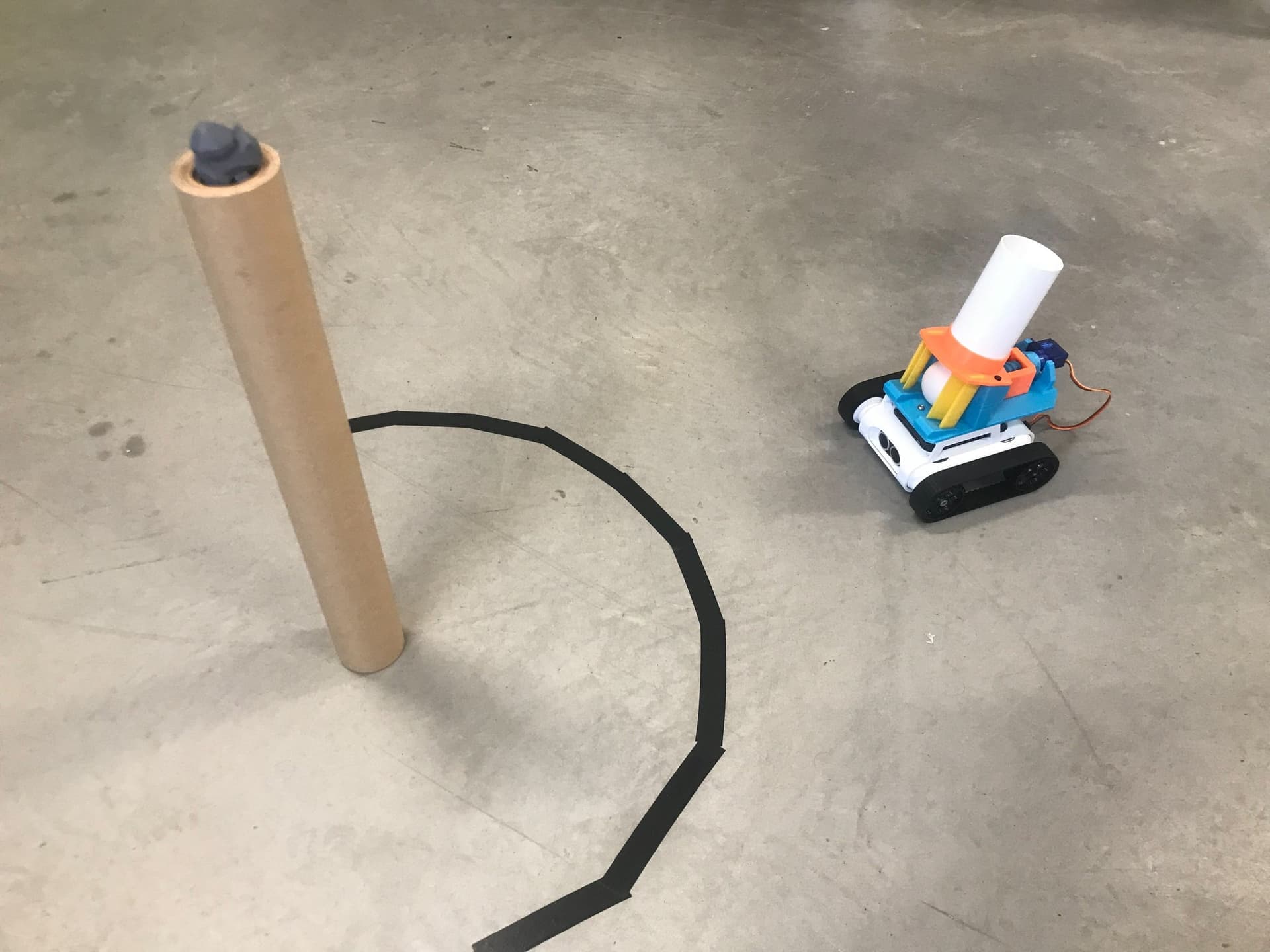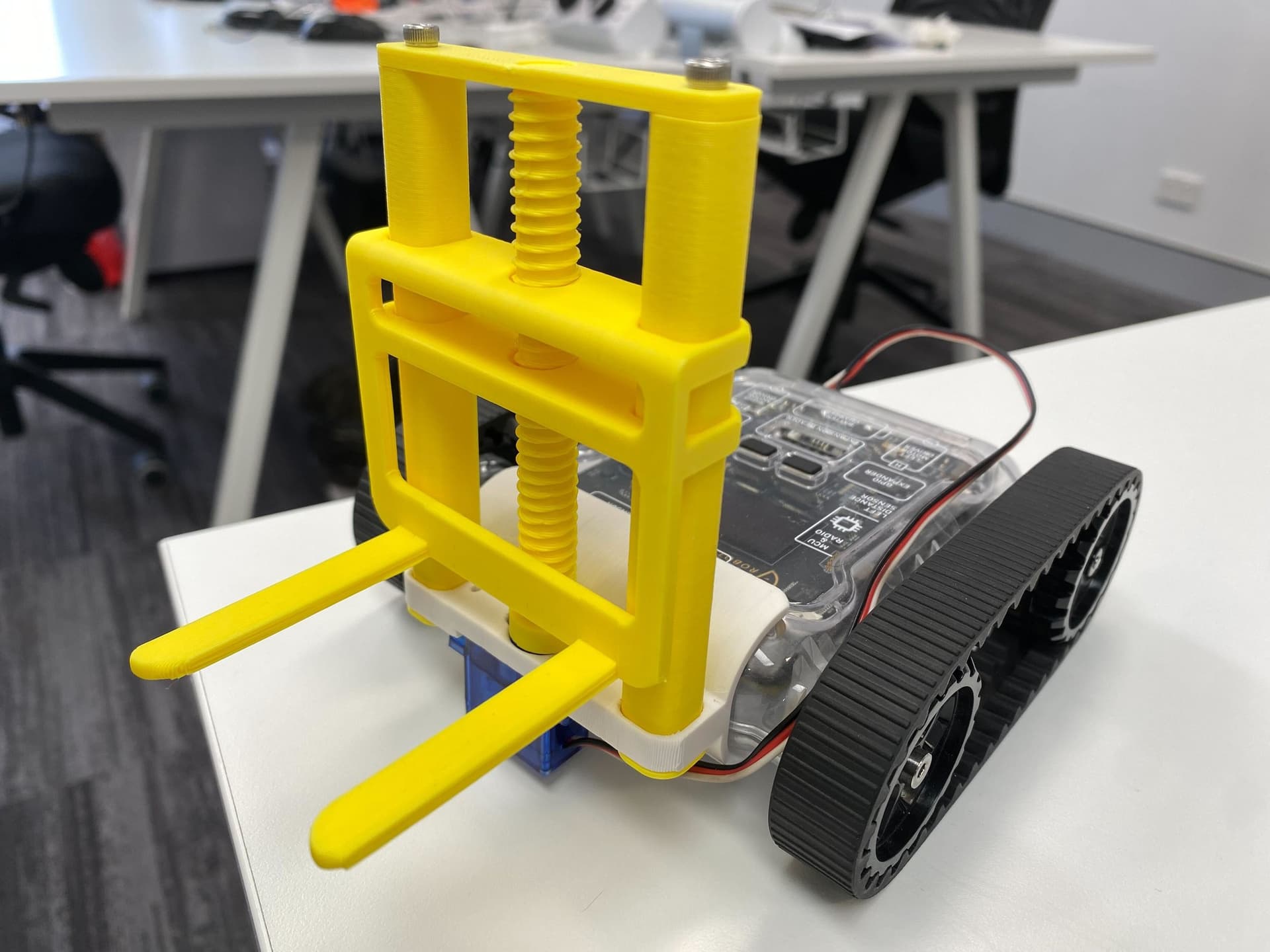
Use the forklift to move and stack meloncubes into increasingly taller towers. Calculate the correct times to power the servo to reach the maximum height.
Setup
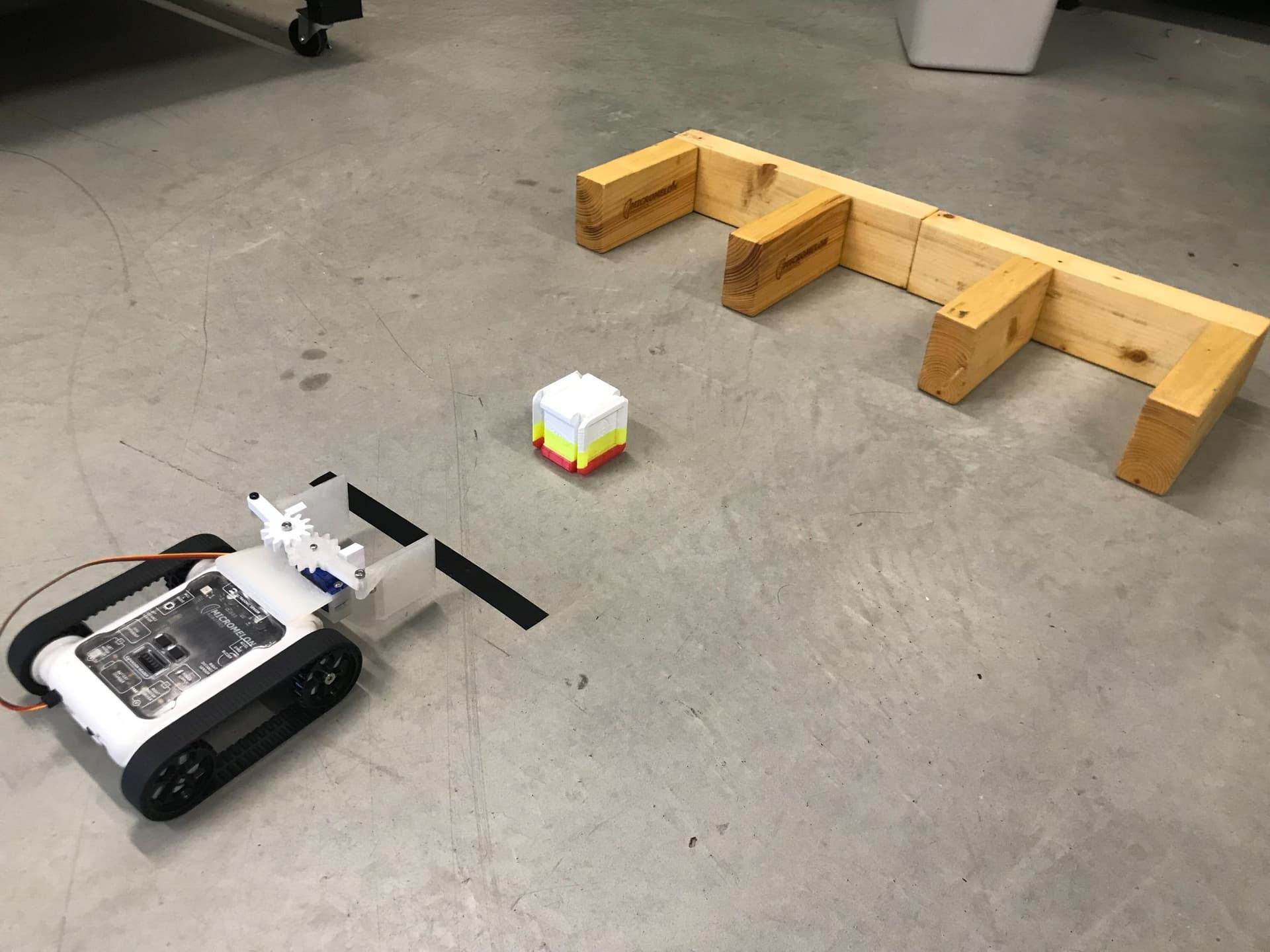
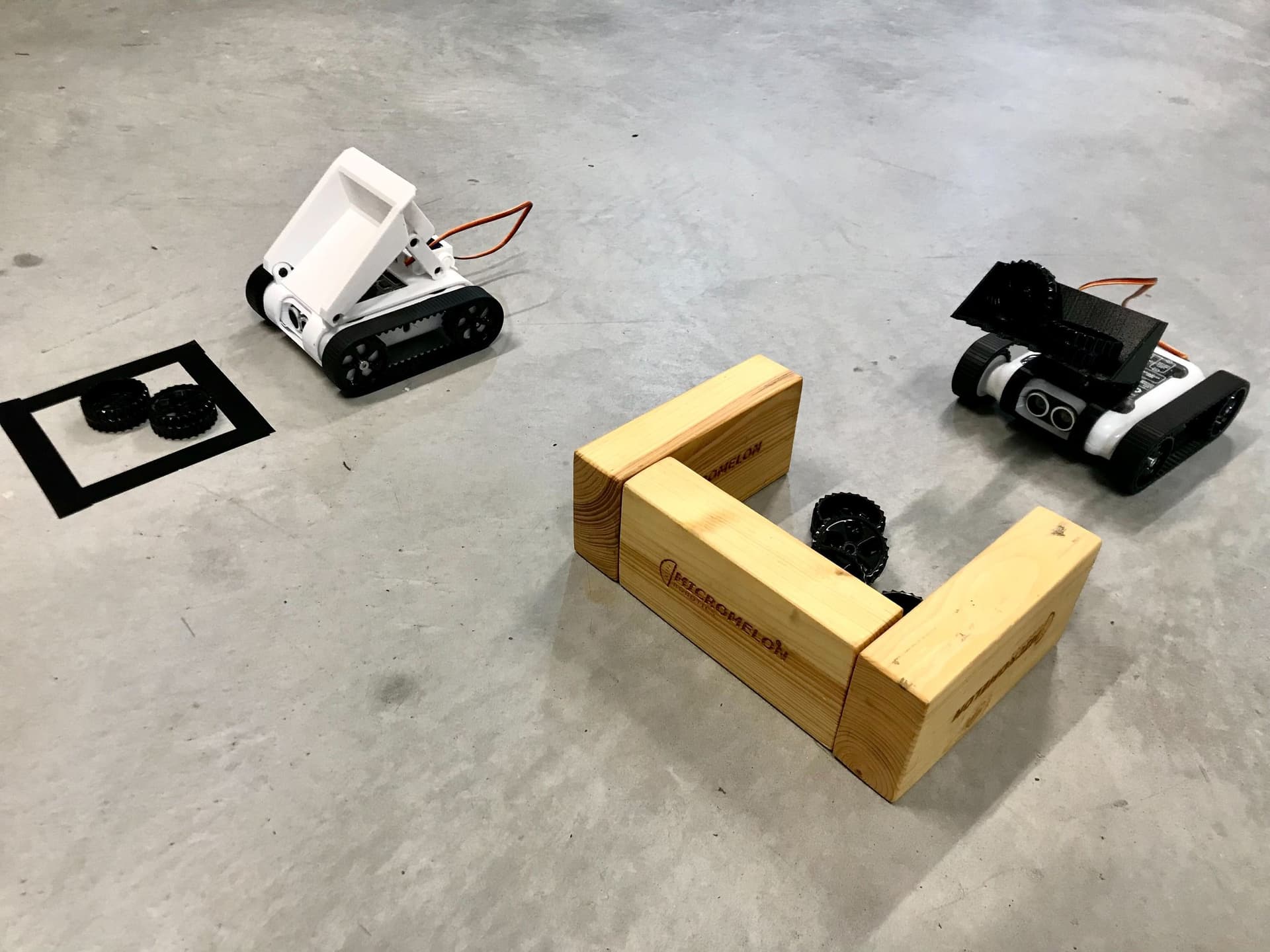
Against a wall, set up a series of towers using solid materials. We generally use blocks of wood differing in height. Use multiple Meloncubes and practice picking them up using the forklift. Once this has been mastered, raise the fork to the heights of the various towers and stack the Meloncubes on each. Note that the forklift's maximum lift height is about 8cm off the ground.
To extend the students, task them with designing and printing a modular cube that can easily be picked up by the fork. These can be used to create stacked building blocks using the forklift.


Our Approach

- Start by moving the rover forward 7cm towards the Meloncube.

- Set the continuous servo (right) to -90 degrees to raise the fork.
- Add a delay of 9 seconds for the servo to complete the lift.
- Set the servo back to 0 degrees to stop it.

- Once the fork has been lifted, move forward 7cm towards the tower and stop in front of it.
- This distance may vary depending on how far away the tower is.
- Consider adding tape on the ground for the colour sensor to detect.

- Set the right servo to 90 degrees to lower the fork to the correct height.
- Add a 1-second delay, then set the servo to 0 to stop.
- Add a 0.5-second delay to allow the servo to settle.
- Move backward 10cm to back away from the tower.

- The full program: move forward, raise the fork with a timed servo, move to the tower, lower the fork, and reverse away.
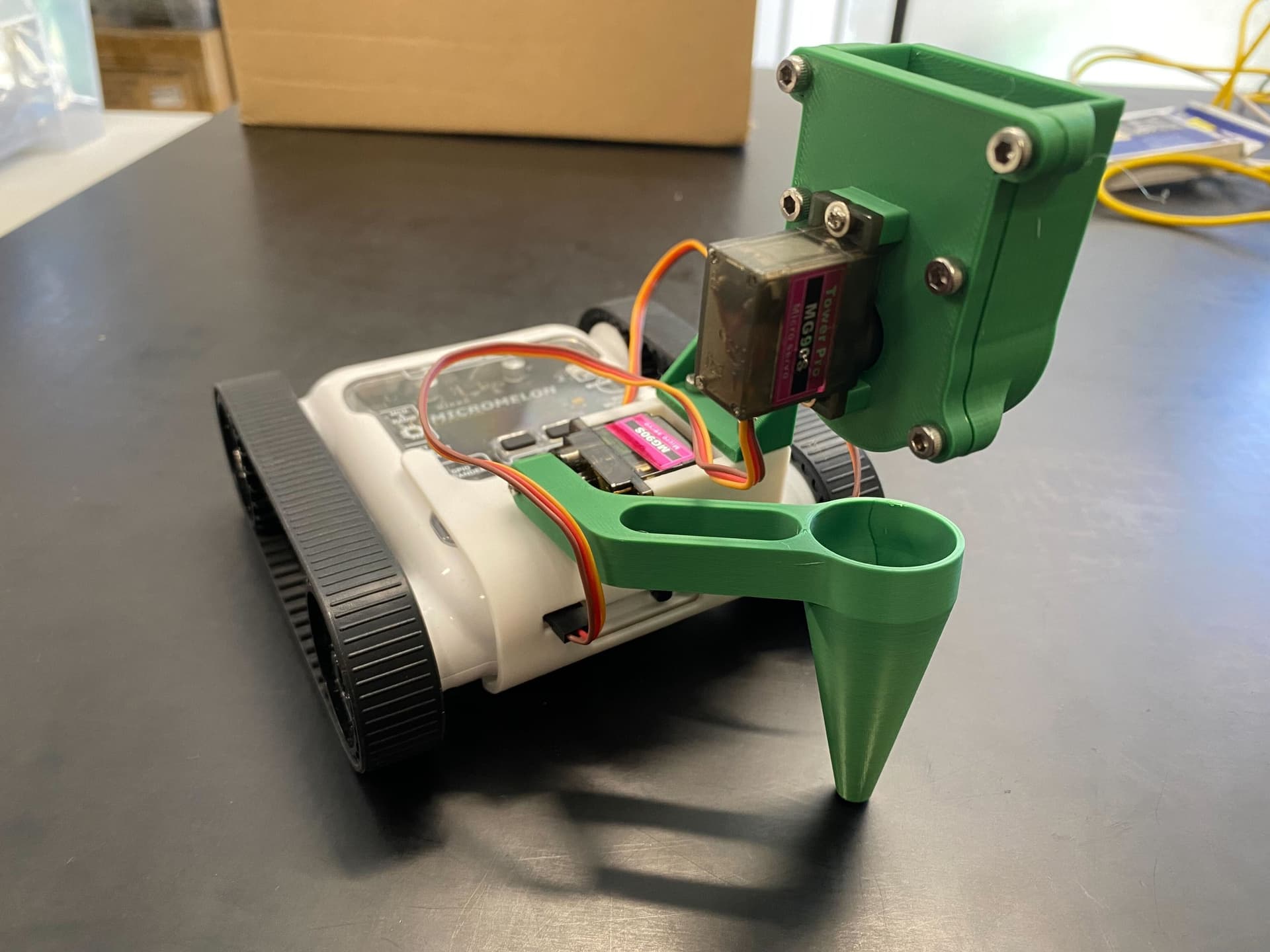
Tip: Try designing your own modular cubes that are easy to lift and stack. We’ve provided the measurements for the fork below to make designing easier. Maybe you can start a construction project, build a city, or a staircase!

- The fork prongs are 50mm long and 38mm apart, with a thickness of 3mm and a tip width of 8mm.
- Use these measurements when designing custom cubes for stacking.