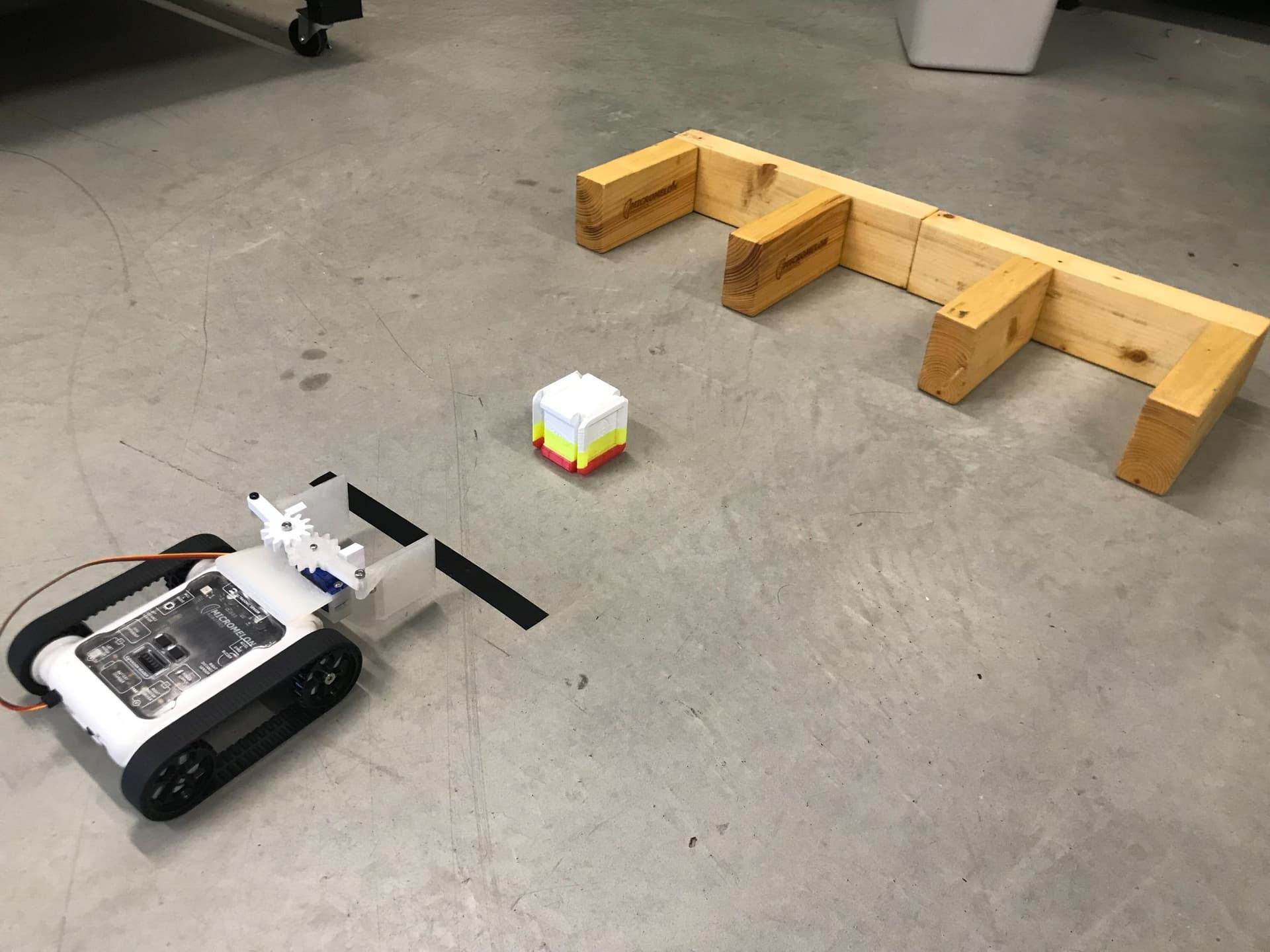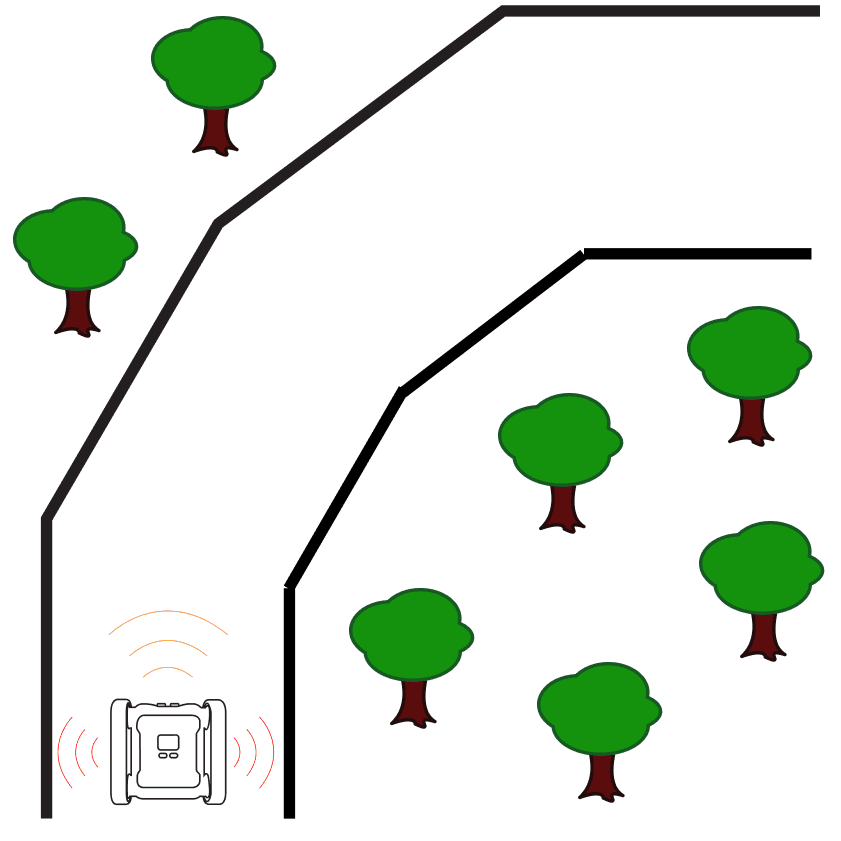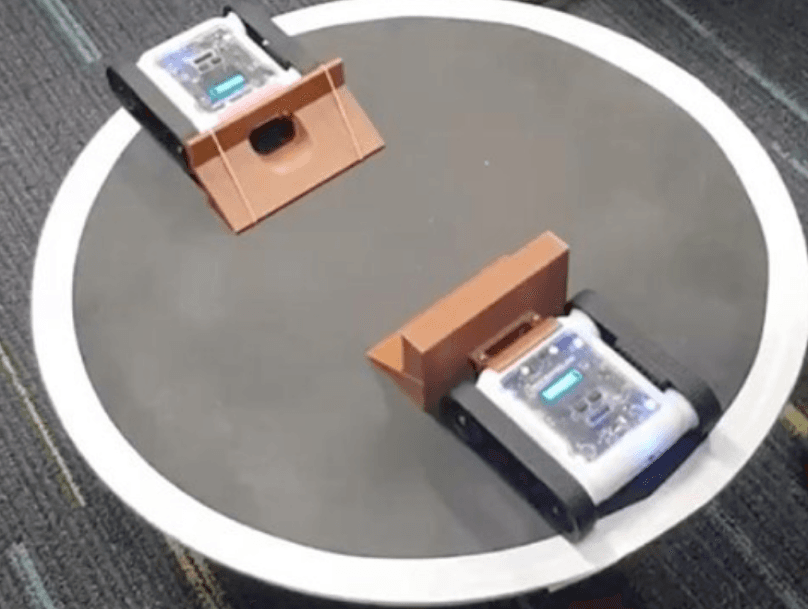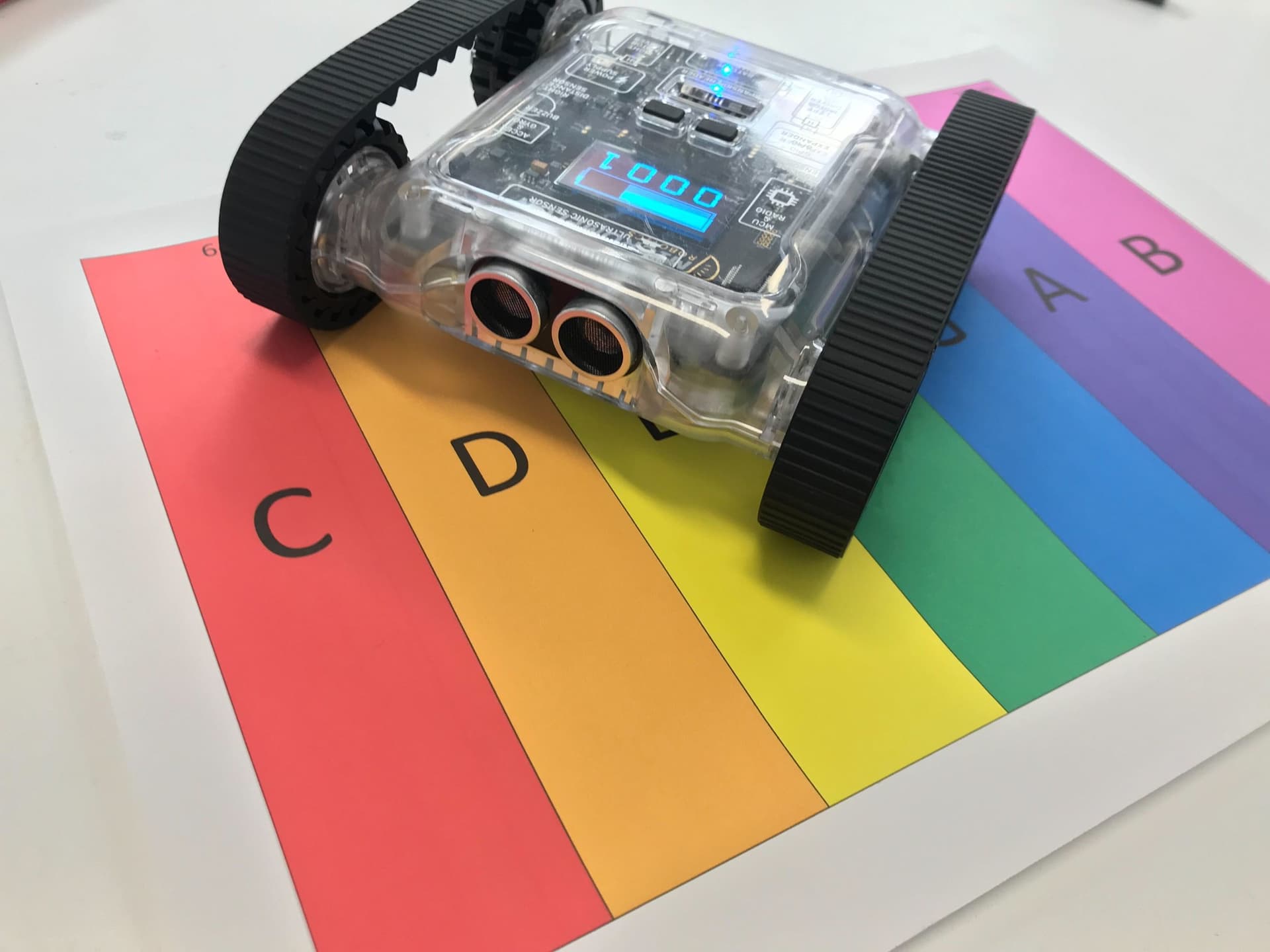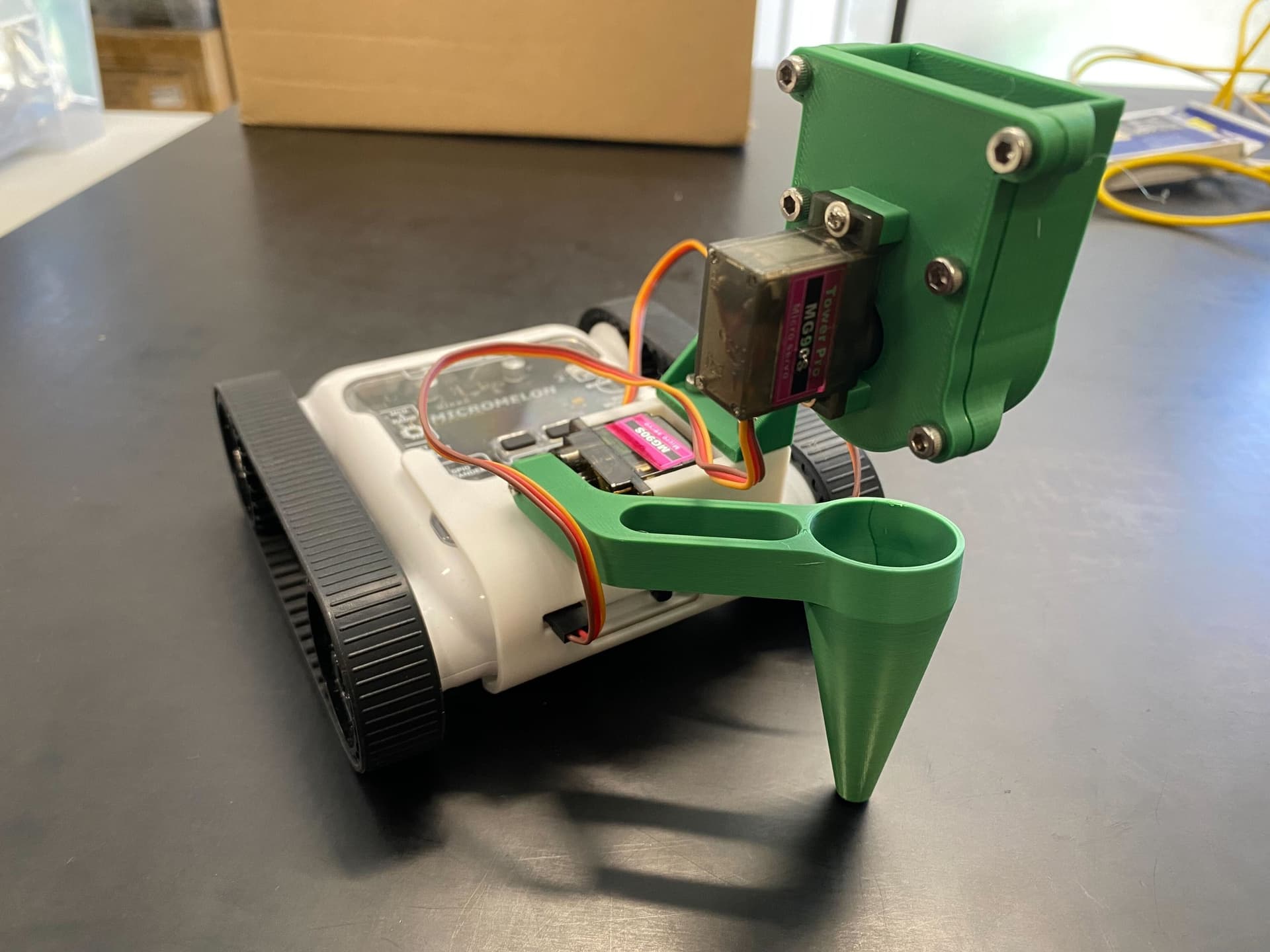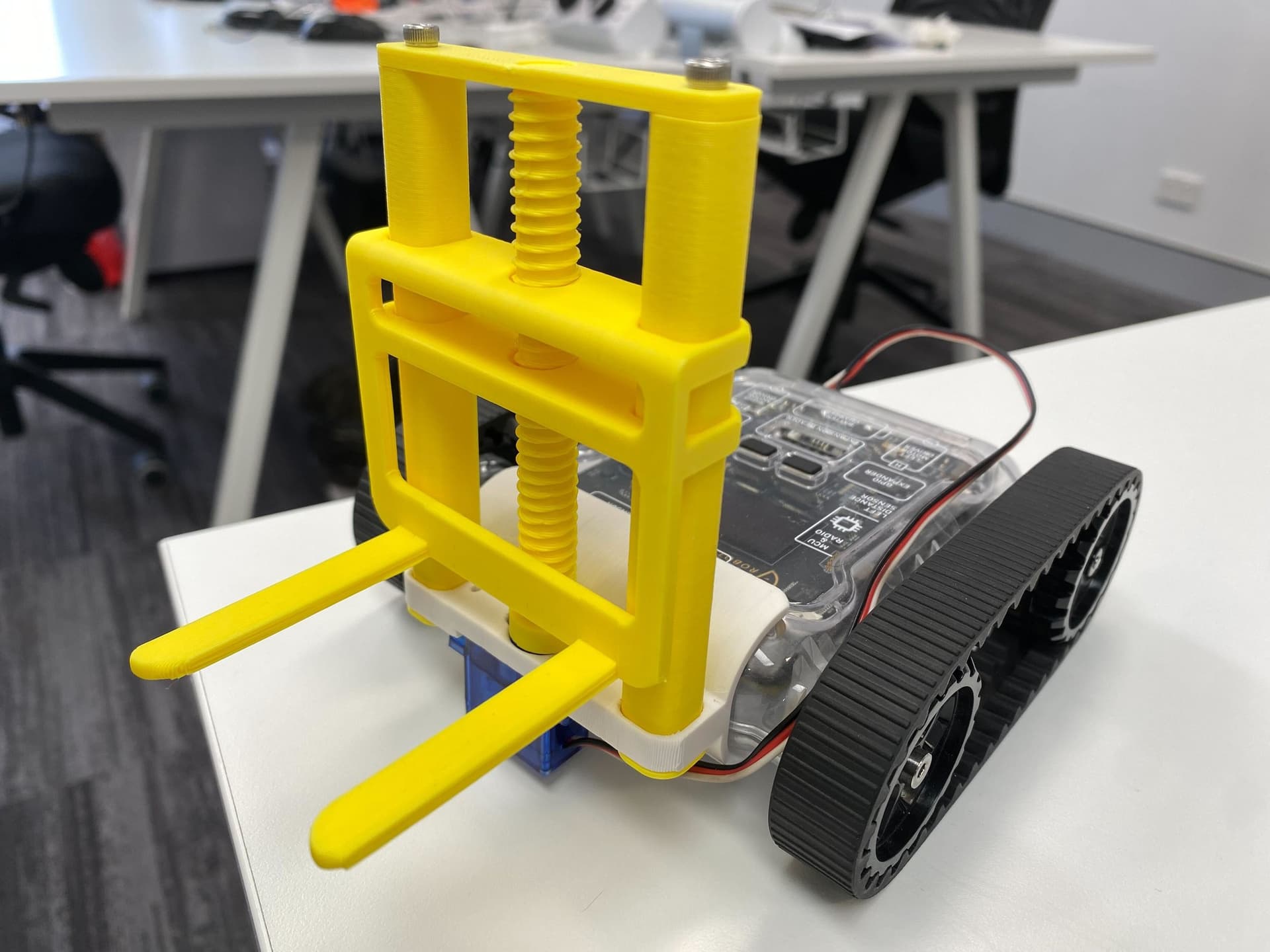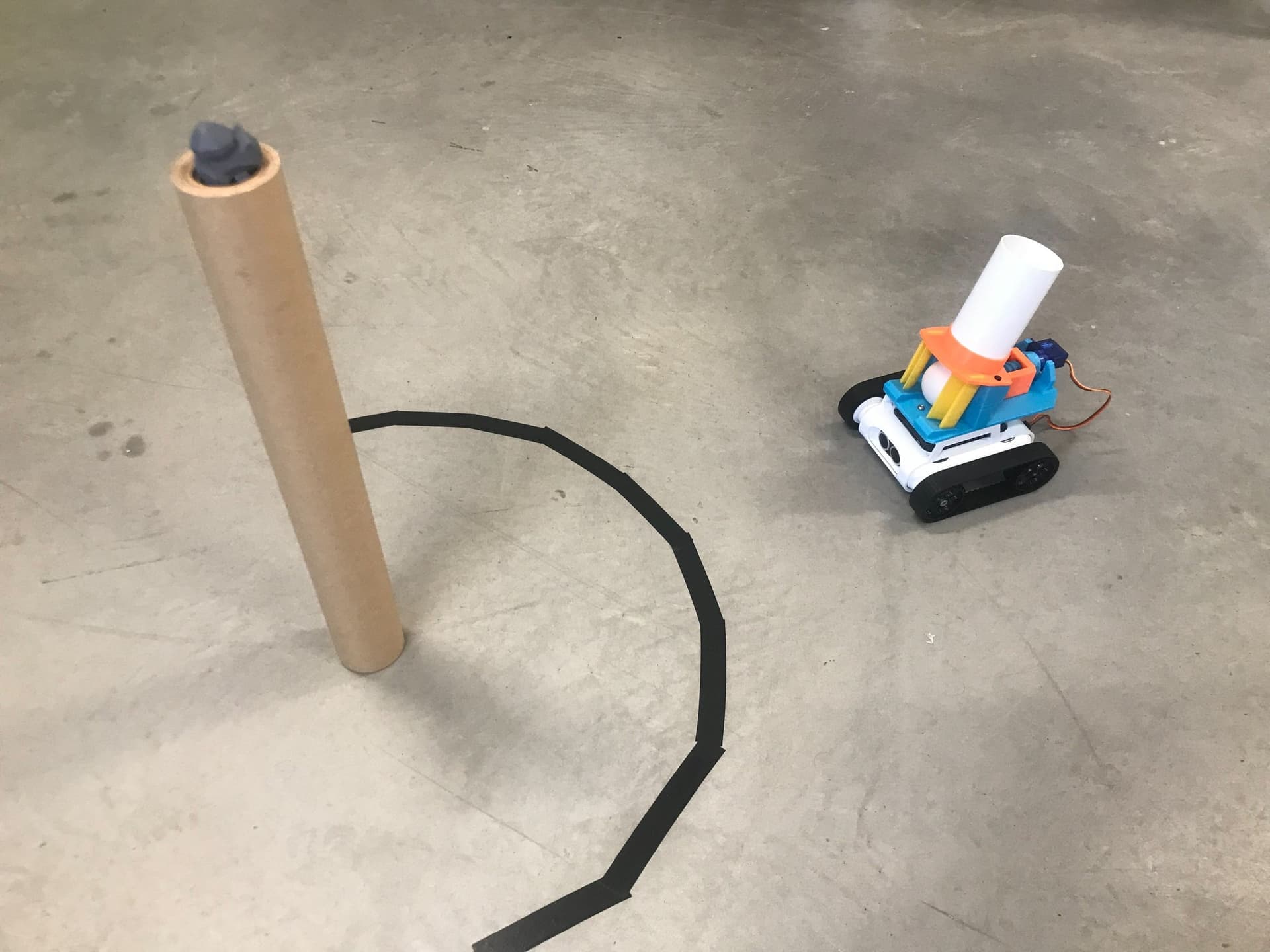
Use the ping-pong shooter attachment to locate and topple towers from a distance. The ultrasonic sensor can be used to find the tower by searching in a radar motion. Once the tower is located, the distance can be used to move the rover close enough to topple the tower.
Setup
Start with a large empty space on the floor, and place a tower, approximately 20cm tall, with a light object like a Lego figurine on top. The tower should be made of lightweight material like paper or cardboard. The larger the tower, the easier it is for the shooter to hit, so choose a size from 10cm - 5cm wide. Outline a circle of tape on the ground around the tower. This is the shooting limit that the rover must not cross over. Again, the larger the ring, the harder it is to hit the target, so size accordingly.
First, the rover must be placed in a random location near the tower. Then, the robot should spin around and locate the tower. Finally, it must distance itself from the tower without crossing the line and hit the tower with a ping-pong ball.
Our Approach
Constant: a variable that never changes while the code is running. In Python, we write these in all capitals with underscores between words.

- Set the
SERVO_OUTconstant to 4 and theSERVO_INconstant to 3. SERVO_OUTcontrols how long the servo spins to shoot a ball.SERVO_INcontrols how long the servo spins to retract the pusher.- These values might need to be tweaked for your specific rover through trial and error.

- Create a
shootfunction that moves the left servo to -90 degrees, delays forSERVO_OUTseconds, stops the servo, waits 0.5 seconds, then spins the servo to 90 degrees forSERVO_INseconds, and stops it again. - Continuous servos spin without limit, similar to a motor. Setting 90 or -90 degrees spins at top speed in each direction, and 0 degrees stops the servo.

- In the main code, use a "repeat until" loop that checks if the ultrasonic distance is less than 50cm. Inside the loop, turn left at speed 7.
- After the loop, turn right by 5 degrees to correct for overshoot.
- The slower the rover turns, the easier it will be to find the tower, so adjust the speed accordingly.

- Use a "repeat while" loop that moves forward at speed 5 while the brightness reading from the middle colour sensor is less than 140.
- For our setup, the ground had a brightness of 100 and the white tape had a brightness of 180. The threshold of 140 is halfway between them.
- Make sure to enter your own values for this part.

- Stop the motors, then call the
shootfunction to hit the tower. - This will pause the robot until the entire shoot sequence is complete.
Tip: Our code aims to get as close to the line as possible and fire. Another technique is to find the perfect distance from the tower to shoot from and use the ultrasonic sensor to stop the Rover at exactly that distance.