Create the ultimate sumo algorithm. Use every sensor on the Rover to build an advanced strategy that combines precise movement with the gyroscope, defensive detection with the accelerometer, and organised code using functions.
Sumo battle in the Robot Simulator
Setup
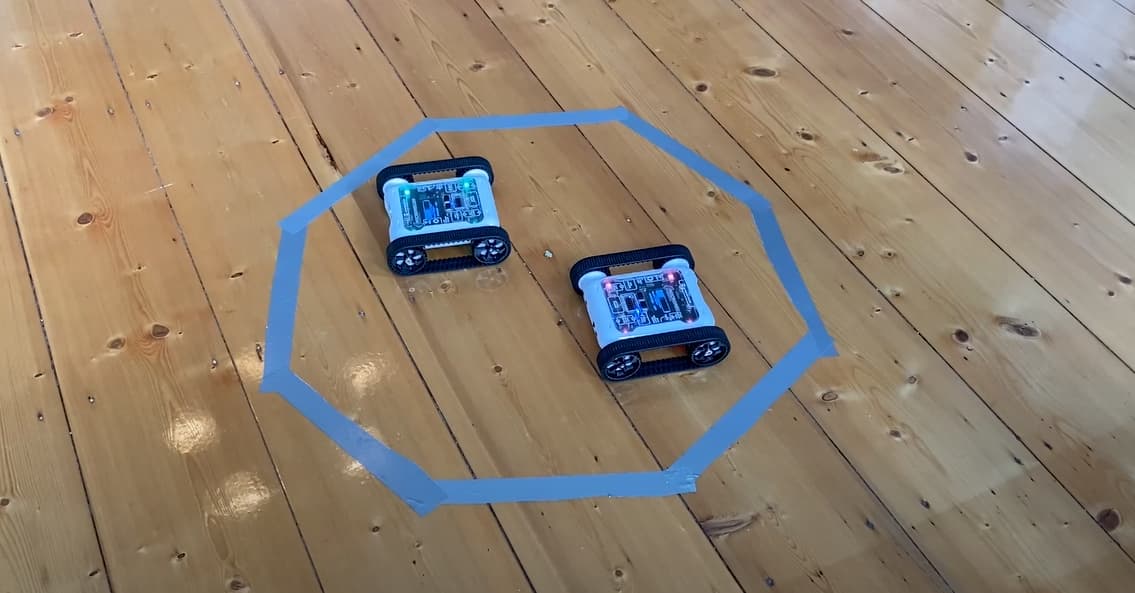
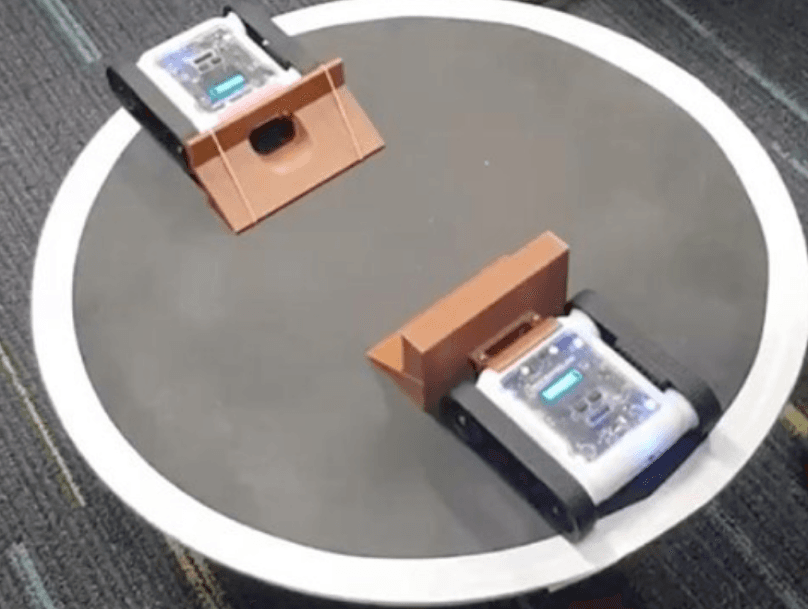
Use the same sumo arena setup. For an extra challenge, try a smaller arena (40–50 cm diameter) to force more aggressive and precise play.
Building On Sumo II
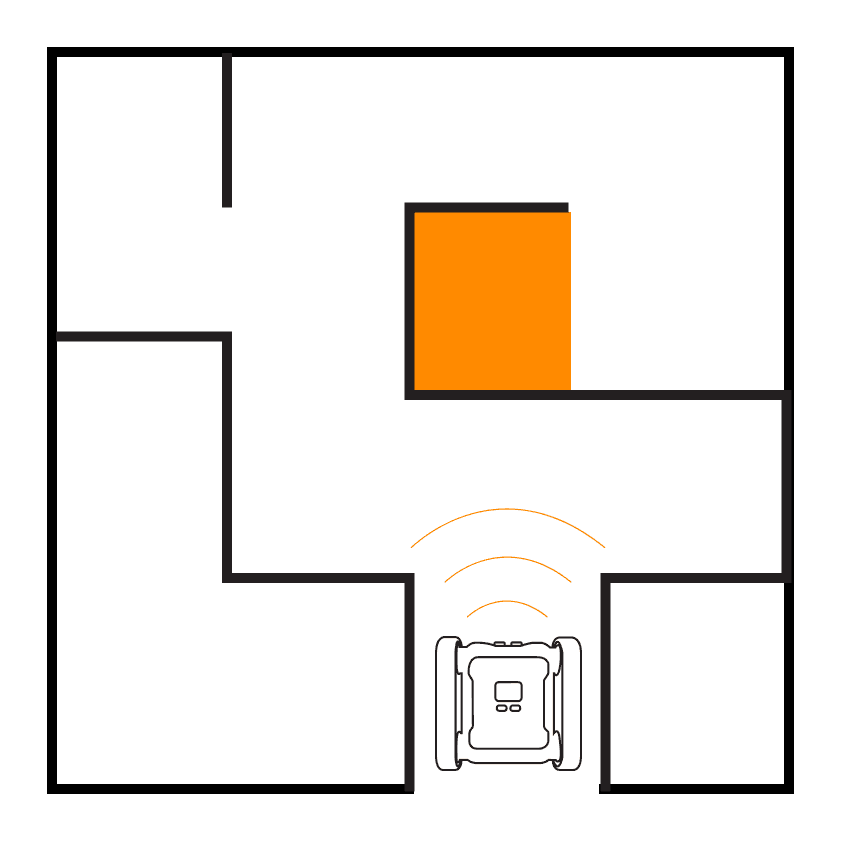
In Sumo II we added IR sensors and a search pattern. Now we’ll use the gyroscope for controlled turning, the accelerometer for defensive awareness, and functions to keep our code organised.
Stage 1: Precise Movement With the Gyroscope
Use the gyroscope to make controlled turns when searching for opponents. Instead of spinning wildly, rotate in measured increments (e.g. 30° at a time) while checking sensors between each turn. This creates a systematic sweep of the arena.
def turnByDegrees(degrees):
    start = IMU.readGyroAccum(2)
    direction = 1 if degrees > 0 else -1
    Motors.turn(15 * direction)
    while abs(IMU.readGyroAccum(2) - start) < abs(degrees):
        delay(0.01)
    Motors.write(0)
Stage 2: Defensive Tactics With the Accelerometer
The accelerometer can detect when your Rover is being pushed or tipped by an opponent. If a sudden acceleration is detected from behind or the side, the Rover knows it’s under attack. Program a defensive response: spin to face the attacker and counter-charge.
def underAttack():
    # Detect sudden lateral force
    return abs(IMU.readAccel(0)) > 0.5 or abs(IMU.readAccel(1)) > 0.5

def defend():
    # Spin to face the attack and counter-charge
    turnByDegrees(180)
    Motors.write(60)
    delay(0.5)
Stage 3: Organise With Functions
Create functions for each behaviour: checkEdge, scanForOpponent, charge, defend, and searchPattern. Your main loop should read as a clear sequence of decisions, this makes it much easier to test and tweak individual strategies.
while True:
    if checkEdge():
        backAway()
    elif underAttack():
        defend()
    elif opponentVisible():
        charge()
    else:
        searchPattern()
Stage 4: Adaptive Strategy
Combine everything into an adaptive algorithm. Start with a search pattern, charge when an opponent is found, defend when being attacked, and always stay away from the edge. The priority order matters: edge avoidance first, then defence, then attack, then search.
Challenge
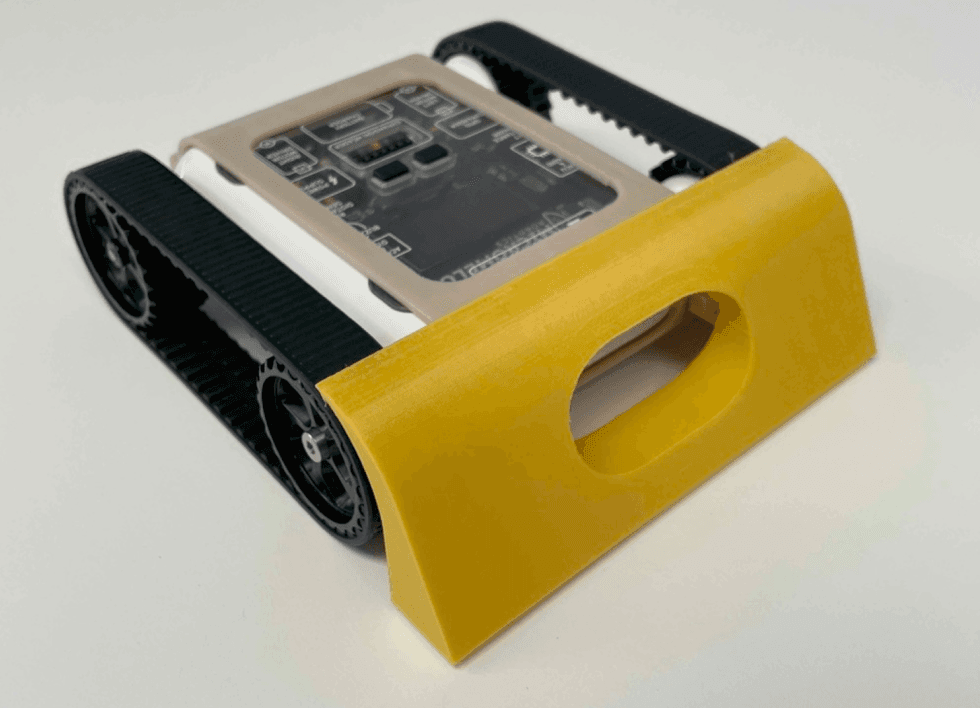
Battle the AI opponents in the Micromelon Robot Simulator. Can you defeat all three difficulty levels? Try designing a 3D-printed attachment to give your Rover an extra advantage.