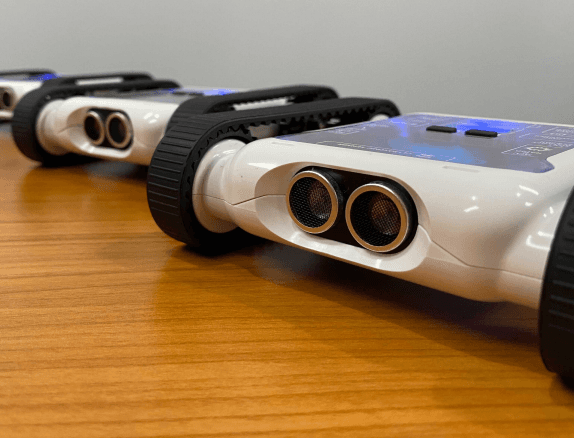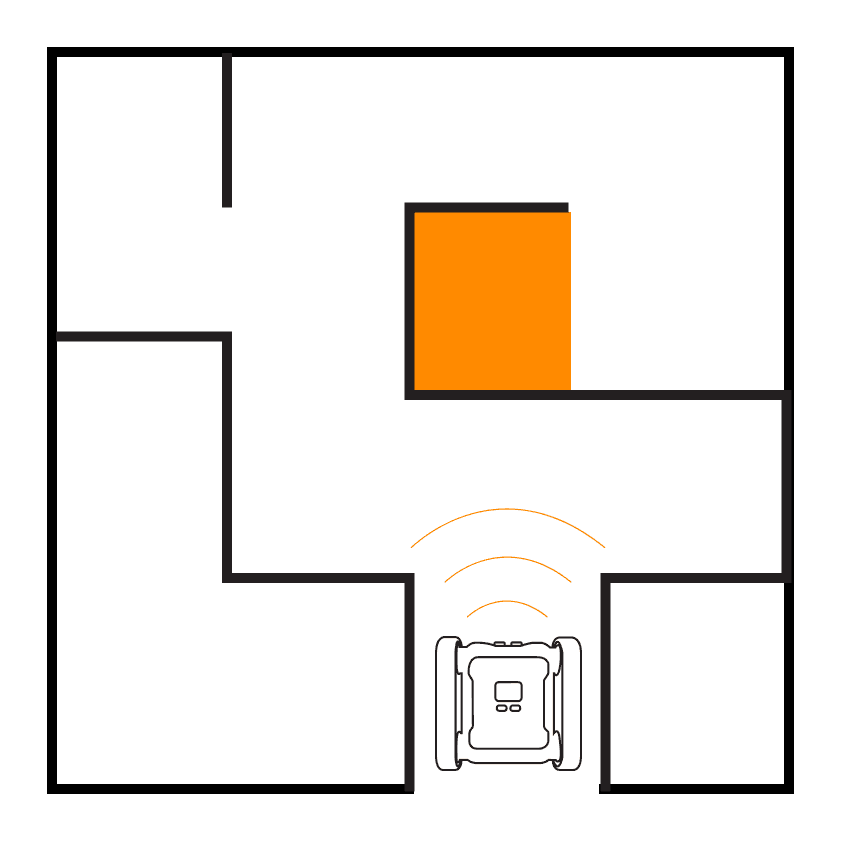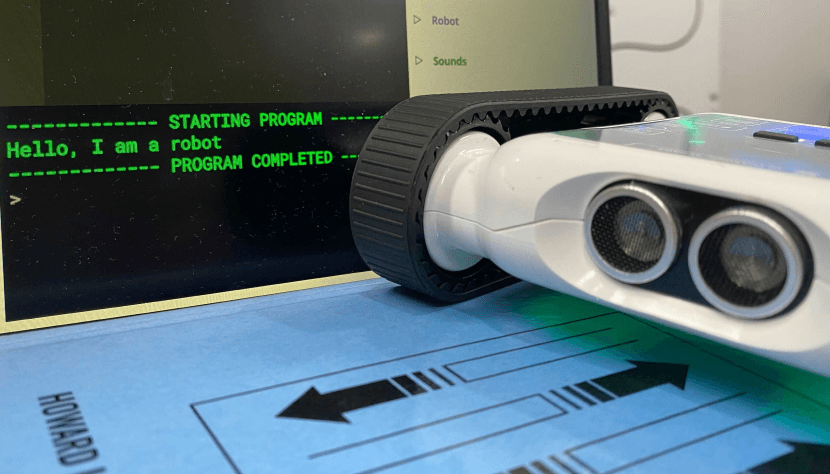
Use the input block to create a conversation between you and your Rover. Use variables to save information in the conversation, or ask the Rover to do different tasks.
Setup
This exercise doesn’t require much space, you can choose whether the Rover moves or not. There’s no limit to how the conversation can work. Try involving the LEDs and sounds, which often leads to needing variables, branching, loops, and functions.
Our Approach
This example is just one conversation you could have with the Rover, it shows how to use the input block with variables and if statements. You can easily extend it with loops, motors, sensors, and functions.
Stage 1: Greet the User
Use the Request Input block to greet the user and ask their favourite colour. Use a Print block with string concatenation to say hello. Store inputs in well-named variables to keep your code readable.
Stage 2: Respond Based on Input
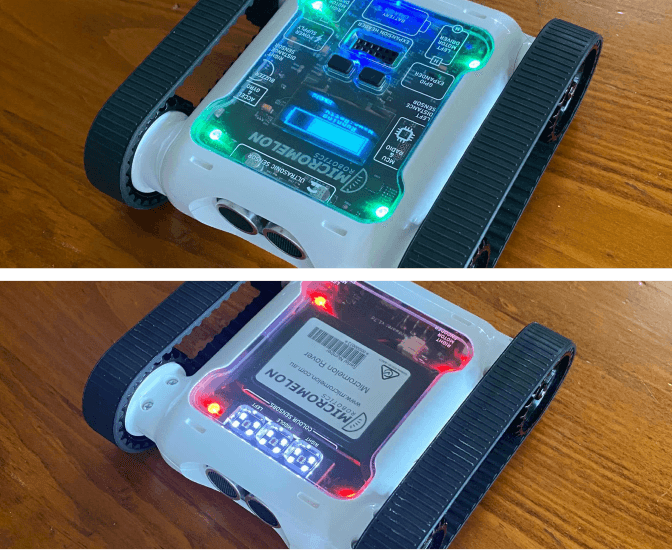
Use an IF statement to check whether the response is something we understand, and an ELSE branch for when we don’t. Use a Set All LEDs block to set the LED colour when the input is recognised.
Stage 3: Handle More Responses
Add more responses by chaining ELSE IF (elif) branches.

Example code, input handling with variables and chained IF/ELIF branches