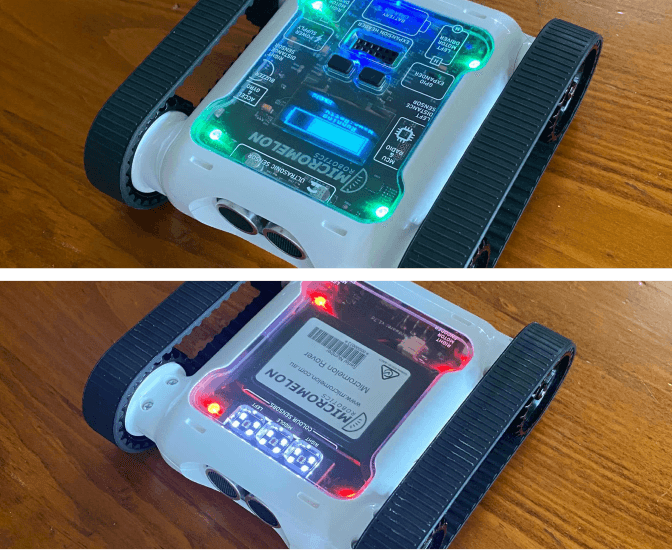
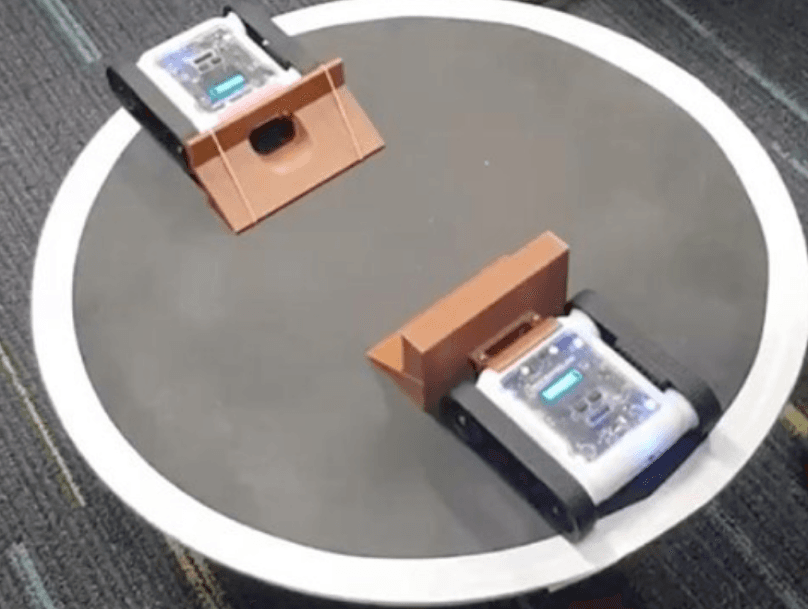
Hold a dance contest in the classroom for Rovers to compete in. Students program the motors to perform dance moves, then use the LEDs and buzzer to add flair. Encourage students to use loops and functions to simplify their code, points go to those who make good use of the Rover’s tools and write clean code.
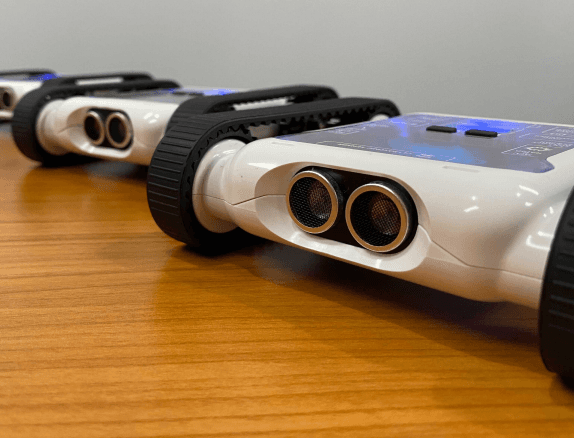
Rovers performing dance routines
Setup
We like to group students to create collaborative dance routines involving multiple Rovers. 4–5 students working together on 3 Rovers is a good size. The rest of the setup depends on what you have available in the classroom. You could add obstacles or props to make the performance more interesting.
Our Approach

Example code, using functions for dance moves
There isn’t a single correct solution for this challenge. Each student will program their Rovers differently. Regardless of approach, we encourage students to use functions to organise their code.
Stage 1: Build a Dance Move Function
Function blocks work in pairs: there’s a block that holds the instructions, and a small block that calls those instructions. From the Functions category, drag in a function block and name it FancySpin. Inside the function, place your dance moves, set some LEDs, play some sounds, and make the Rover spin around.
Stage 2: Call the Function
From the start block, add a Repeat loop that runs twice. Inside the loop, call the FancySpin function so all the blocks inside it play twice.