Introduction
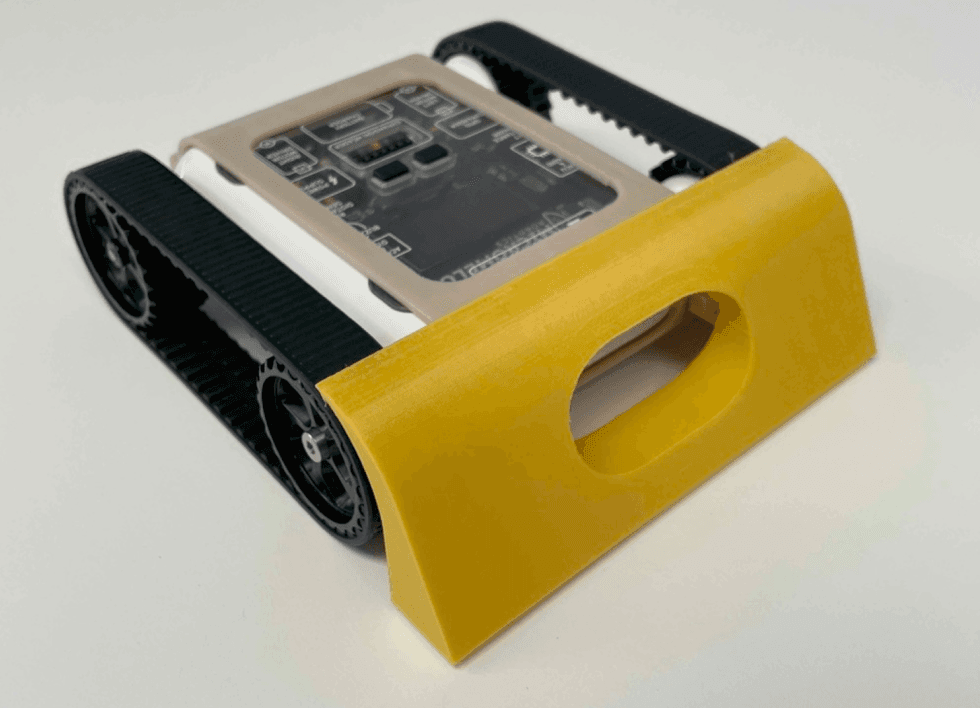
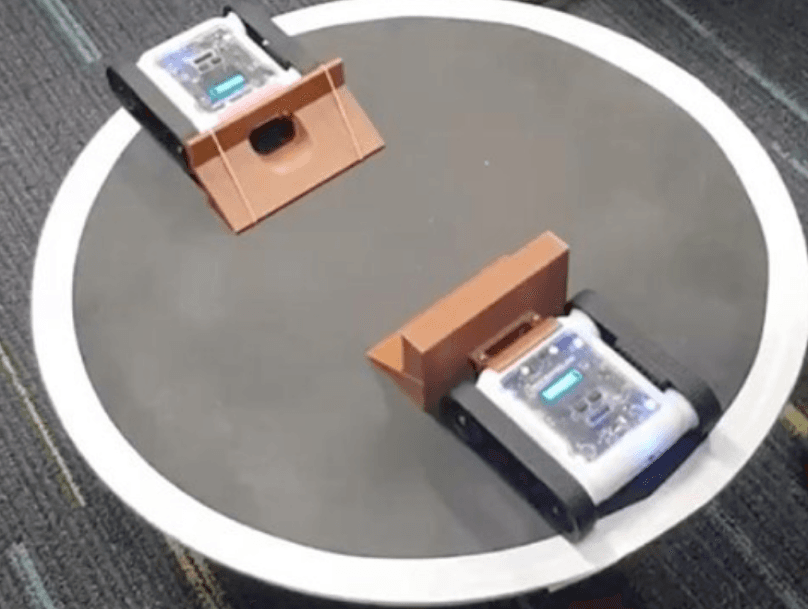
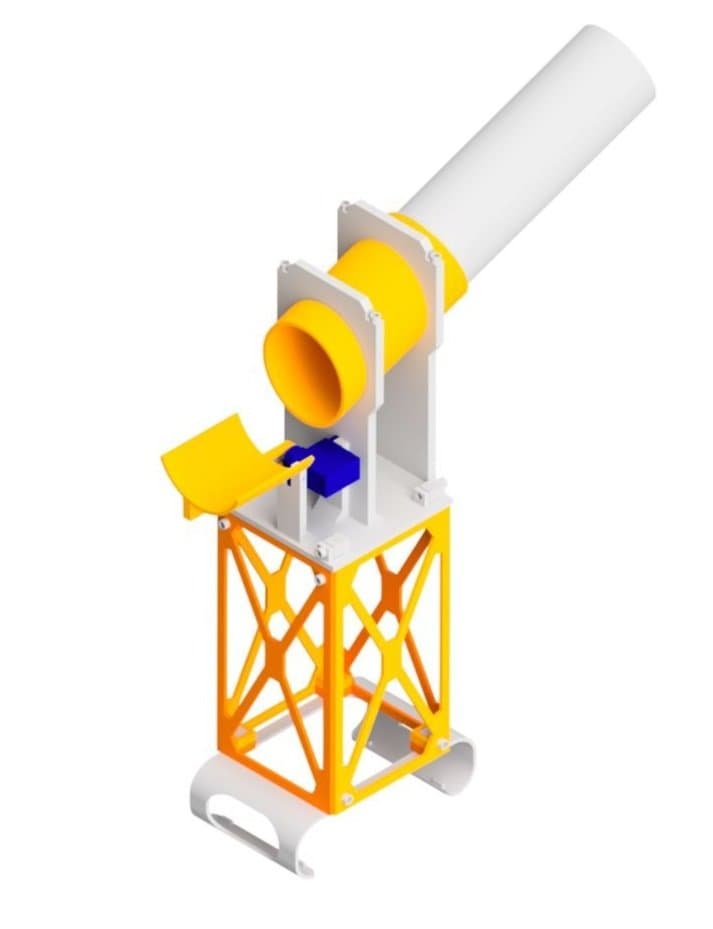
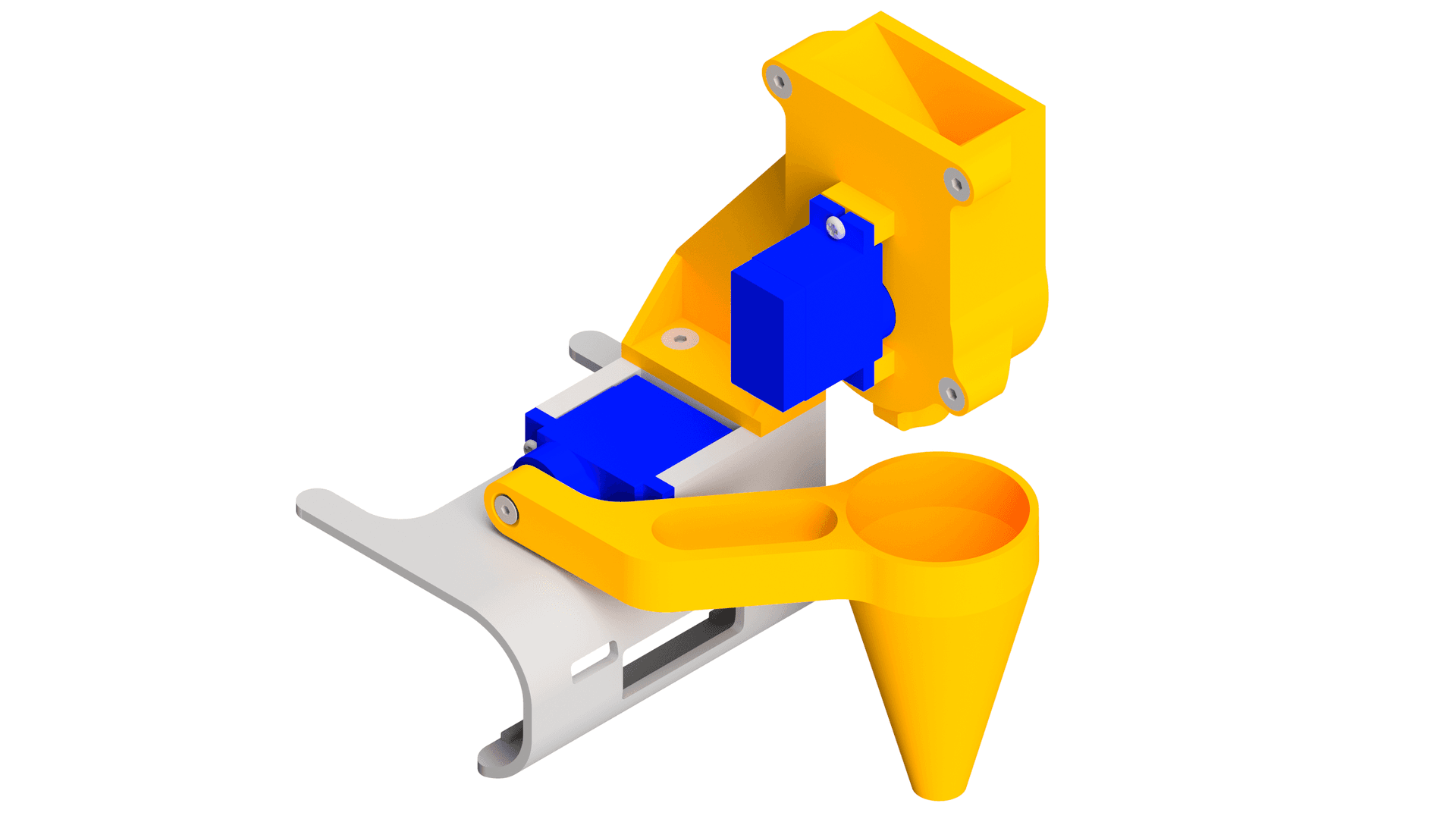
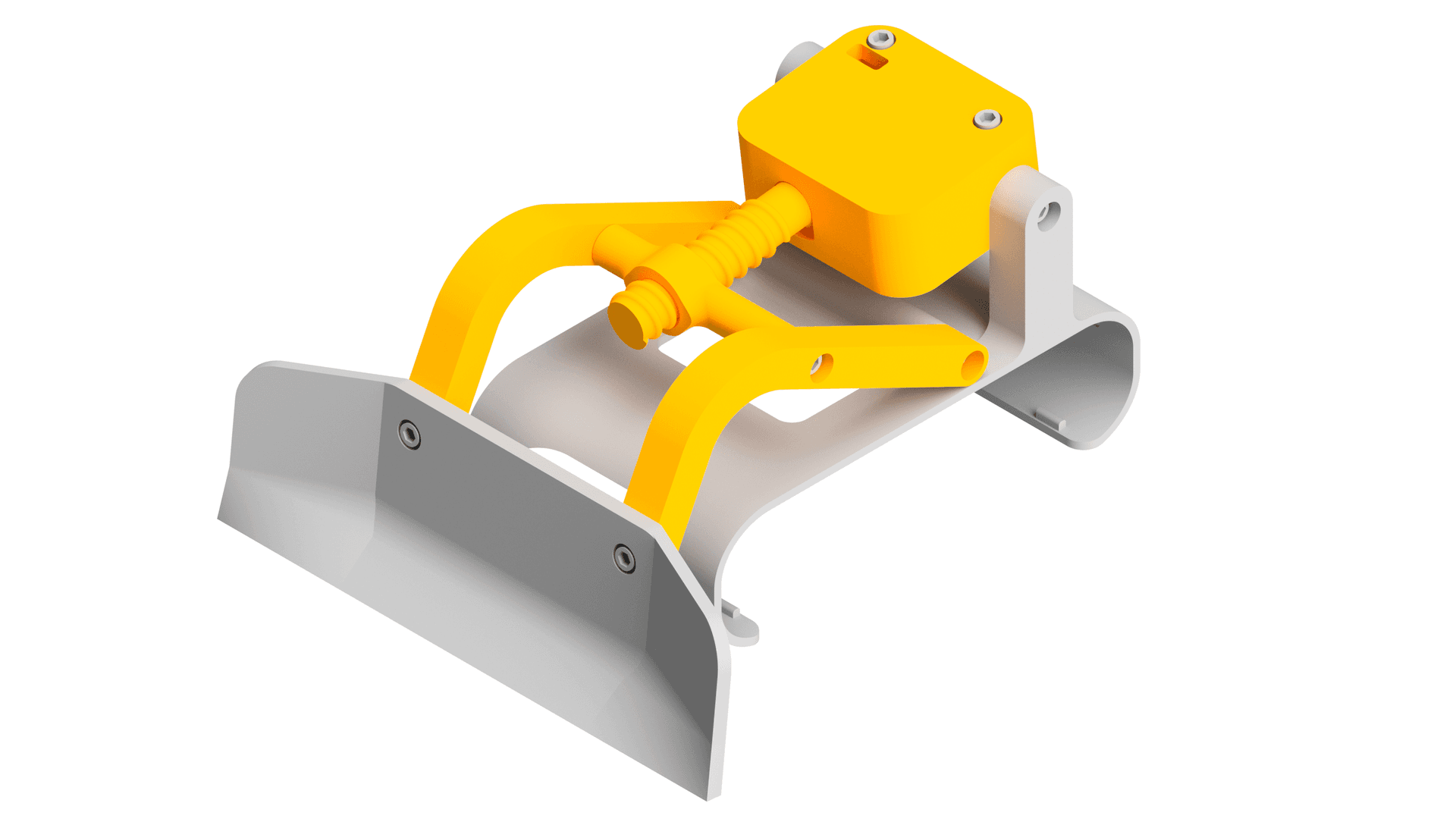
The bulldozer attachment lets your Rover push objects around using a sturdy blade. It clips onto the front of the Rover via the bolt clip adapter and is powered by a continuous servo motor. This guide will walk you through printing and assembling the attachment step by step.

What You'll Need
Parts:
- 1x Servo Horn
- 2x Servo Mounting Screws
- 12x M3 x 8mm Screws
- 2x M3 Nut
- 1x Micro Servo (Continuous)
Tools:
- Phillips Head Screwdriver
- M3 Allen Key
 Thingiverse
 Printables
 Makerworld
13D Print Your Parts
- 1x Left Arm
- 1x Right Arm
- 1x Bucket
- 1x Servo Mount
- 1x Servo Mount Roof
- 1x Screw
- 1x Pushing Shaft
- 1x Rover Shell

2Attach the Arms
- Connect the left and right arms to the rover shell. Note left and right is defined when looking from the back of the rover to the front.
- Insert nuts into both arms as shown.

3Attach the Bucket
- Connect the bucket to the arms using two M3 screws.

4Install the Servo
- Insert the servo into the servo mount and secure using two servo screws.
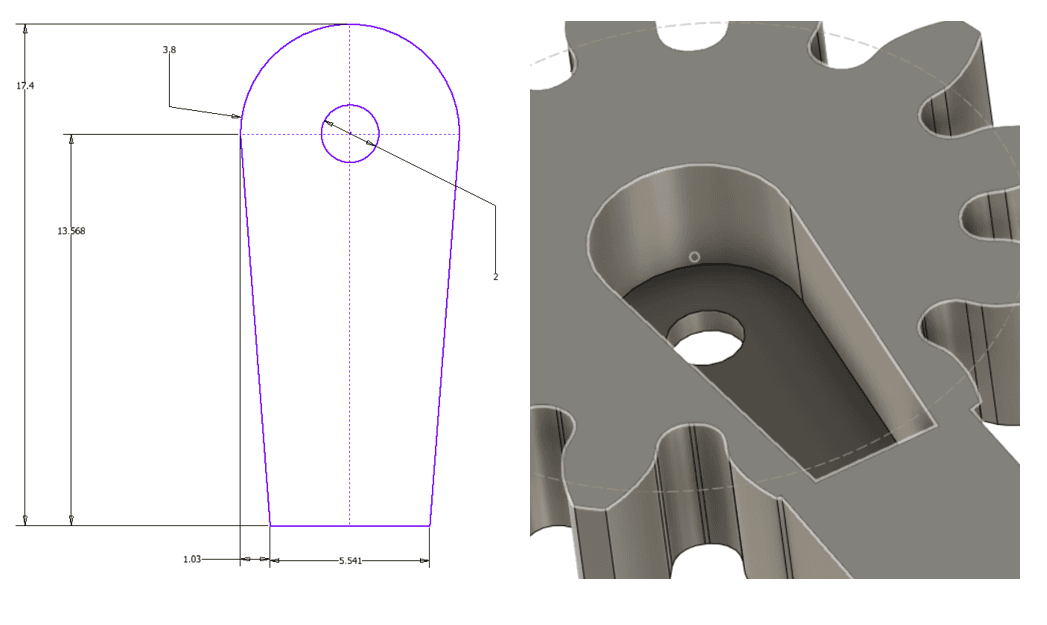
- Attach the servo horn to the servo, then push the screw on top.

5Attach the Servo Mount Roof
- Push the servo mount roof onto the servo mount. The fit should be tight, and the screw should click into place.
- Secure the roof and the servo mount together using four M3 screws.

6Attach the Pushing Shaft
- Screw the pushing shaft partway along the screw.

Final assembly
7Final Assembly
- Connect the servo assembly to the rest of the attachment using four M3 screws as shown.
You're Done!
Your bulldozer attachment is fully assembled and ready to clip onto your Micromelon Rover. Try pushing lightweight objects like ping pong balls or small blocks around a course. You can program the servo to raise and lower the blade using the Code Editor.