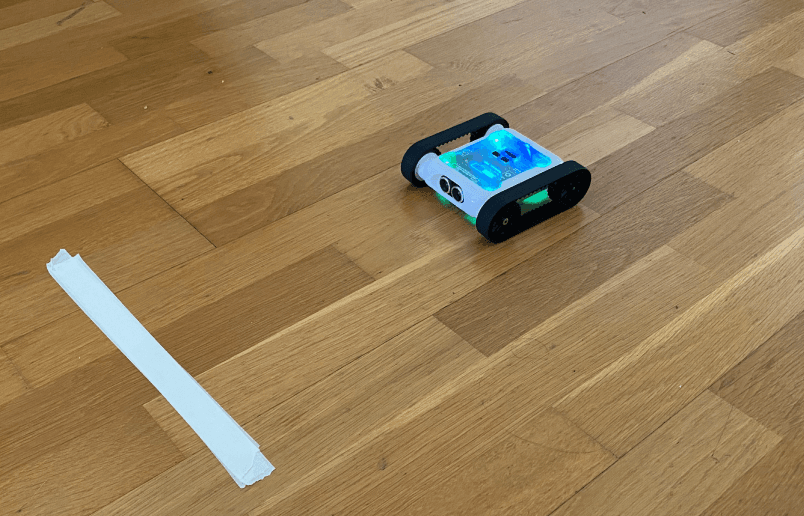
Program the Rover to keep moving forward until it detects a change of floor colour with the colour sensors. Once it detects the new colour, stop the Rover.
Setup
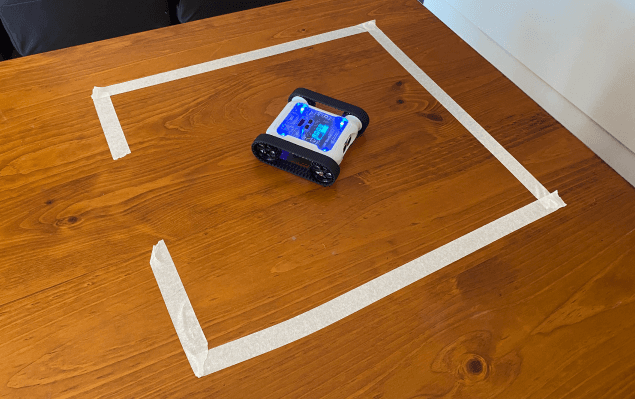
For this exercise we recommend a strip of tape stuck to the floor that contrasts the floor colour. It doesn’t have to be tape, all that matters is that there’s a clear change in colour for the Rover to detect. A piece of coloured paper works just as well.
Your solution should work no matter how far from the tape the Rover starts. Test the same code from multiple starting positions.
Our Approach
Stage 1: Move Forward
Tell the Rover to drive forward with a Start Moving motor block.
Stage 2: Check the Colour Sensor
While the Rover drives forward, constantly check the colour sensor. Use a Repeat Until loop where the condition is set to detect the desired colour, our code is looking for the brightness of the white tape.
Stage 3: Stop
The Rover keeps checking the colour sensor in the loop until the condition is true. After the loop, stop all motors.
Note: If the simple colour sensor blocks aren’t working, you may need to use a different comparison block to check more detailed readings from the sensor. Use the Rover’s Sensor View to identify the one that works best for you.

Example code 1