Introduction
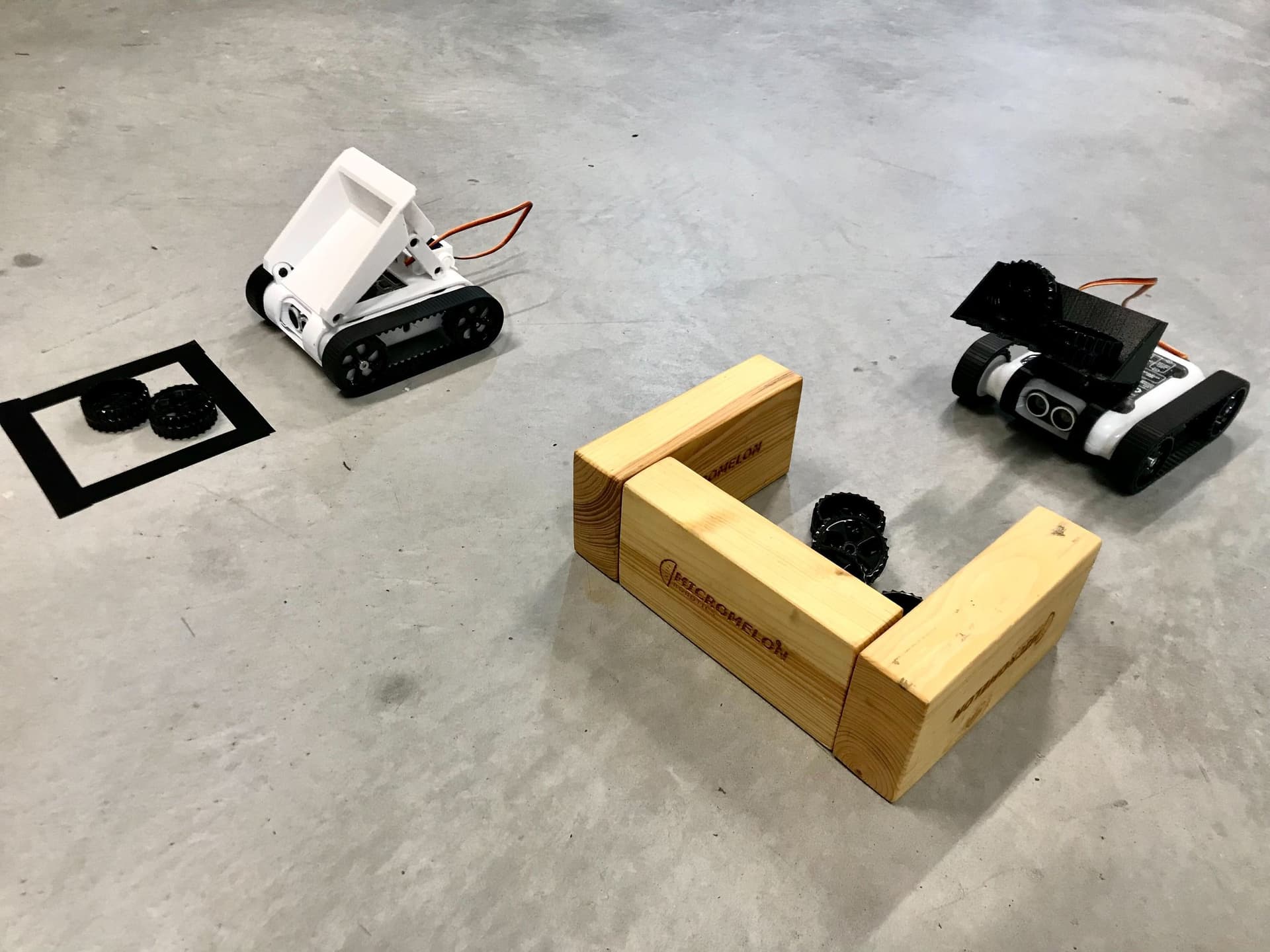
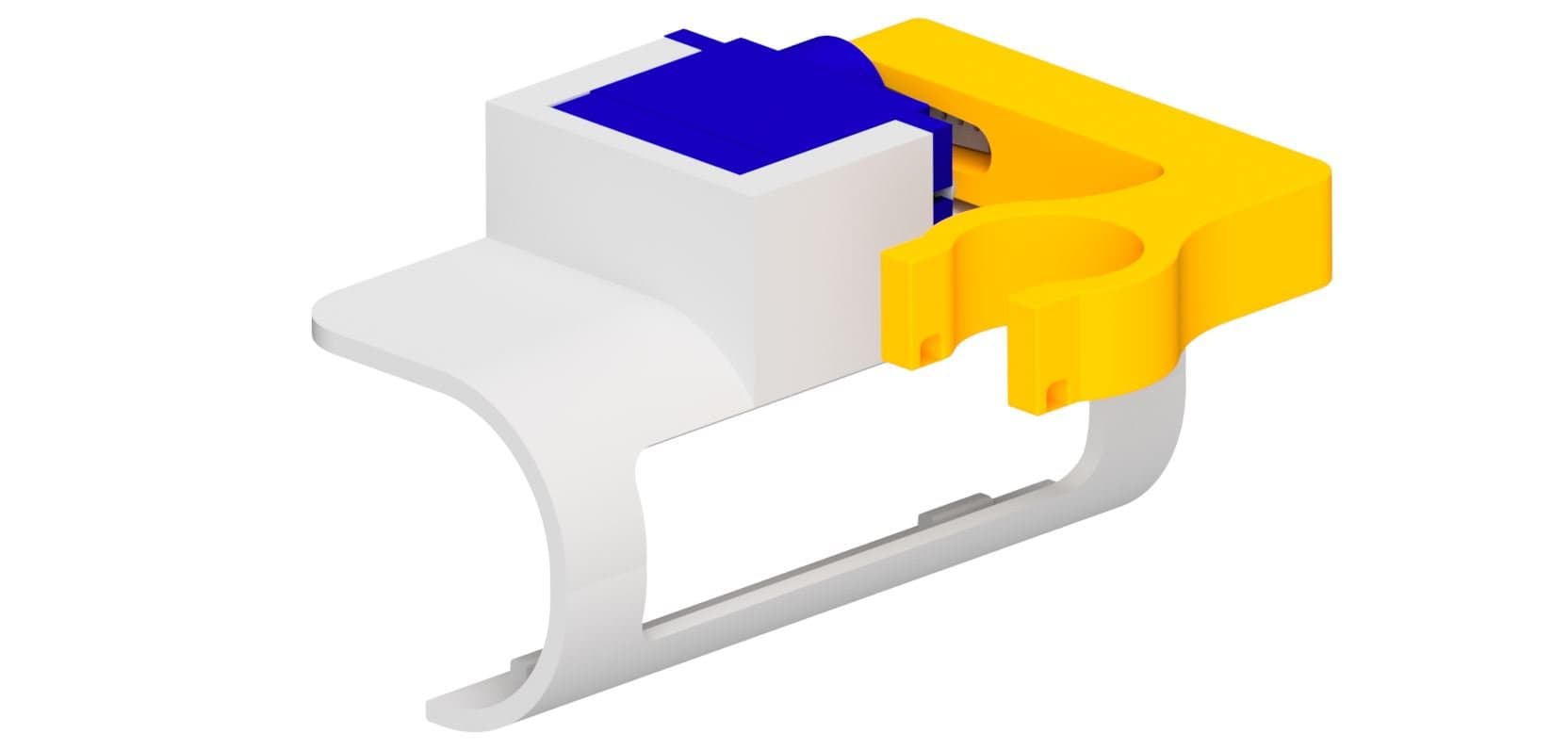
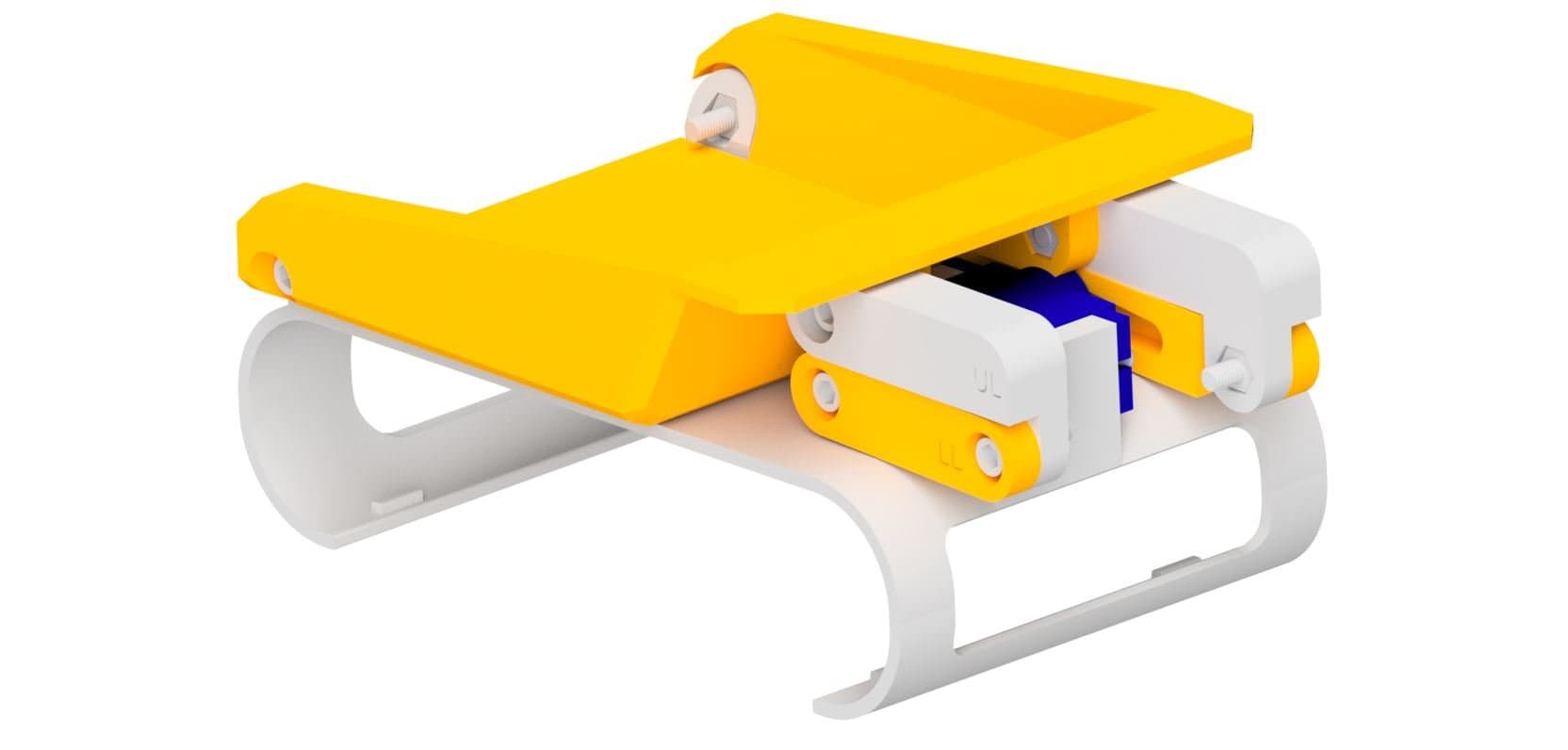
The tipper attachment lets your Rover scoop and tip objects using a hinged tray. It clips onto the front of the Rover via the robot clip and is powered by a micro servo. This guide will walk you through printing and assembling the attachment step by step.

What You'll Need
Parts:
- 8x M3 x 10mm Screws
- 8x M3 Nuts
- 2x Servo Mounting Screws
- 1x Servo Horn Screw
- 1x Servo Horn
- 1x Micro Servo
Tools:
- Phillips Head Screwdriver
- M3 Allen Key
 Thingiverse
 Printables
 Makerworld
13D Print Your Parts
- 1x Robot Clip
- 1x Tipper Tray
- 1x Lower Arm Left
- 1x Lower Arm Right
- 1x Upper Arm Left
- 1x Upper Arm Right

2Attach the Lower Arm Left
- Position the lower arm left on the servo mount area of the robot clip.
- Connect an M3 nut from the inside and secure with an M3 screw from the outside.

3Attach the Upper Arm Left
- Connect the upper arm left to the lower arm left using an M3 nut and screw.

4Install the Servo
- Place the micro servo into the mount as shown.
- Connect the servo to the clip using the two servo mounting screws.
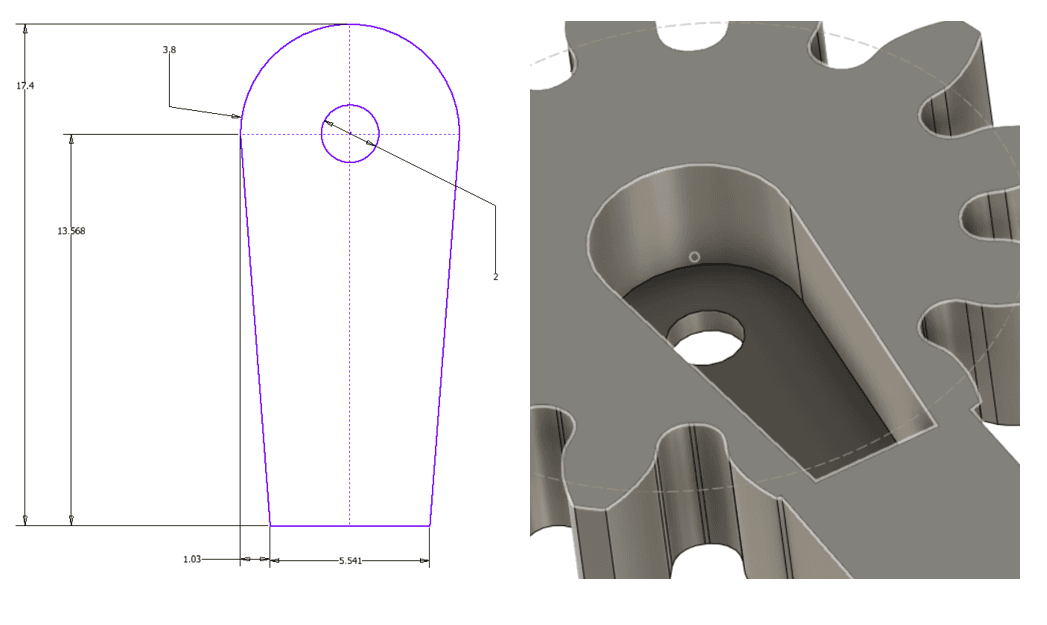
- Attach the servo horn to the servo. Calibrate the servo before securing (see the next step).

5Calibrate the Servo
- Before attaching a servo horn to a servo, you need to make sure the servo moves in the correct range.
- Plug the servo into the right port and run the calibration code.
- Upload the code and attach the servo horn to the servo so it is in the correct position when the servo is at 0.

6Attach the Lower Arm Right
- Connect the lower arm right to the servo horn using the servo horn screw.

7Attach the Upper Arm Right
- Connect the upper arm right to the lower arm right using an M3 nut and screw.

8Prepare the Robot Clip
- Place 2x M3 nuts into the allocated spaces at the front of the robot clip.

9Attach the Tipper Tray
- Connect the tipper tray to the robot clip using 2x M3 screws.

10Prepare the Tipper Tray
- Place 2x M3 nuts in the allocated spaces on the top of the tipper tray.

Final assembly
11Final Assembly
- Connect the upper right and upper left arms to the tipper tray using 2x M3 screws.
You're Done!
Your tipper attachment is fully assembled and ready to clip onto your Micromelon Rover. Try scooping and tipping lightweight objects around a course. You can program the servo to raise and lower the tray using the Code Editor.