The Challenge
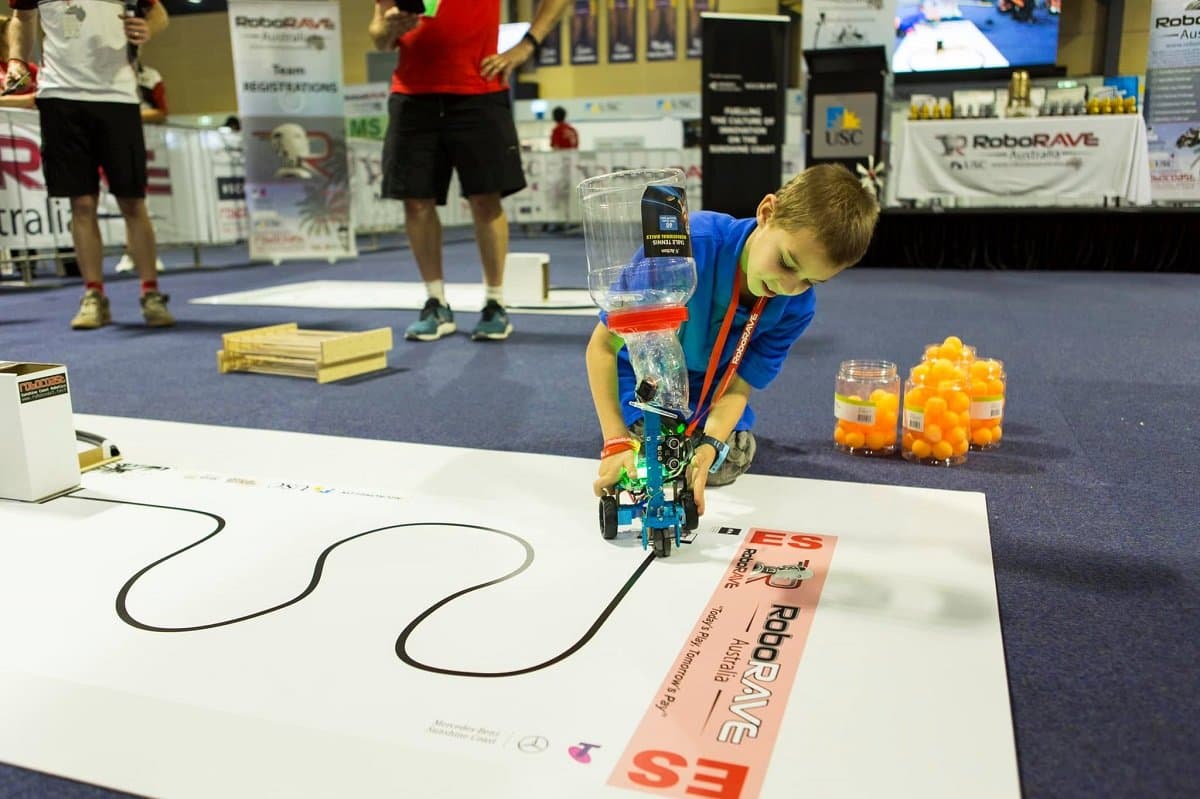
RoboRave Line-Follow tracks for elementary, middle, and high school divisions
The goal of RoboRave Line-Follow (SPRINT) is to create a robot that can follow a black line and deliver a single ping-pong ball to a tower at the end of the track. The game lasts 3 minutes, and after scoring the first ball, robots may continue scoring balls for the duration of the match. There are three fields for elementary, middle, and high school with increasing difficulty.
The Rules
Scoring
Scores are accumulated from the following tasks:
- Following the track to the tower
- Delivering at least one ball
- Returning back home
- Delivering the highest number of bonus balls in the remaining time
General Robot Rules
- The robot must be fully autonomous and cost $1500 USD or less.
- The robot must fit within size constraints of 25 × 18 cm (no height restriction).
- The weight limit is 1 kg.
For the rest of the tournament rules and specific scoring matrices for each age division, see the official RoboRAVE Australia challenges page.
Getting Started
Physical Build
For the line-follow aspect, the built-in colour sensors on the Micromelon Rover can be used. The main focus of the physical build is designing a system to carry and deposit the balls in the tower. The tower is an A4 mailing box, 20 cm tall and 10 cm wide, with a 10 × 10 cm hole at the top for the ping-pong balls.
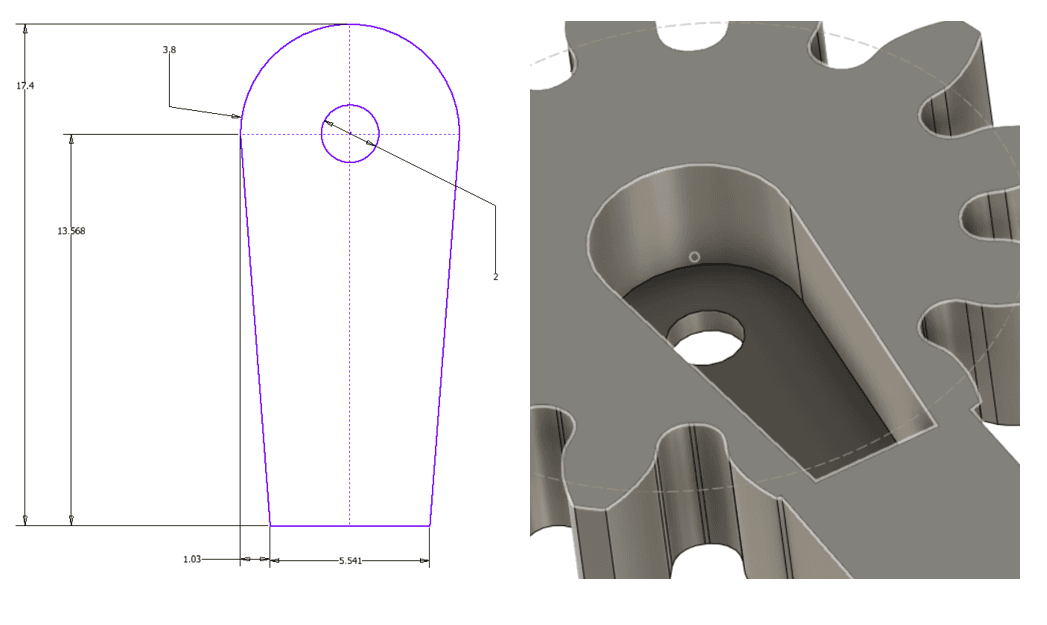
The recommended technique is to build a tower on top of the Rover with a container to store the balls. The container should also have a release system (a servo, for example) to drop balls when it reaches the tower. Our 3D-printed RoboRAVE Line-Follow attachment covers these considerations, see the build guide below.
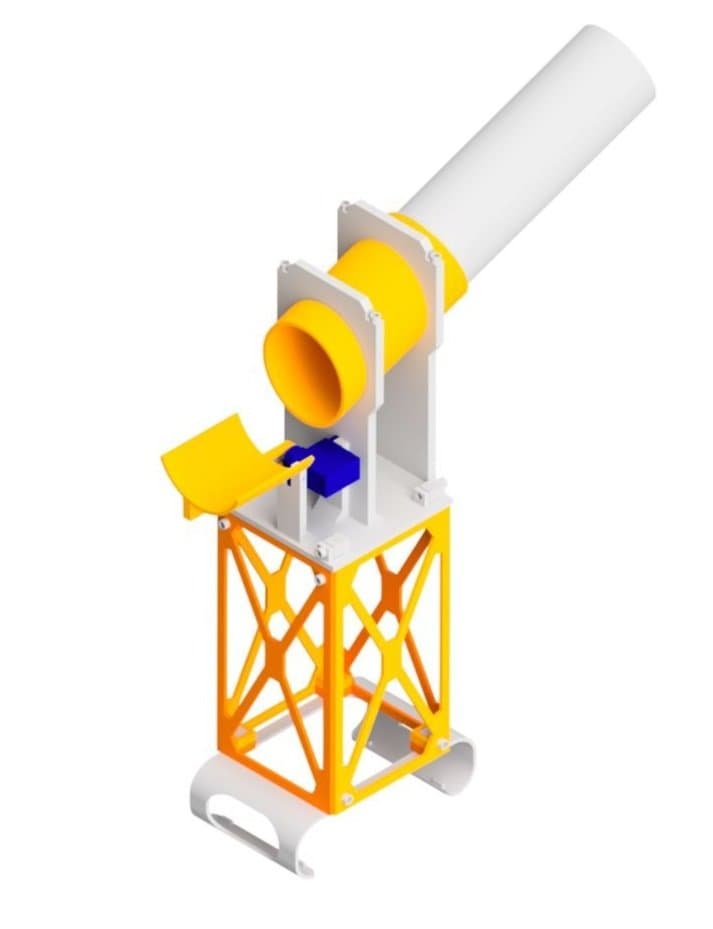

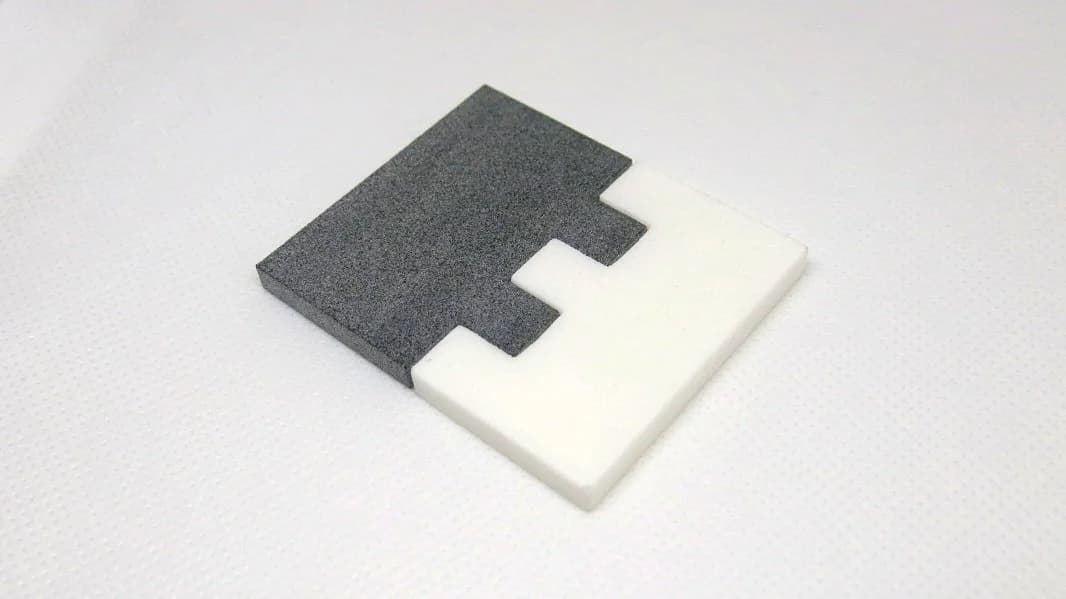
3D-printed line-follow attachment with ball container and servo release
Coding
For the coding aspect, the recommended strategy is to use a basic line-following technique with some modifications to suit the challenge. The Micromelon Line Following activity is a good starting point.
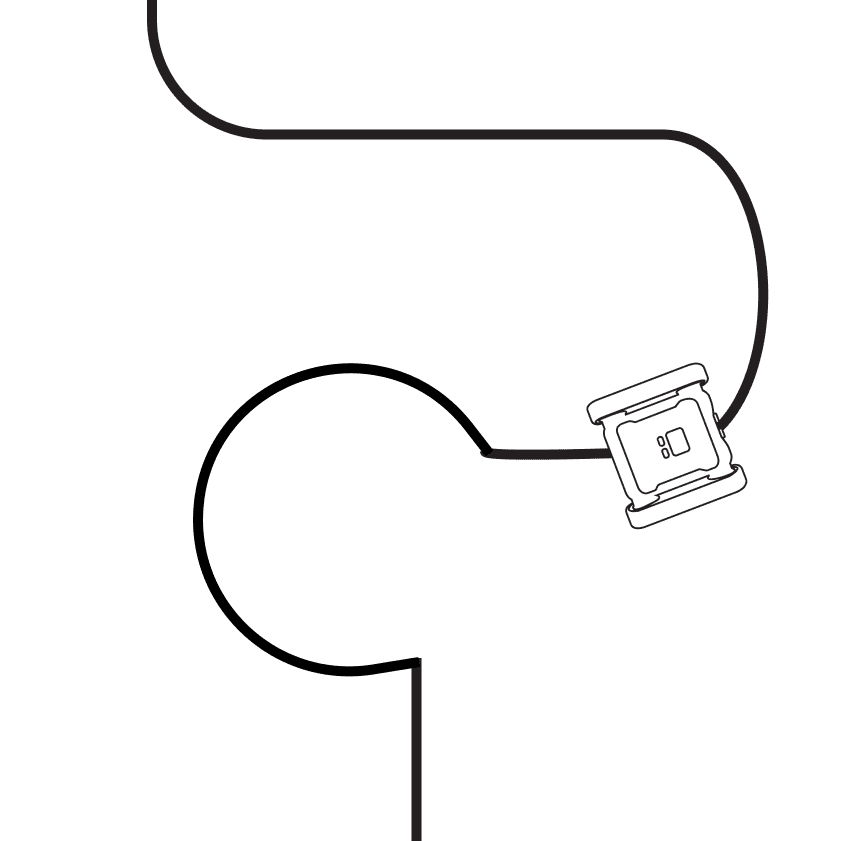
After making the basic line-following code, we need to add some conditions so the Rover knows when it’s reached an intersection, reached the tower, or returned home. Each situation is represented by a black line perpendicular to the current track, see the line-following mat examples in the RoboRave rules.
A simple way to detect these is an IF statement checking whether all three colour sensors see black. The ultrasonic sensor can also be used to detect the tower.
When these black areas are detected, the Rover must determine the area type. This can be hard-coded for the field. For example, for the MS field:
- Line follow until a black area is detected (intersection reached).
- Turn at the intersection.
- Follow the line until a black area is detected (tower has been reached).
- Deposit a ball and turn around.
- Follow the line until a black area is detected (intersection reached).
- Turn at the intersection.
- Follow the line until a black area is detected (home reached).
Tips and Tricks
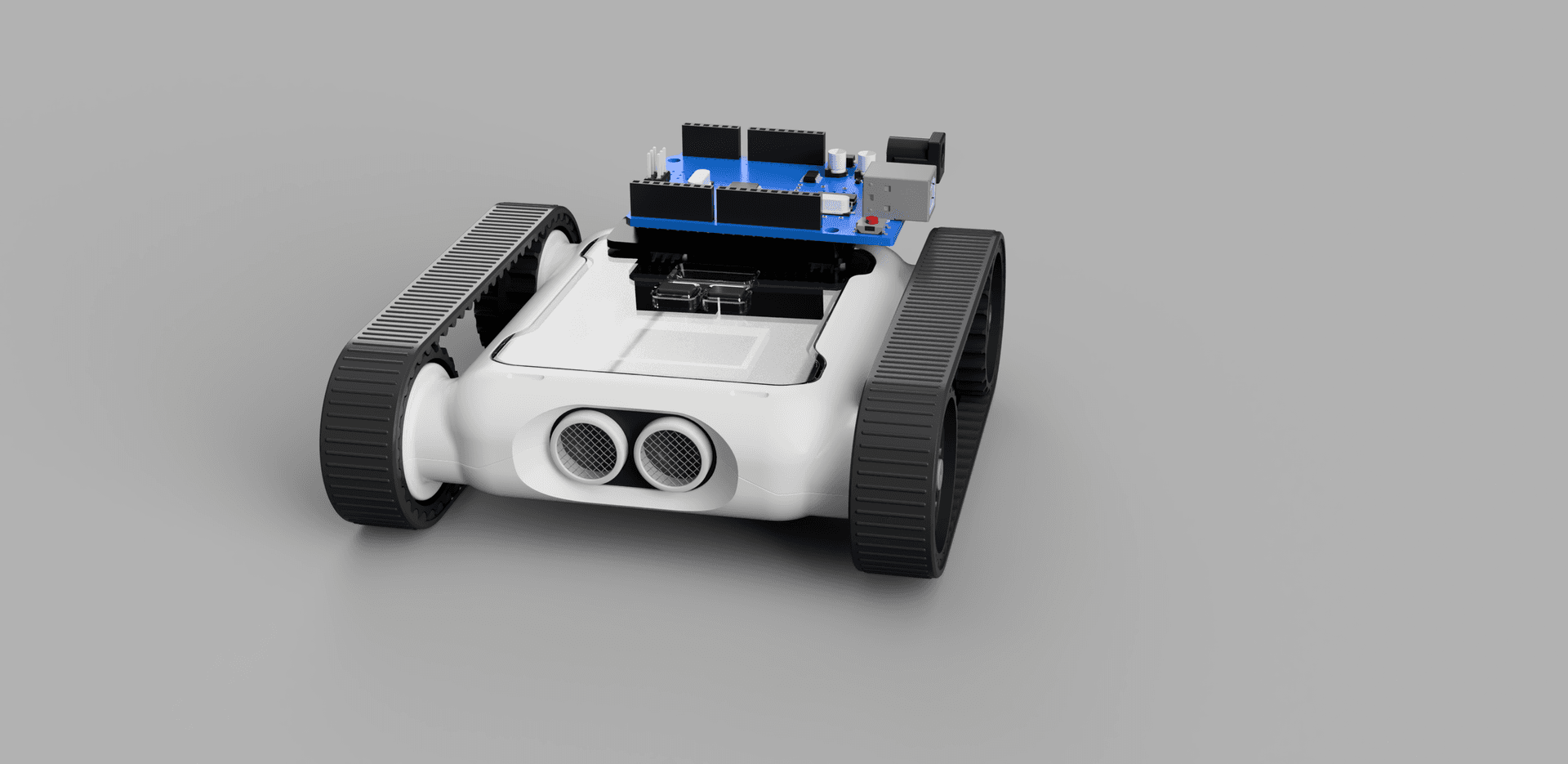
Rover Expansion Headers
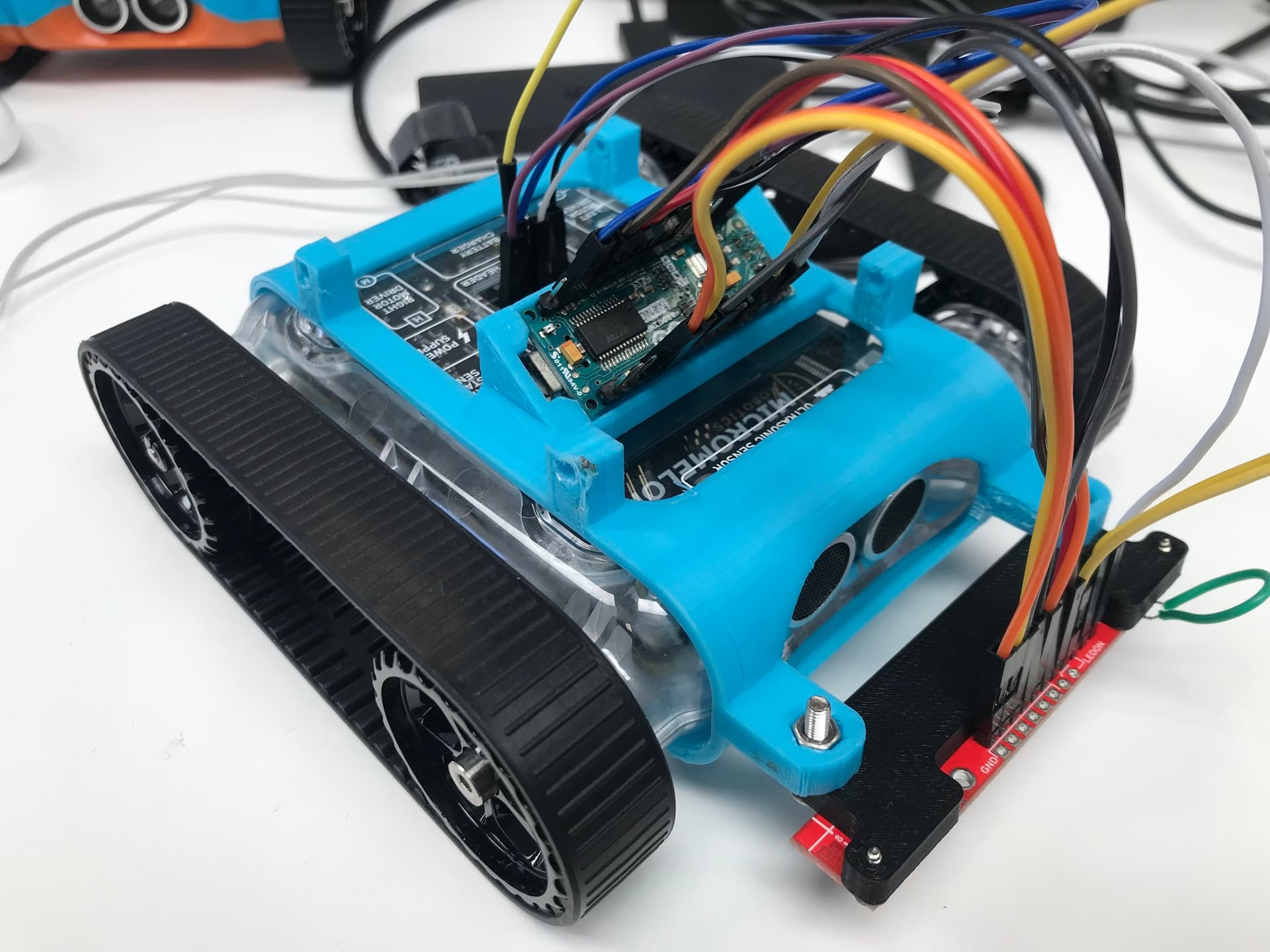
One way to make the Rover follow the line faster is to use an external colour and light sensor instead of the three on the Rover. There are several sensors with differing capabilities, one example is the QTR-8RC line sensor array, which senses reflected light intensity from 8 infrared sensors. The expansion headers on the Rover can be connected to an external microcontroller which interfaces with these sensors.

External line-sensor array
For more on using the expansion header, see the I2C and UART guides plus the Rover and Arduino Line Follow showcase.

PID Line Follow
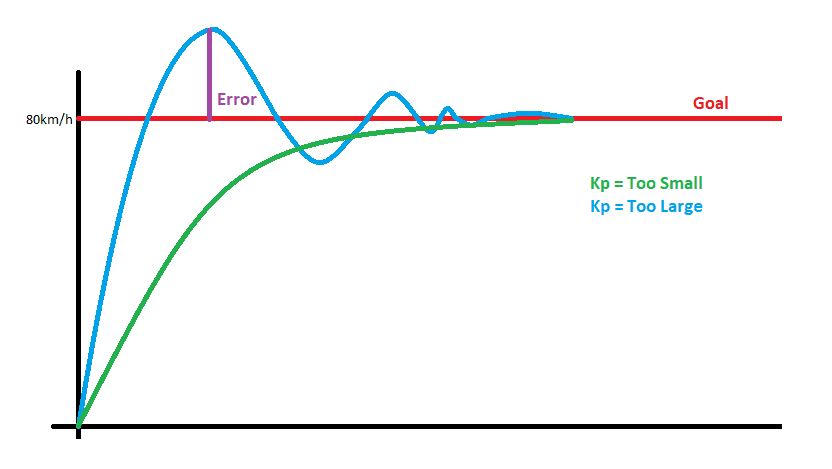
When making your own line-follow code, most simple implementations have the Rover following the line in a jerky motion. Implementing a PID (Proportional Integral Derivative) controller smooths the motion and improves the Rover’s ability to follow the line quickly and accurately. The basic idea is to use reflected light intensity from the line sensors, usually very high on white and low on black, so the goal is to follow the middle point between the two (the “grey area”).

PID line-follow target, keep the sensor reading at the grey midpoint
The target is 50% intensity. If the reading is less than that, the Rover veers away from the line; if it’s greater than 50%, it turns towards the line. The full PID equation is excessive for the task, a simple Proportional controller should suffice in most cases.
That covers everything you need to get started with RoboRave Line-Follow. Start simple with basic line following, get your ball delivery mechanism working reliably, then iterate on speed and accuracy. Practise on different track layouts and give yourself plenty of time to tune your code before competition day. Good luck at the event!